pythreejs
pythreejs, maintained by the Jupyter widgets team, is a full Python binding to three.js, the WebGL scene-graph library. Where most 3D widgets in this roster (k3d, ipyvolume, pyvista) give you a plotting-style function that builds a scene for you, pythreejs gives you the scene graph itself: Scene, Camera, Mesh, Geometry, Material, and lights are all separate Python objects you wire together yourself, exactly as you would in three.js’s own JavaScript API. That’s more code than calling k3d.points(...), but it’s the only widget here that lets you build an arbitrary 3D scene – custom geometry from a numpy array, several independently animated objects, hand-placed lights and cameras – with nothing hidden behind a high-level API.
@render_pythreejs renders a pythreejs.Renderer (a scene plus a camera) as a Shiny output. By default the canvas and the camera’s aspect ratio fill their container and track it on resize; give the Renderer an explicit width/height (or put it in a sized output) to use a fixed pixel size instead. The renderer’s .widget attribute is the live Renderer, so any trait on any object in the scene graph – a mesh’s material color, a light’s intensity, a camera’s position – can be read with reactive_read() or written from a @reactive.effect without re-rendering. One accessor, camera(), reads the live camera the same way input.x() reads an input: with OrbitControls attached, it reports the user’s current position, orientation, and zoom every time they finish an orbit drag, turning the viewport itself into reactive state.
Reach for pythreejs when you need a scene k3d, ipyvolume, or pyvista’s higher-level APIs don’t cover – custom geometry, several independently moving parts, or raycasting against the exact meshes you built. For point clouds, isosurfaces, or volumes, k3d and ipyvolume get you there with far less code (and share pythreejs’s camera() accessor, since their figures hold a pythreejs camera under the hood). For scientific mesh/volume visualization with a ready-made UI, see pyvista.
Installation
pip install 'shinywidgets[pythreejs]'Quick start
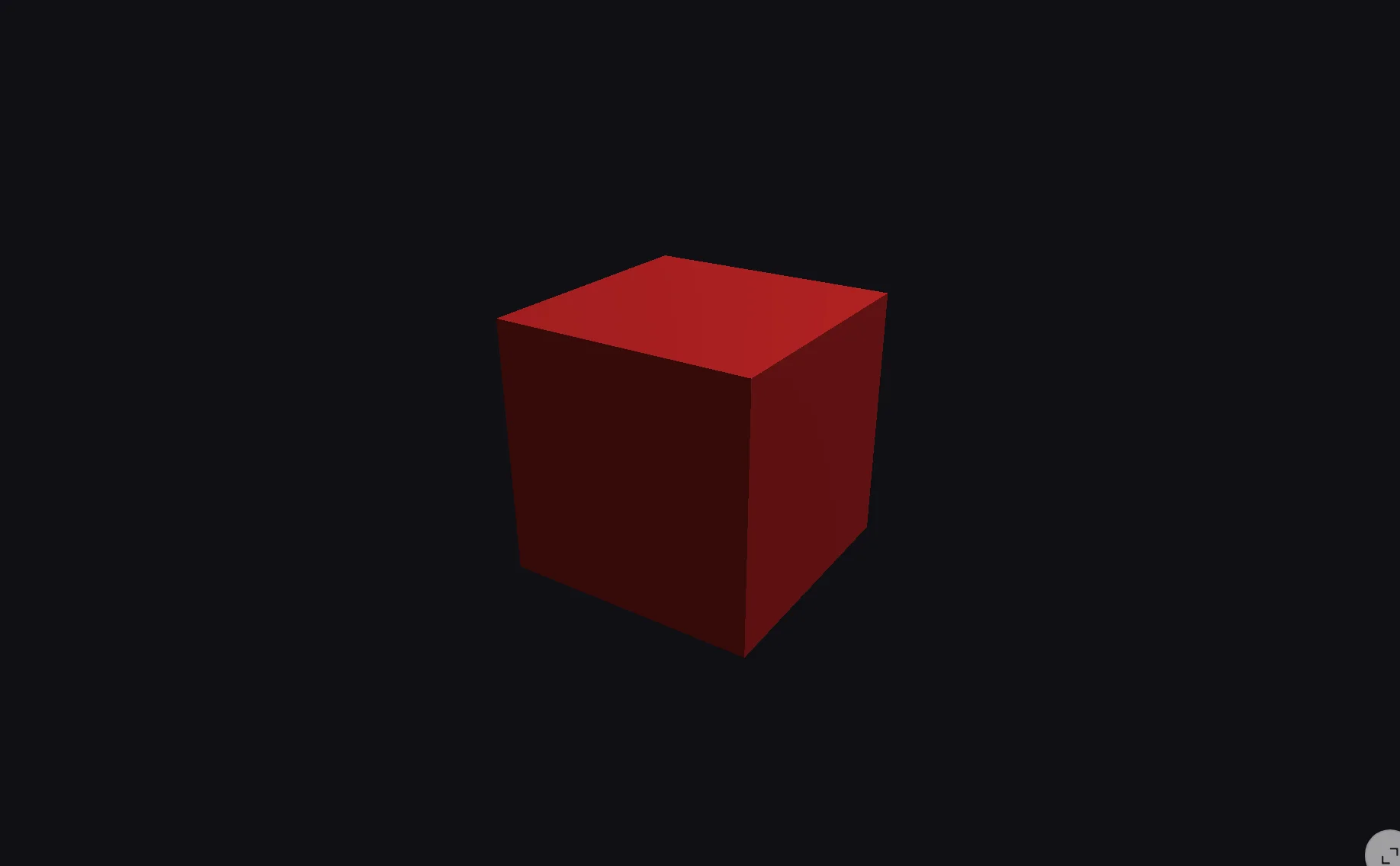
A scene is a Scene (holding meshes and lights), a Camera, and the Renderer that draws them together. Two upstream defaults are worth setting explicitly from the start: Scene.background is white, and a DirectionalLight left without an explicit target/shadow has pythreejs create them in the browser instead, which logs a harmless console error on every re-render (see Gotchas and limitations).
import pythreejs as p3
from shiny.express import ui
from shinywidgets import render_pythreejs

ui.page_opts(fillable=True)

with ui.card(full_screen=True):

    @render_pythreejs
    def scene():
        cube = p3.Mesh(p3.BoxGeometry(1, 1, 1), p3.MeshStandardMaterial(color="#d62728"))

        # Give the light an explicit target (added to the scene) and shadow
        # (with a camera): pythreejs creates both in the browser otherwise,
        # which logs a harmless console error on every re-render (see
        # Gotchas and limitations)
        light = p3.DirectionalLight(position=[3, 5, 2])
        light.target = p3.Object3D()
        light.shadow = p3.DirectionalLightShadow(camera=p3.OrthographicCamera())

        # Scene.background defaults to white and paints over the renderer's
        # clear color, so set it here for a dark viewport
        sc = p3.Scene(
            background="#101014",
            children=[cube, light, light.target, p3.AmbientLight(intensity=0.5)],
        )
        camera = p3.PerspectiveCamera(position=[0, 0, 3.5], fov=50)
        controls = p3.OrbitControls(controlling=camera)
        return p3.Renderer(scene=sc, camera=camera, controls=[controls])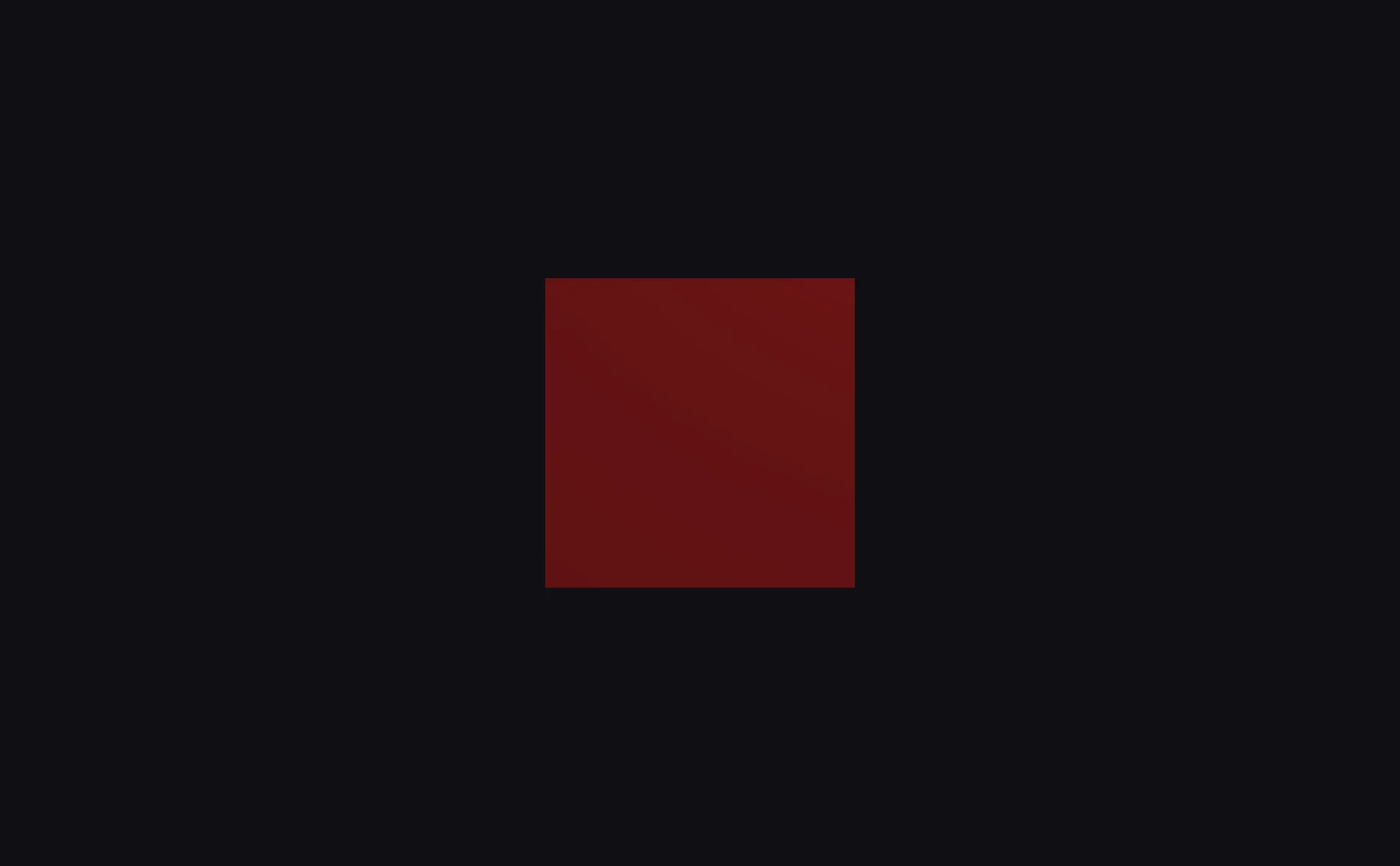
OrbitControls is what makes the canvas draggable and scrollable – attach it to the camera and dragging/ scrolling just works, no event wiring required.
What you can build
The scene graph: build it like three.js
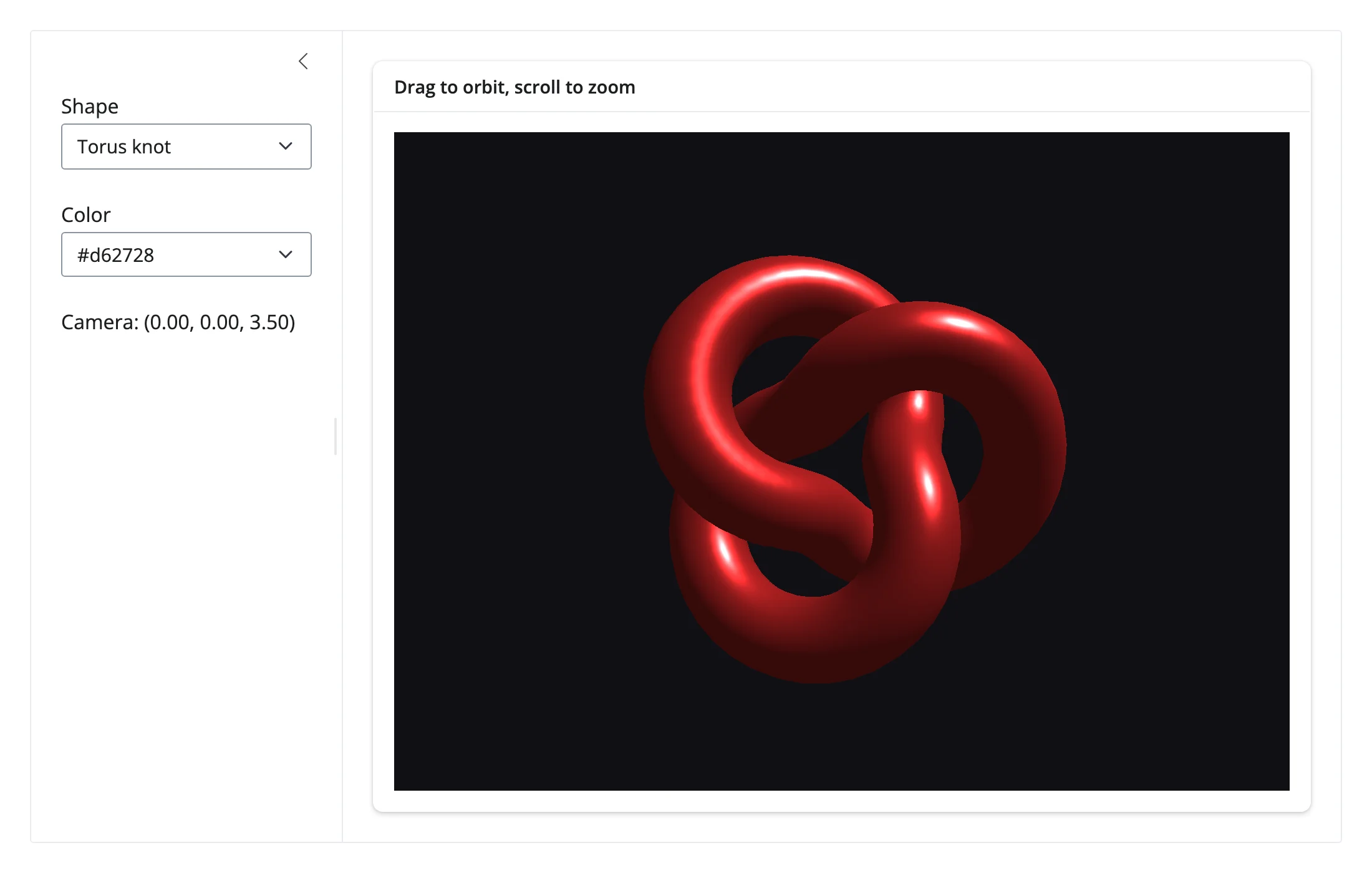
Every piece – mesh, geometry, material, light, camera, controls – is its own widget. Construct them inside the render function (so each session gets its own instances), add meshes and lights to a Scene, and swap any of them independently; a shape or color change here only touches the one mesh, not the whole graph.
import pythreejs as p3
from shiny.express import input, render, ui
from shinywidgets import reactive_read, render_pythreejs

GEOMETRIES = {
    "Box": lambda: p3.BoxGeometry(1, 1, 1),
    "Sphere": lambda: p3.SphereGeometry(0.8, widthSegments=32, heightSegments=16),
    "Torus knot": lambda: p3.TorusKnotGeometry(0.6, 0.2, 128, 16),
}
COLORS = ["#d62728", "#1f77b4", "#2ca02c", "#9467bd"]

ui.page_opts(fillable=True)

with ui.layout_sidebar():
    with ui.sidebar():
        ui.input_select("shape", "Shape", list(GEOMETRIES))
        ui.input_select("color", "Color", COLORS)

        @render.text
        def camera_txt():
            pos = reactive_read(scene.widget.camera, "position")
            return f"Camera: ({pos[0]:.2f}, {pos[1]:.2f}, {pos[2]:.2f})"

    with ui.card(full_screen=True):
        ui.card_header("Drag to orbit, scroll to zoom")

        @render_pythreejs
        def scene():
            # Each piece of the scene graph -- mesh, geometry, material,
            # light, camera, controls -- is its own widget; build them inside
            # the render function so each session gets its own instances
            light = p3.DirectionalLight(position=[3, 5, 2])
            light.target = p3.Object3D()
            light.shadow = p3.DirectionalLightShadow(camera=p3.OrthographicCamera())

            mesh = p3.Mesh(
                GEOMETRIES[input.shape()](),
                p3.MeshStandardMaterial(color=input.color(), roughness=0.4),
            )
            sc = p3.Scene(
                background="#101014",
                children=[mesh, light, light.target, p3.AmbientLight(intensity=0.5)],
            )
            camera = p3.PerspectiveCamera(position=[0, 0, 3.5], fov=50)
            controls = p3.OrbitControls(controlling=camera)
            return p3.Renderer(scene=sc, camera=camera, controls=[controls])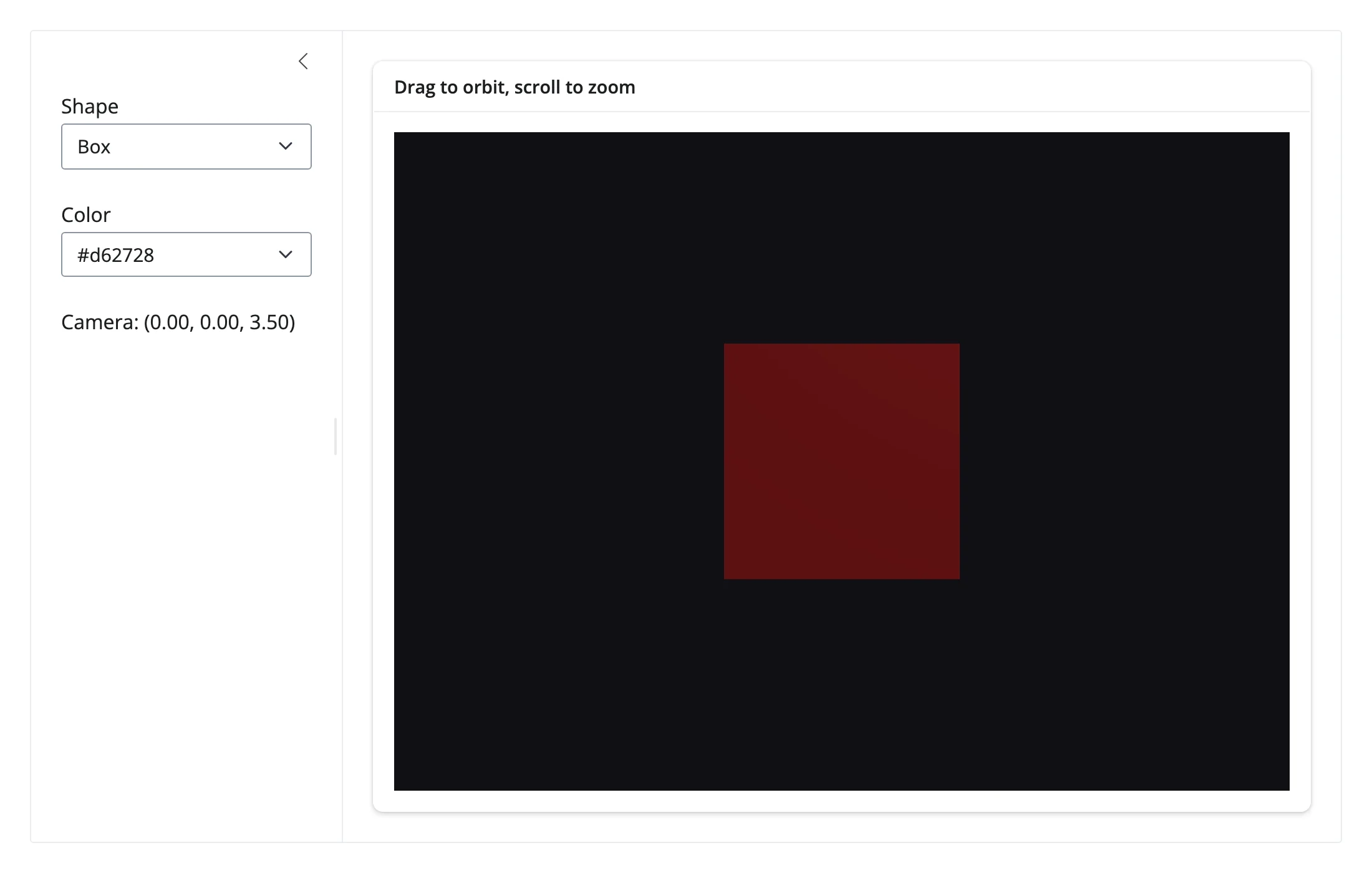
Parametric surfaces and custom geometry from numpy
BufferGeometry takes raw vertex arrays – build any surface a few lines of numpy can produce. This example triangulates a ripple surface, computes one color per vertex from its height, and turns on vertexColors on the material. No index buffer is needed: each grid cell contributes its own 6 vertices (2 triangles), so the position and color arrays line up one-to-one.
import numpy as np
import pythreejs as p3
from shiny.express import input, ui
from shinywidgets import render_pythreejs

ui.page_opts(fillable=True)
ui.input_slider("freq", "Ripple frequency", 1, 6, 2, step=0.5)


def surface_geometry(freq: float, n: int = 60) -> p3.BufferGeometry:
    x, y = np.meshgrid(np.linspace(-3, 3, n), np.linspace(-3, 3, n))
    r = np.sqrt(x**2 + y**2)
    z = np.sin(freq * r) / (1 + r)
    zmin, zmax = z.min(), z.max()

    # One triangle pair (6 vertices) per grid cell -- a non-indexed
    # BufferGeometry, so there's no separate index buffer to build
    verts, colors = [], []
    for i in range(n - 1):
        for j in range(n - 1):
            for ii, jj in [(i, j), (i + 1, j), (i, j + 1), (i + 1, j), (i + 1, j + 1), (i, j + 1)]:
                verts.append([x[ii, jj], y[ii, jj], z[ii, jj]])
                t = (z[ii, jj] - zmin) / (zmax - zmin)
                colors.append([0.15 + 0.7 * t, 0.25 + 0.3 * (1 - t), 0.85 - 0.6 * t])

    geometry = p3.BufferGeometry(
        attributes={
            "position": p3.BufferAttribute(np.array(verts, dtype=np.float32)),
            "color": p3.BufferAttribute(np.array(colors, dtype=np.float32)),
        }
    )
    geometry.exec_three_obj_method("computeVertexNormals")
    return geometry


with ui.card(full_screen=True):

    @render_pythreejs
    def scene():
        mesh = p3.Mesh(
            surface_geometry(input.freq()),
            p3.MeshStandardMaterial(vertexColors="VertexColors", side="DoubleSide"),
        )
        sc = p3.Scene(background="#101014", children=[mesh, p3.AmbientLight(intensity=0.8)])
        camera = p3.PerspectiveCamera(position=[4, 4, 4], up=[0, 0, 1])
        controls = p3.OrbitControls(controlling=camera)
        return p3.Renderer(scene=sc, camera=camera, controls=[controls])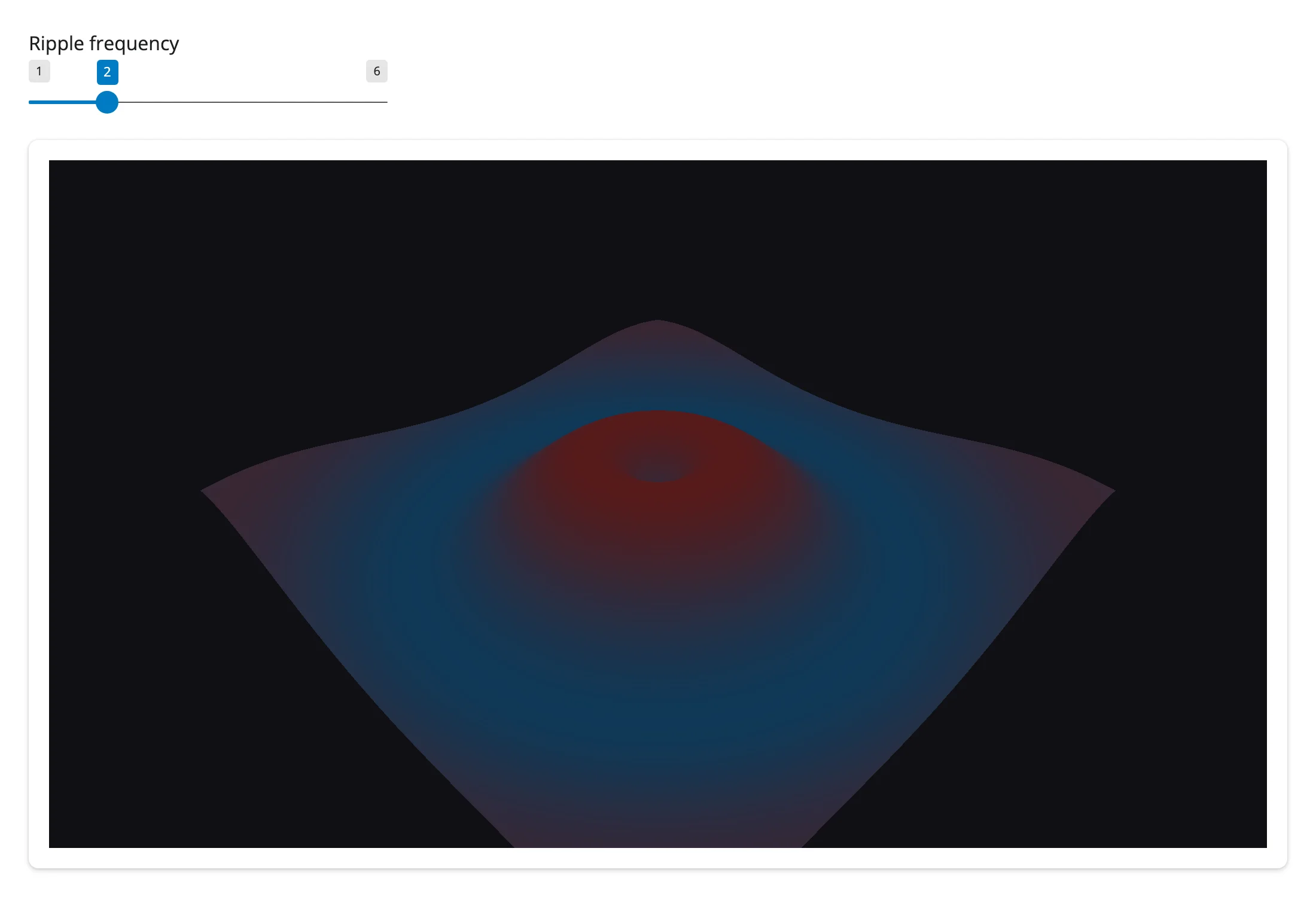
pythreejs also has a ParametricGeometry, but its surface function is a JavaScript source string evaluated in the browser, not a Python callable – for anything numpy can compute, BufferGeometry is the straightforward path. SurfaceGeometry/SurfaceGrid (a height field with a z trait) are a lighter-weight option when your surface is a regular grid of heights and you don’t need per-vertex colors.
Push live animation from Python
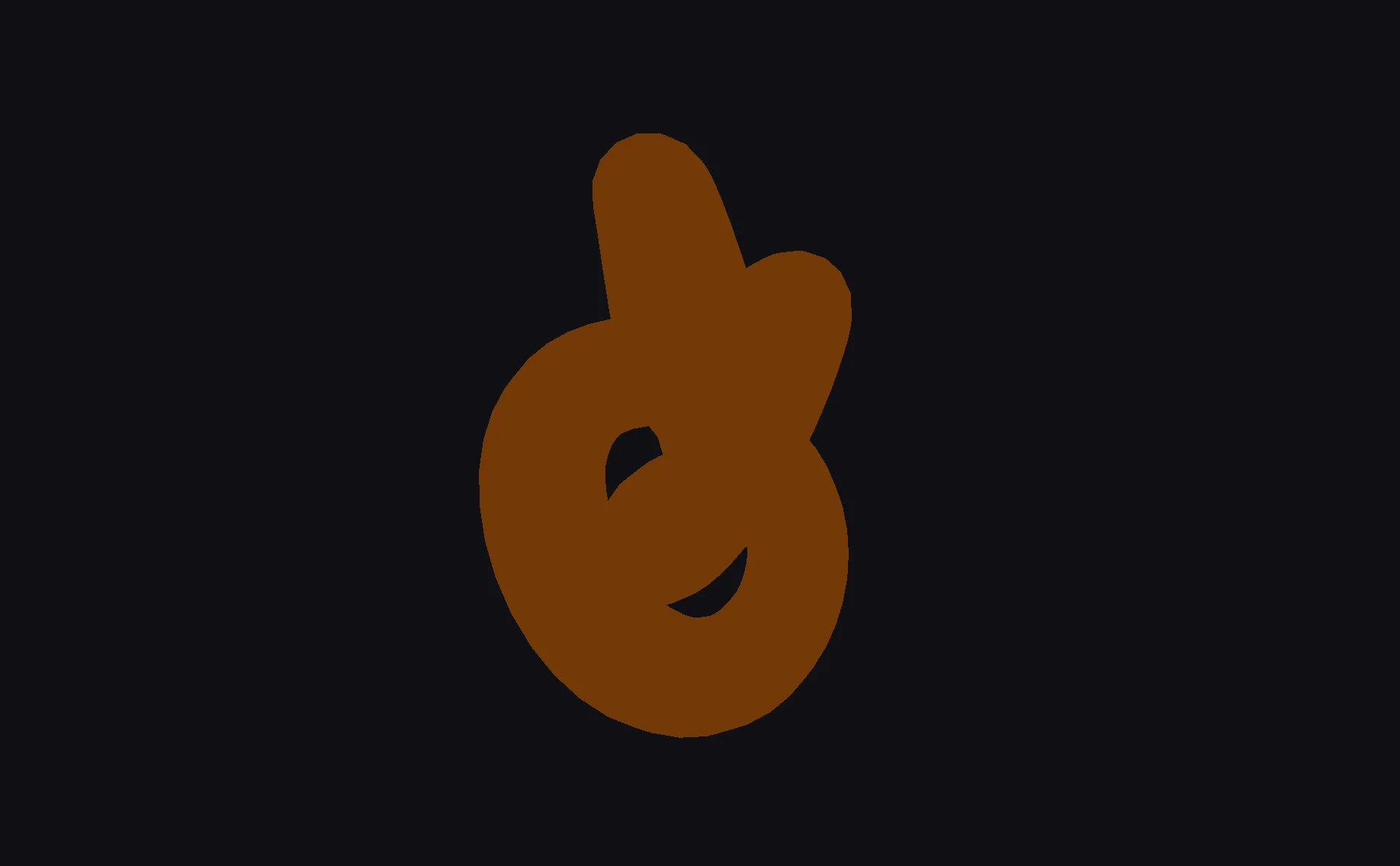
Because the scene graph is just widgets, a @reactive.effect with reactive.invalidate_later() can drive a smooth animation over the same comm channel that reactive_read() uses to read it back – no custom JavaScript, no requestAnimationFrame loop to manage yourself.
import math

import pythreejs as p3
from shiny import reactive
from shiny.express import ui
from shinywidgets import render_pythreejs

ui.page_opts(fillable=True)


def quat_mul(a: tuple[float, ...], b: tuple[float, ...]) -> tuple[float, float, float, float]:
    ax, ay, az, aw = a
    bx, by, bz, bw = b
    return (
        aw * bx + ax * bw + ay * bz - az * by,
        aw * by - ax * bz + ay * bw + az * bx,
        aw * bz + ax * by - ay * bx + az * bw,
        aw * bw - ax * bx - ay * by - az * bz,
    )


with ui.card(full_screen=True):

    @render_pythreejs
    def scene():
        mesh = p3.Mesh(
            p3.TorusKnotGeometry(0.6, 0.2, 128, 16), p3.MeshStandardMaterial(color="#ff7f0e")
        )
        sc = p3.Scene(background="#101014", children=[mesh, p3.AmbientLight(intensity=0.9)])
        camera = p3.PerspectiveCamera(position=[0, 0, 3.5])
        controls = p3.OrbitControls(controlling=camera)
        return p3.Renderer(scene=sc, camera=camera, controls=[controls])

    # pythreejs's `rotation` (Euler) trait doesn't render (an upstream bug --
    # see Gotchas and limitations); animate the `quaternion` instead.
    # OrbitControls(autoRotate=True) is also inert upstream, so a Python timer
    # is the only way to get a continuous spin.
    @reactive.effect
    def _():
        reactive.invalidate_later(1 / 30)
        with reactive.isolate():
            mesh = scene.widget.scene.children[0]
        dq = (0.0, math.sin(0.01), 0.0, math.cos(0.01))
        mesh.quaternion = quat_mul(dq, mesh.quaternion)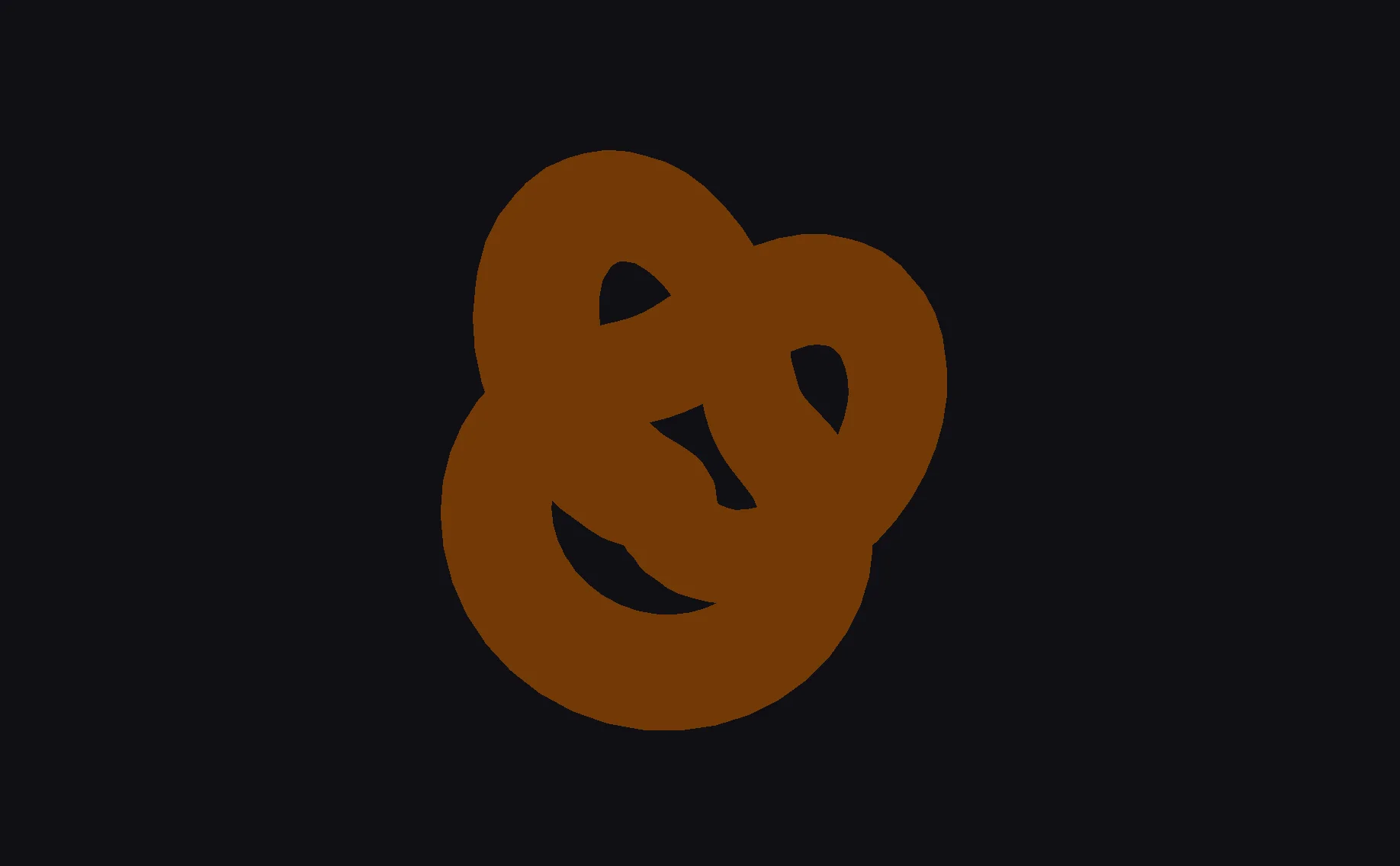
Reacting to user interaction
Accessor reference
| accessor | returns | before any interaction | across re-render | default rate policy |
|---|---|---|---|---|
camera() |
the live pythreejs.Camera (usually a PerspectiveCamera) |
seeded value: the camera as constructed in Python (pythreejs doesn’t sync it at mount; verified, never None) |
re-seeded to the new scene’s camera | not rate-limited |
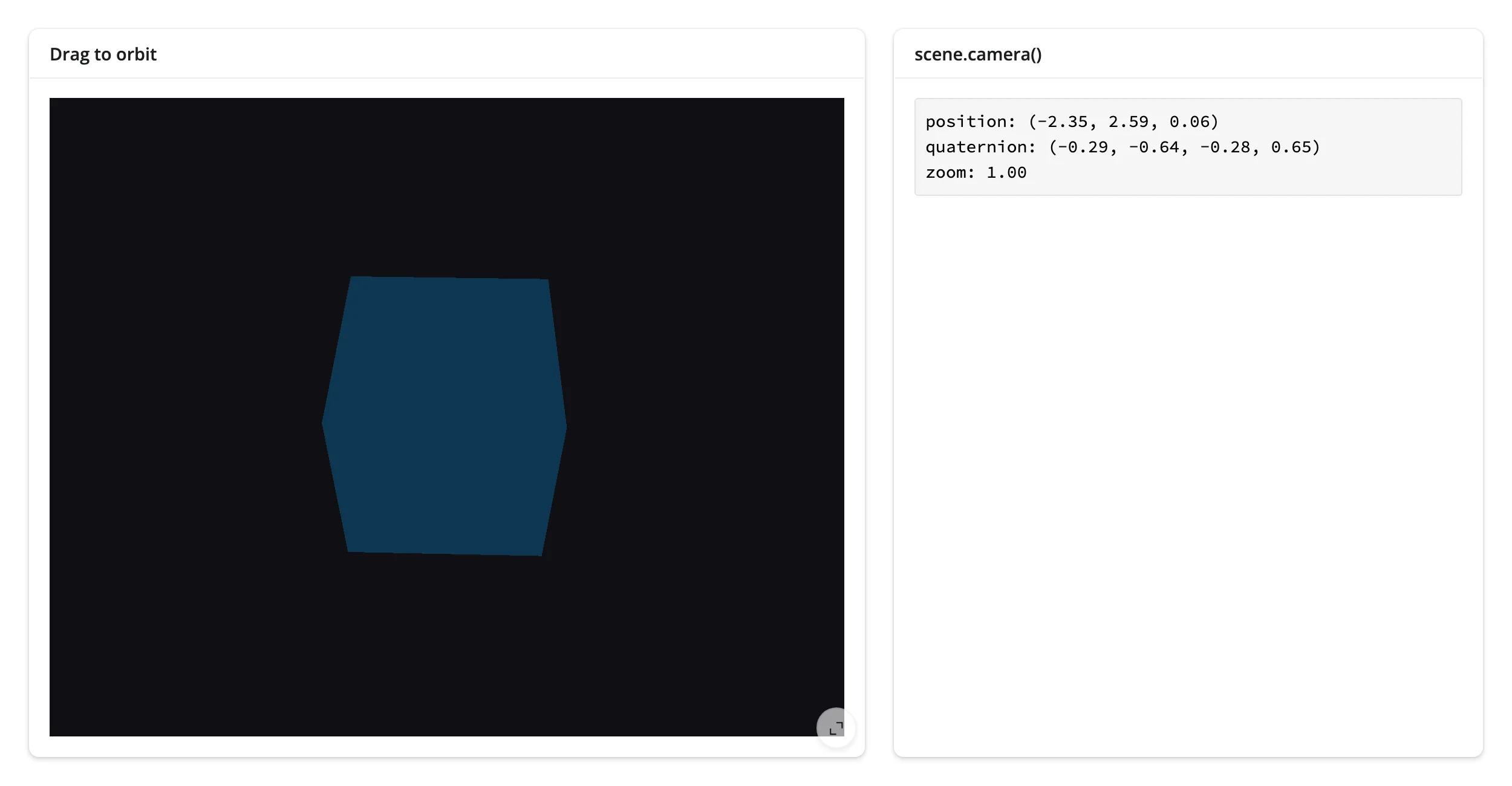
camera() fires on position, quaternion, or zoom changes – once per OrbitControls drag, on mouse-up. Call it before any orbit and it reports the Python-constructed camera’s starting pose, not an empty value (verified on current main); after a re-render it re-seeds to the new scene’s camera the same way, since the camera is inherent widget state, not a one-off interaction to preserve. The object it returns is the same mutable Camera instance across reads – copy out the fields you want to keep, don’t hold onto the object itself across a session. (scene.read("camera") is not a plain substitute here: camera() post-processes the raw synced value into the live Camera object, which .read() can’t replicate generically – use the named method.)
camera(): read where the user is looking
import pythreejs as p3
from shiny.express import render, ui
from shinywidgets import render_pythreejs

ui.page_opts(fillable=True)

with ui.layout_columns(col_widths=[7, 5]):
    with ui.card(full_screen=True):
        ui.card_header("Drag to orbit")

        @render_pythreejs
        def scene():
            cube = p3.Mesh(p3.BoxGeometry(1, 1, 1), p3.MeshStandardMaterial(color="#1f77b4"))
            sc = p3.Scene(background="#101014", children=[cube, p3.AmbientLight(intensity=0.9)])
            camera = p3.PerspectiveCamera(position=[0, 0, 3.5], fov=50)
            controls = p3.OrbitControls(controlling=camera)
            return p3.Renderer(scene=sc, camera=camera, controls=[controls])

    with ui.card():
        ui.card_header("scene.camera()")

        @render.code
        def camera_state():
            # Re-runs every time the user finishes an orbit drag. Before the
            # first orbit this reports the camera as constructed in Python
            # (pythreejs doesn't sync it at mount).
            cam = scene.camera()
            pos = ", ".join(f"{v:.2f}" for v in cam.position)
            quat = ", ".join(f"{v:.2f}" for v in cam.quaternion)
            return f"position: ({pos})\nquaternion: ({quat})\nzoom: {cam.zoom:.2f}"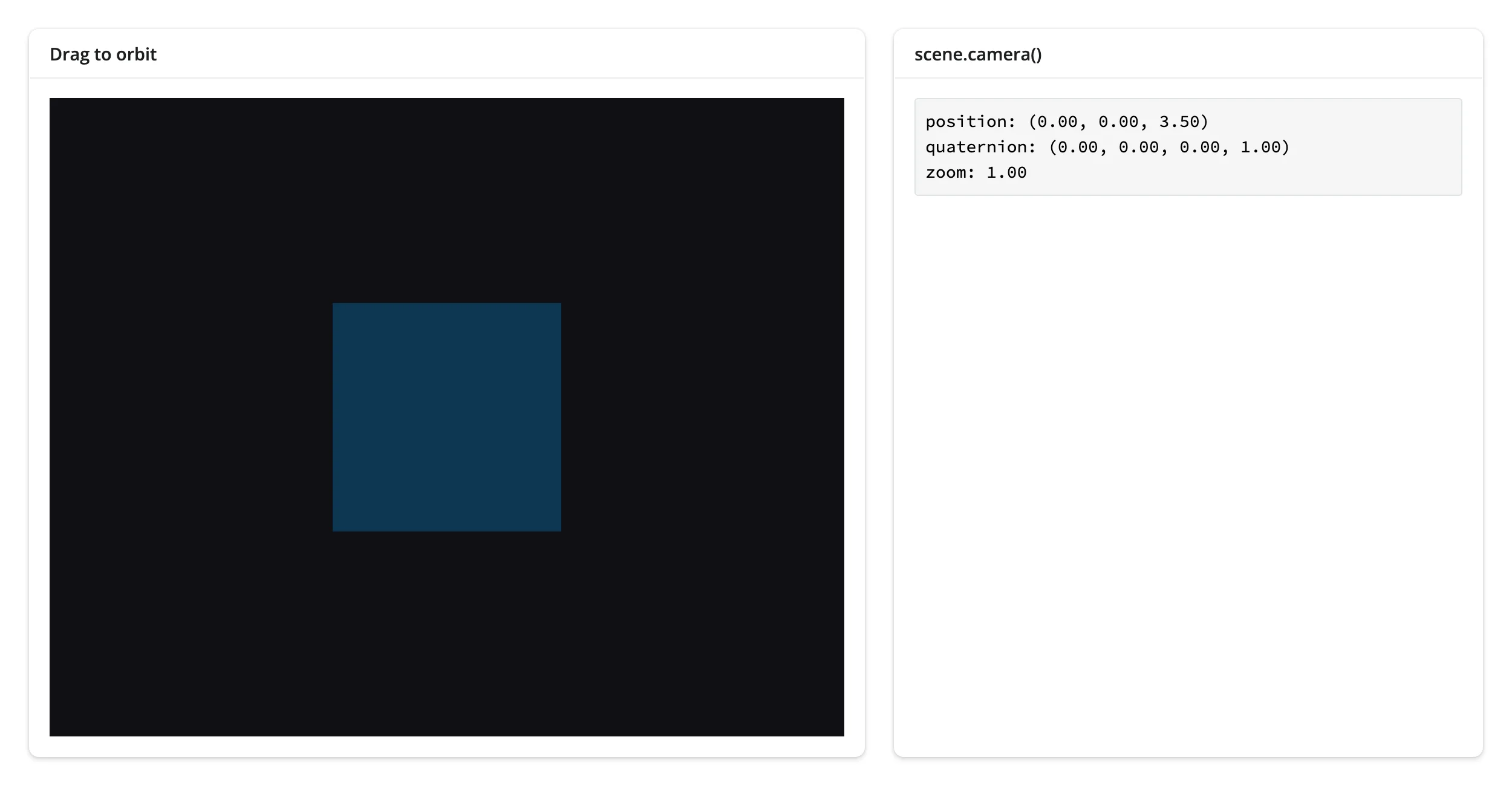
Beyond the accessor: Picker via reactive_read
pythreejs has no clicked() accessor, but its Picker control raycasts against whatever mesh you attach it to and syncs the hit back to Python – read it the same way you’d read any other widget trait, with reactive_read(). This stays reactive_read(picker, ...) rather than scene.read(...): a Picker is a child widget added to the Renderer’s controls list, not the Renderer itself (which is what scene.widget/ scene.read() refer to) – the same reason ipyleaflet layers and cytoscape nodes/edges are read with reactive_read() instead of their map’s or graph’s own .read(). Picker.picked stays empty regardless of clicks (an upstream quirk); use distance as the “has anything been clicked” sentinel, and point/object for the hit location and the mesh that was hit. Because the mesh is a Python-built widget (not browser-created), picker.object resolves to the exact live Mesh instance you constructed – useful for identifying which shape was clicked when a Picker covers several meshes (see Coordinating multiple views below).
import pythreejs as p3
from shiny.express import render, ui
from shinywidgets import reactive_read, render_pythreejs

ui.page_opts(fillable=True)

mesh = p3.Mesh(p3.TorusKnotGeometry(0.6, 0.2, 128, 16), p3.MeshStandardMaterial(color="#2ca02c"))
# `Picker.object` resolves to the live Mesh widget it hit, since the mesh was
# built in Python (unlike a light's auto-created target/shadow, which only
# exist in the browser -- see Gotchas and limitations)
picker = p3.Picker(controlling=mesh, event="click")

with ui.layout_columns(col_widths=[8, 4]):
    with ui.card(full_screen=True):
        ui.card_header("Click the shape")

        @render_pythreejs
        def scene():
            sc = p3.Scene(background="#101014", children=[mesh, p3.AmbientLight(intensity=0.9)])
            camera = p3.PerspectiveCamera(position=[0, 0, 3.5], fov=50)
            controls = p3.OrbitControls(controlling=camera)
            return p3.Renderer(scene=sc, camera=camera, controls=[controls, picker])

    with ui.card():
        ui.card_header("Pick detail")

        @render.code
        def pick_detail():
            # pythreejs has no "clicked" accessor; reactive_read() on the
            # Picker's traits is the way to read interaction here. `distance`
            # is None until the first click (and again whenever the last
            # raycast misses, e.g. right after an orbit moves the shape away
            # from the cursor) -- use it as the readiness sentinel.
            distance = reactive_read(picker, "distance")
            if distance is None:
                return "click the shape"
            point = picker.point
            return f"distance: {distance:.3f}\npoint: ({point[0]:.2f}, {point[1]:.2f}, {point[2]:.2f})"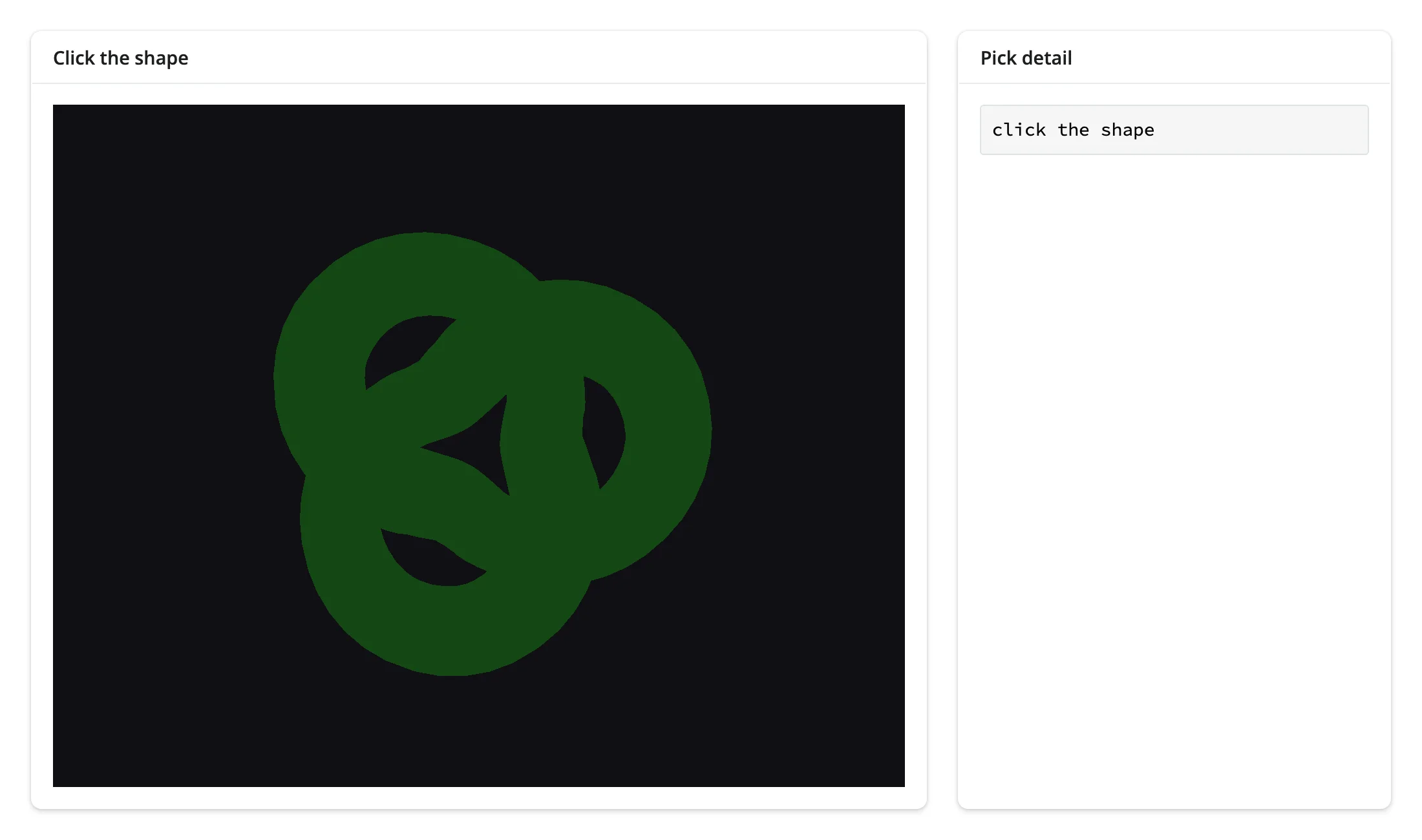
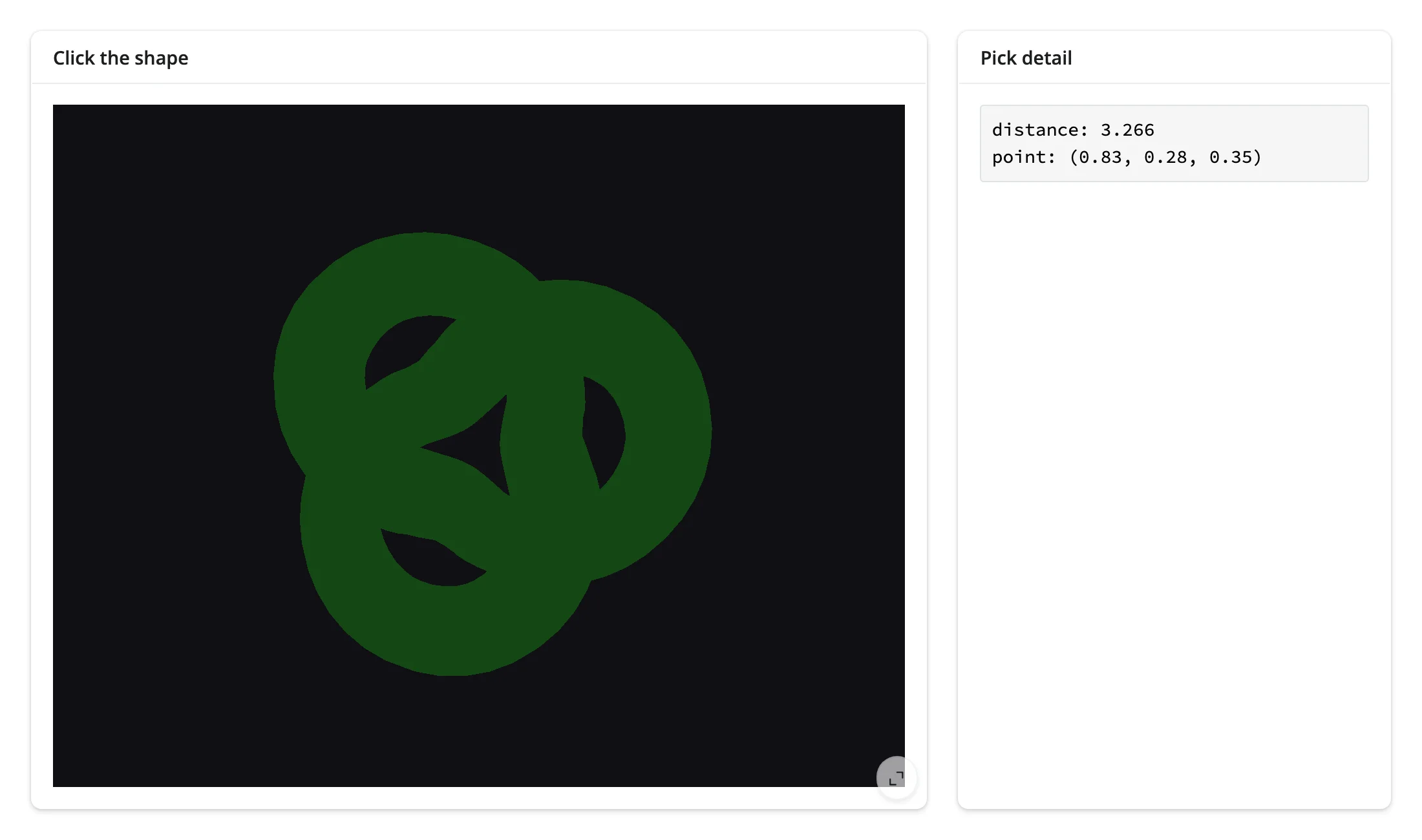
A Picker’s raycast re-fires on scene changes too (an orbit, a material swap), not just clicks – if the cursor has drifted off the mesh since the last click, distance resets to None. Treat it as “where the last raycast landed,” not a persistent “last clicked” flag; the click-history pattern below shows how to accumulate clicks into state that does persist.
Rate limiting
camera() has no default rate policy because it doesn’t need one: OrbitControls only syncs position/ quaternion/zoom back to Python once per drag, on mouse-up, not continuously while dragging. A Picker’s distance/point likewise only change on discrete events (clicks, or a scene update), not a continuous stream. Neither case produces the rapid-fire updates that rate_policy/rate_delay exist to smooth out; pass them to @render_pythreejs only if you add your own continuous reactive_read() source (e.g., polling a mesh’s position during a drag-to-move interaction you build yourself).
Updating the widget from Python
Reading scene.widget gives you the live Renderer, and any trait on any object reachable from it can be written directly – the browser updates in place, with no re-render, no re-sent JS bundle, and the user’s camera/orbit position untouched. This is the normal way to restyle or animate a pythreejs scene; only reach for a full re-render when the scene’s structure changes (a different number of meshes, a swapped geometry type).
Material properties are the simplest case:
import pythreejs as p3
from shiny import reactive
from shiny.express import input, ui
from shinywidgets import render_pythreejs

ui.page_opts(fillable=True)

with ui.layout_sidebar():
    with ui.sidebar():
        ui.input_select("color", "Color", ["#d62728", "#1f77b4", "#2ca02c", "#ff7f0e"])
        ui.input_slider("metalness", "Metalness", 0.0, 1.0, 0.2)
        ui.input_slider("roughness", "Roughness", 0.0, 1.0, 0.6)

    with ui.card(full_screen=True):

        @render_pythreejs
        def scene():
            mesh = p3.Mesh(p3.SphereGeometry(0.9, 48, 32), p3.MeshStandardMaterial())
            sc = p3.Scene(background="#101014", children=[mesh, p3.AmbientLight(intensity=0.9)])
            camera = p3.PerspectiveCamera(position=[0, 0, 3])
            controls = p3.OrbitControls(controlling=camera)
            return p3.Renderer(scene=sc, camera=camera, controls=[controls])

        # Material restyling, assigned straight onto the live widget: no
        # re-render, so the orbit/zoom the user left the camera at is kept.
        # reactive.isolate() reads .widget without tying this effect to the
        # render function above (which doesn't depend on these inputs anyway,
        # but isolating is the safe habit once a render function might).
        @reactive.effect
        def _():
            color = input.color()
            metalness = input.metalness()
            roughness = input.roughness()
            with reactive.isolate():
                material = scene.widget.scene.children[0].material
            material.color = color
            material.metalness = metalness
            material.roughness = roughness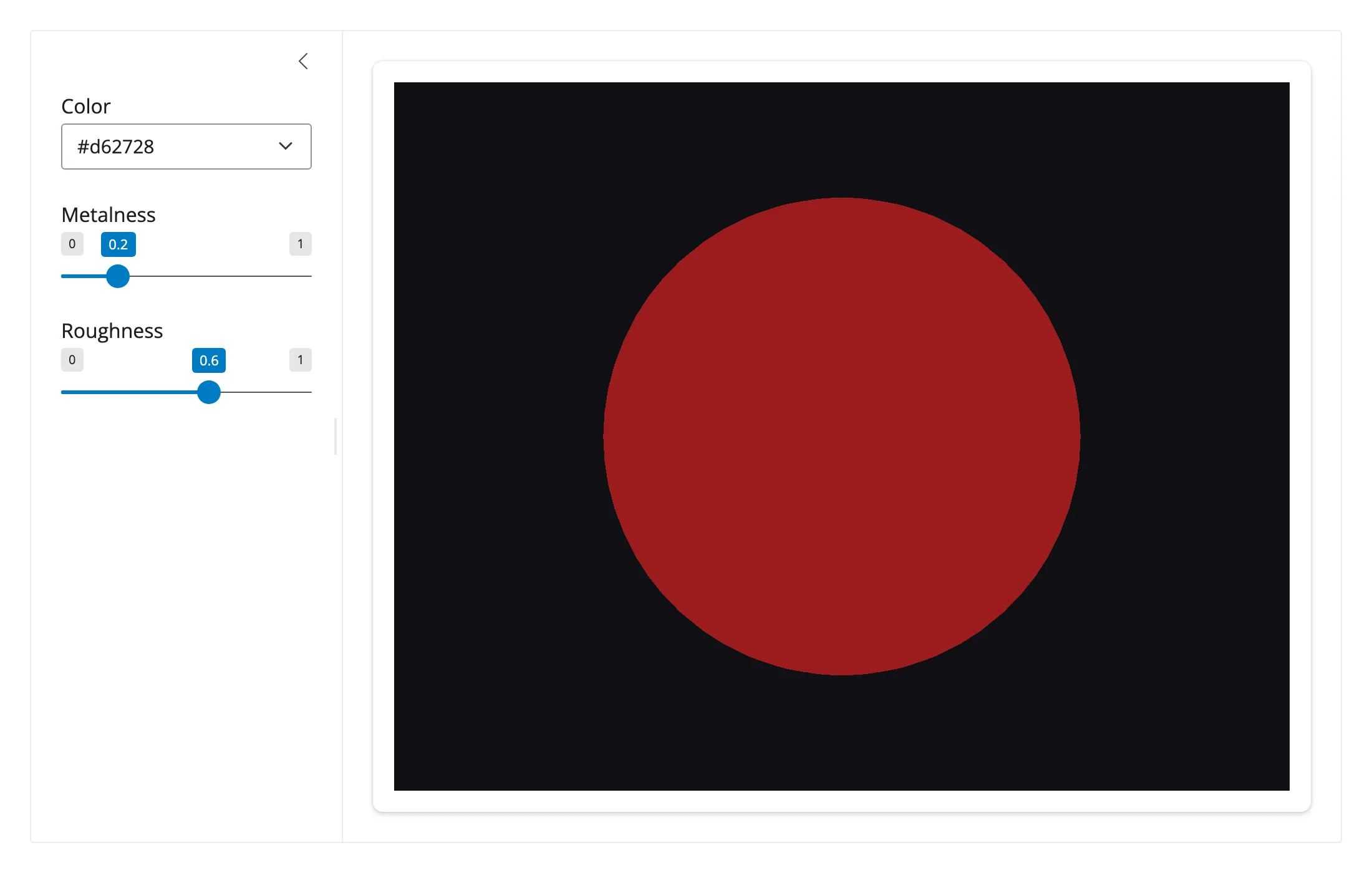
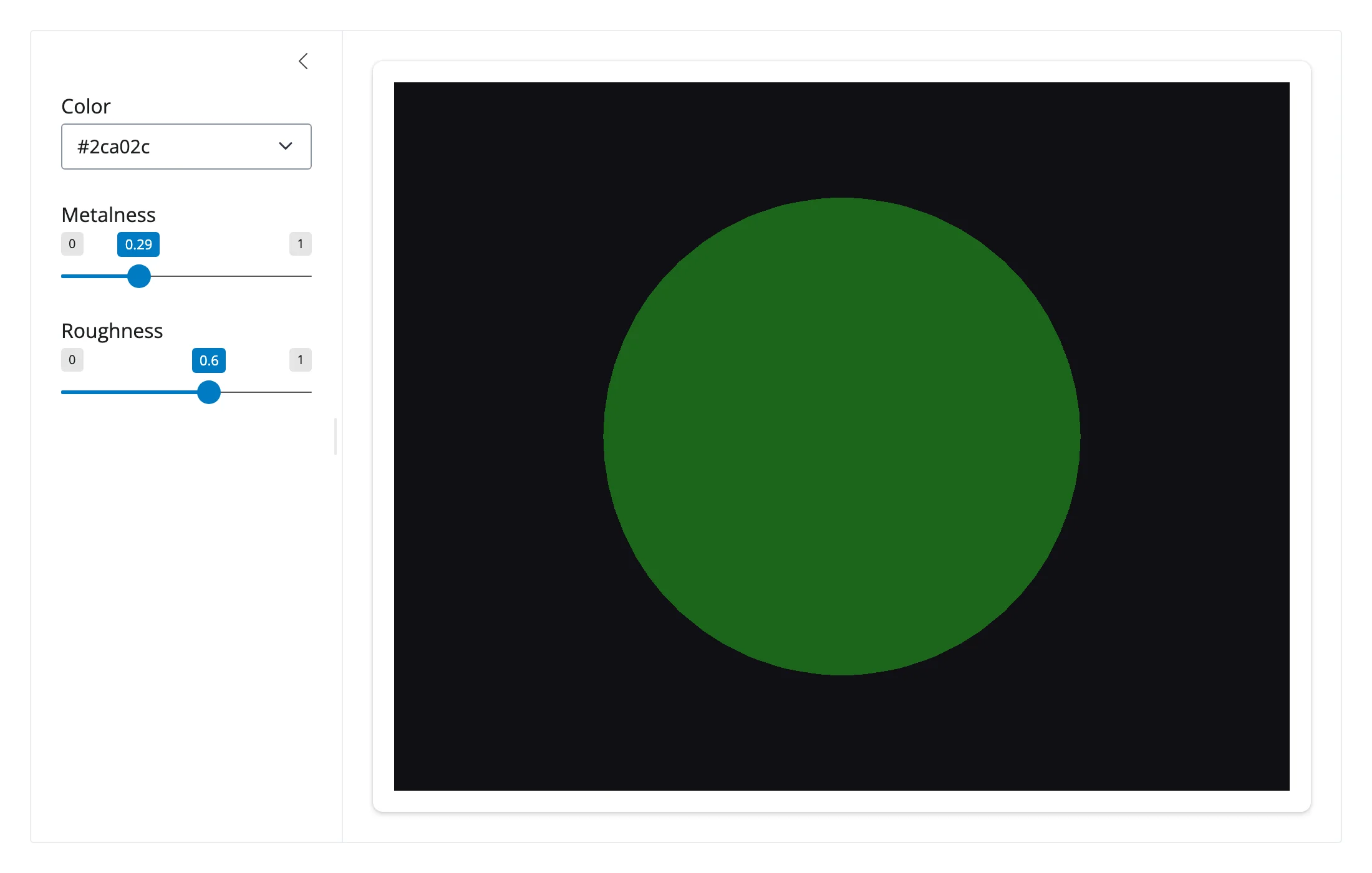
Geometry data can be updated in place too, not just re-sent: reassigning an existing BufferAttribute’s array updates the mesh without rebuilding the BufferGeometry or losing the camera’s position – useful for a live-updating surface (a streaming simulation, a per-frame deformation) where only the vertex positions change, not the triangulation.
import numpy as np
import pythreejs as p3
from shiny import reactive
from shiny.express import input, ui
from shinywidgets import render_pythreejs

ui.page_opts(fillable=True)
ui.input_action_button("bump", "Randomize amplitude")

N = 30
x, y = np.meshgrid(np.linspace(-3, 3, N), np.linspace(-3, 3, N))


def positions(amplitude: float) -> np.ndarray:
    r = np.sqrt(x**2 + y**2)
    z = amplitude * np.sin(r) / (1 + r)
    verts = []
    for i in range(N - 1):
        for j in range(N - 1):
            for ii, jj in [(i, j), (i + 1, j), (i, j + 1), (i + 1, j), (i + 1, j + 1), (i, j + 1)]:
                verts.append([x[ii, jj], y[ii, jj], z[ii, jj]])
    return np.array(verts, dtype=np.float32)


position_attr = p3.BufferAttribute(positions(1.0))

with ui.card(full_screen=True):

    @render_pythreejs
    def scene():
        geometry = p3.BufferGeometry(attributes={"position": position_attr})
        mesh = p3.Mesh(geometry, p3.MeshStandardMaterial(color="#2ca02c", side="DoubleSide"))
        sc = p3.Scene(background="#101014", children=[mesh, p3.AmbientLight(intensity=0.9)])
        camera = p3.PerspectiveCamera(position=[4, 4, 4], up=[0, 0, 1])
        controls = p3.OrbitControls(controlling=camera)
        return p3.Renderer(scene=sc, camera=camera, controls=[controls])


# Reassigning the existing BufferAttribute's array updates the mesh in place:
# no re-render, so the orbit position above is preserved
@reactive.effect
@reactive.event(input.bump)
def _():
    position_attr.array = positions(np.random.uniform(0.3, 2.5))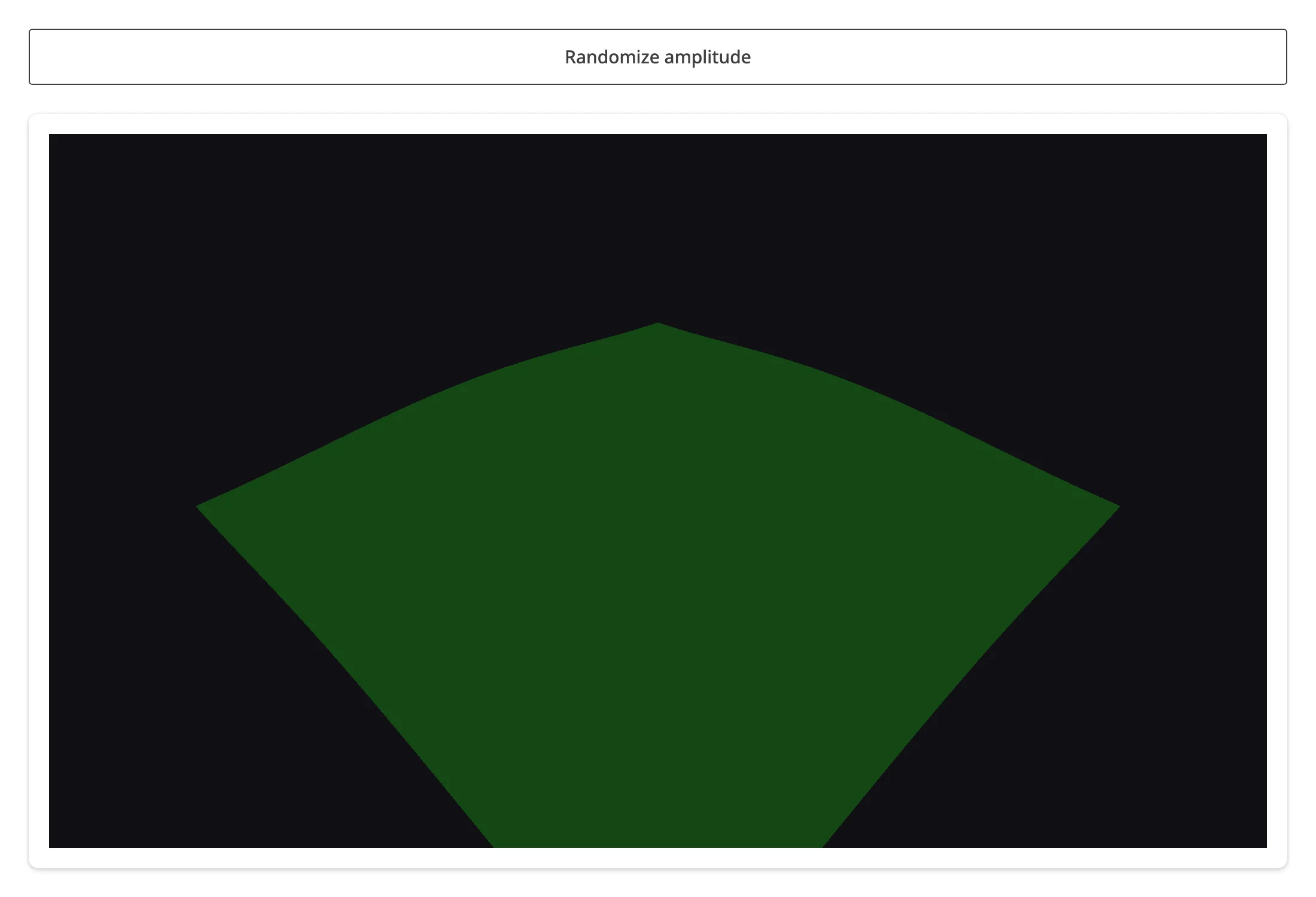
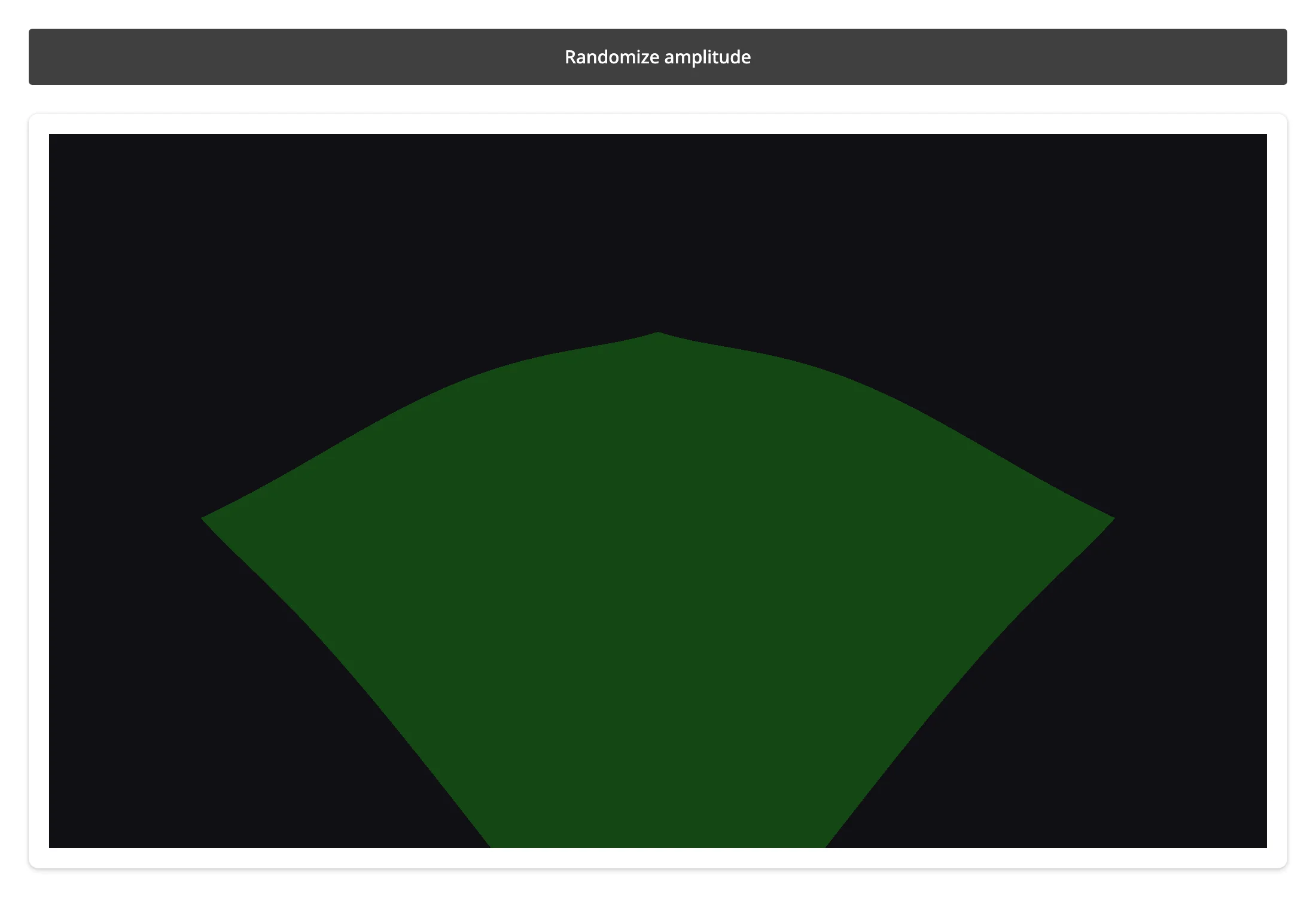
The live animation in What you can build above uses the same in-place technique on quaternion instead of material/geometry data.
Coordinating multiple views
Click history: a table of every pick
A single Picker can cover a whole Scene – picker.object tells you which mesh it hit on each click. Storing hits in a reactive.value (rather than reading the Picker directly from the table’s render function) keeps the table’s dependency on settled state, not on the same event the recording effect is reacting to.
import pandas as pd
import pythreejs as p3
from shiny import reactive
from shiny.express import render, ui
from shinywidgets import reactive_read, render_pythreejs

ui.page_opts(fillable=True)

box = p3.Mesh(p3.BoxGeometry(1, 1, 1), p3.MeshStandardMaterial(color="#d62728"))
box.position = (-1.2, 0, 0)
sphere = p3.Mesh(p3.SphereGeometry(0.6, 32, 16), p3.MeshStandardMaterial(color="#1f77b4"))
sphere.position = (1.2, 0, 0)
names = {id(box): "box", id(sphere): "sphere"}

scene_group = p3.Scene(background="#101014", children=[box, sphere, p3.AmbientLight(intensity=0.9)])
picker = p3.Picker(controlling=scene_group, event="click")
rows = reactive.value(pd.DataFrame(columns=["object", "x", "y", "z"]))

with ui.layout_columns(col_widths=[7, 5]):
    with ui.card(full_screen=True):
        ui.card_header("Click either shape")

        @render_pythreejs
        def scene():
            camera = p3.PerspectiveCamera(position=[0, 0, 5], fov=50)
            controls = p3.OrbitControls(controlling=camera)
            return p3.Renderer(scene=scene_group, camera=camera, controls=[controls, picker])

    with ui.card():
        ui.card_header("Click history")

        @render.data_frame
        def history():
            return render.DataGrid(rows.get())


# Appends to `rows` whenever the Picker reports a new hit; `history()` above
# depends on `rows` (a reactive.value), not on the Picker directly, so the
# table always sees a settled list rather than racing the effect that builds it
@reactive.effect
def _record_pick():
    distance = reactive_read(picker, "distance")
    if distance is None:
        return
    point, obj = picker.point, picker.object
    row = {"object": names.get(id(obj), "?"), "x": round(point[0], 2), "y": round(point[1], 2), "z": round(point[2], 2)}
    with reactive.isolate():
        rows.set(pd.concat([rows.get(), pd.DataFrame([row])], ignore_index=True))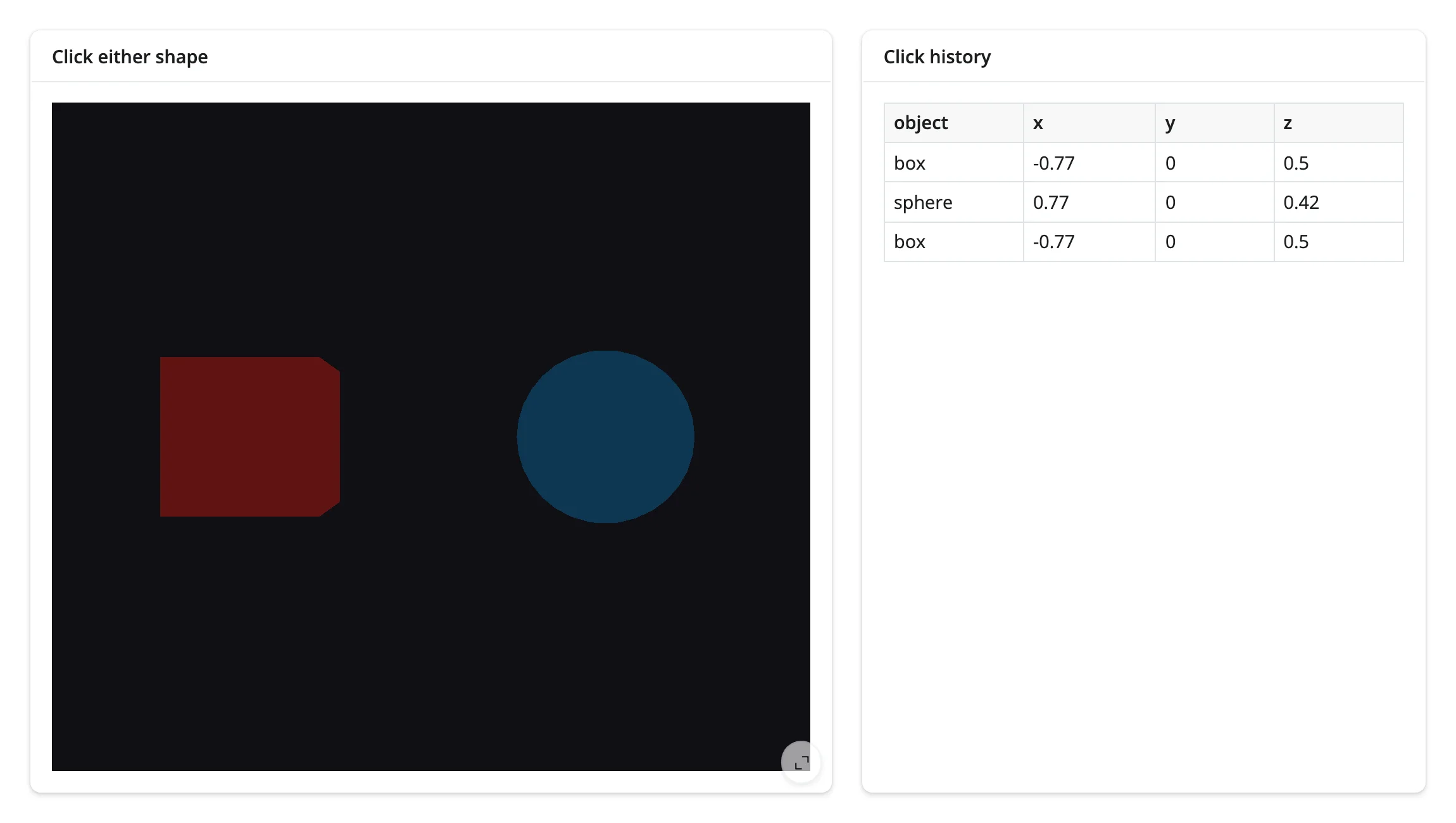
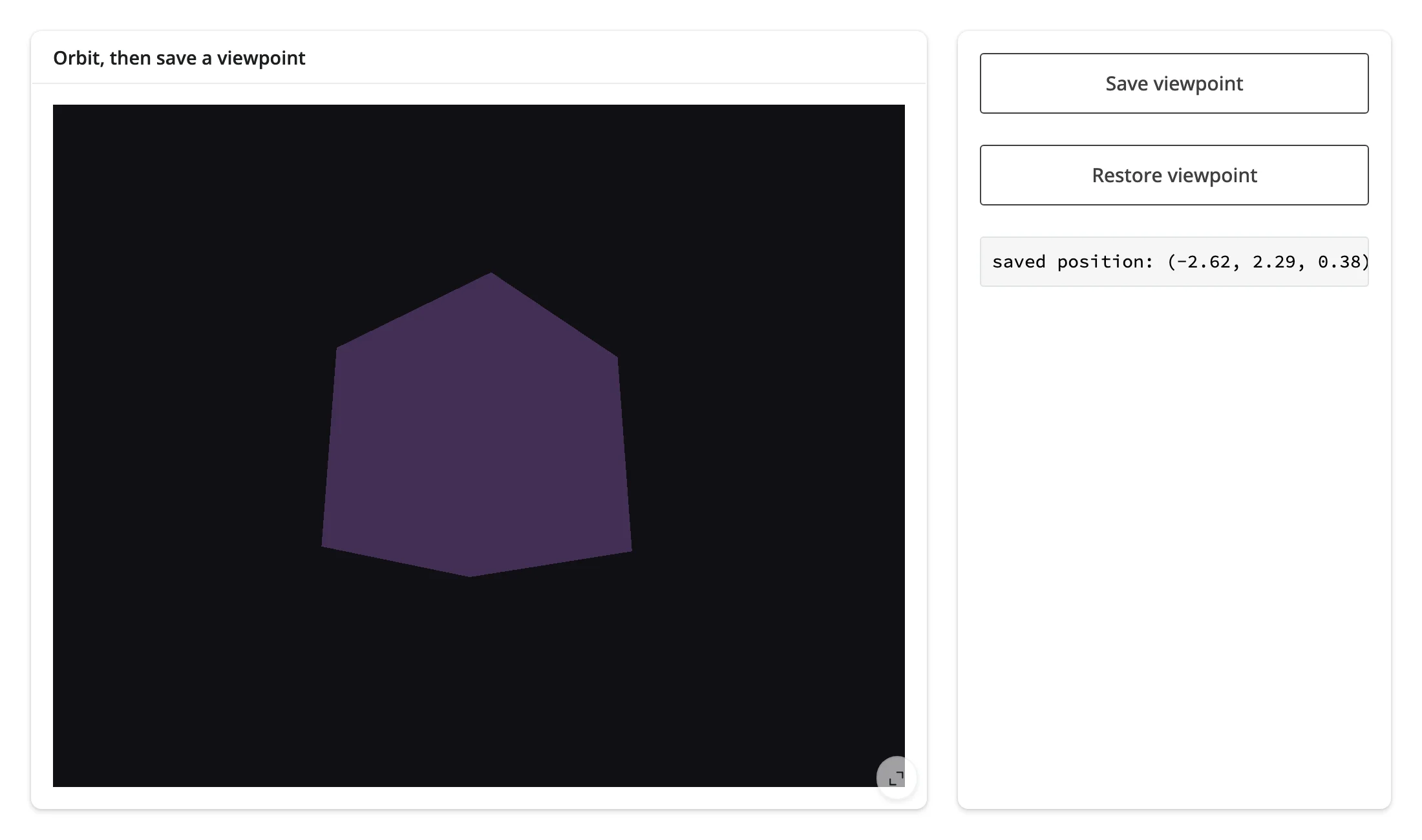
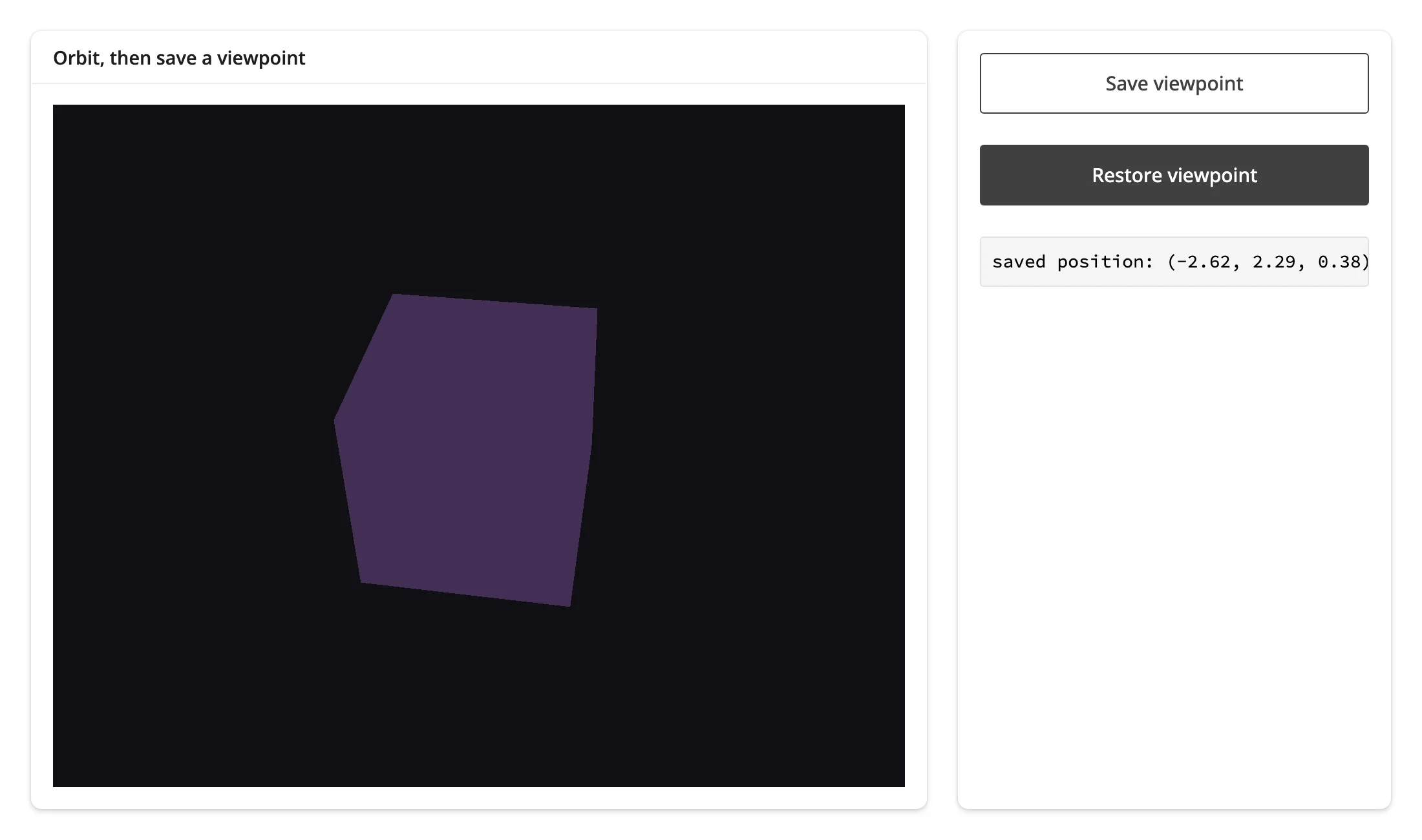
camera() → save/restore viewpoint bookmarks
camera() makes “return to this exact view” a few lines: snapshot position/quaternion/zoom on demand, then write them back onto the live camera later. Because the restore is an in-place assignment, OrbitControls keeps working from the restored pose immediately.
import pythreejs as p3
from shiny import reactive
from shiny.express import input, render, ui
from shinywidgets import render_pythreejs

ui.page_opts(fillable=True)

with ui.layout_columns(col_widths=[8, 4]):
    with ui.card(full_screen=True):
        ui.card_header("Orbit, then save a viewpoint")

        @render_pythreejs
        def scene():
            cube = p3.Mesh(p3.BoxGeometry(1, 1, 1), p3.MeshStandardMaterial(color="#9467bd"))
            sc = p3.Scene(background="#101014", children=[cube, p3.AmbientLight(intensity=0.9)])
            camera = p3.PerspectiveCamera(position=[0, 0, 3.5], fov=50)
            controls = p3.OrbitControls(controlling=camera)
            return p3.Renderer(scene=sc, camera=camera, controls=[controls])

    with ui.card():
        ui.input_action_button("save", "Save viewpoint")
        ui.input_action_button("restore", "Restore viewpoint")

        @render.code
        def saved_txt():
            snap = saved.get()
            if snap is None:
                return "no saved viewpoint yet"
            pos, _quat, _zoom = snap
            return f"saved position: ({pos[0]:.2f}, {pos[1]:.2f}, {pos[2]:.2f})"


saved = reactive.value(None)


@reactive.effect
@reactive.event(input.save)
def _save():
    # camera() returns the live Camera; snapshot the pieces we want to
    # restore later rather than keeping the object itself
    cam = scene.camera()
    saved.set((tuple(cam.position), tuple(cam.quaternion), cam.zoom))


@reactive.effect
@reactive.event(input.restore)
def _restore():
    snap = saved.get()
    if snap is None:
        return
    pos, quat, zoom = snap
    with reactive.isolate():
        camera = scene.widget.camera
    # In-place assignment, not a re-render: OrbitControls keeps working from
    # the restored pose
    camera.position = pos
    camera.quaternion = quat
    camera.zoom = zoom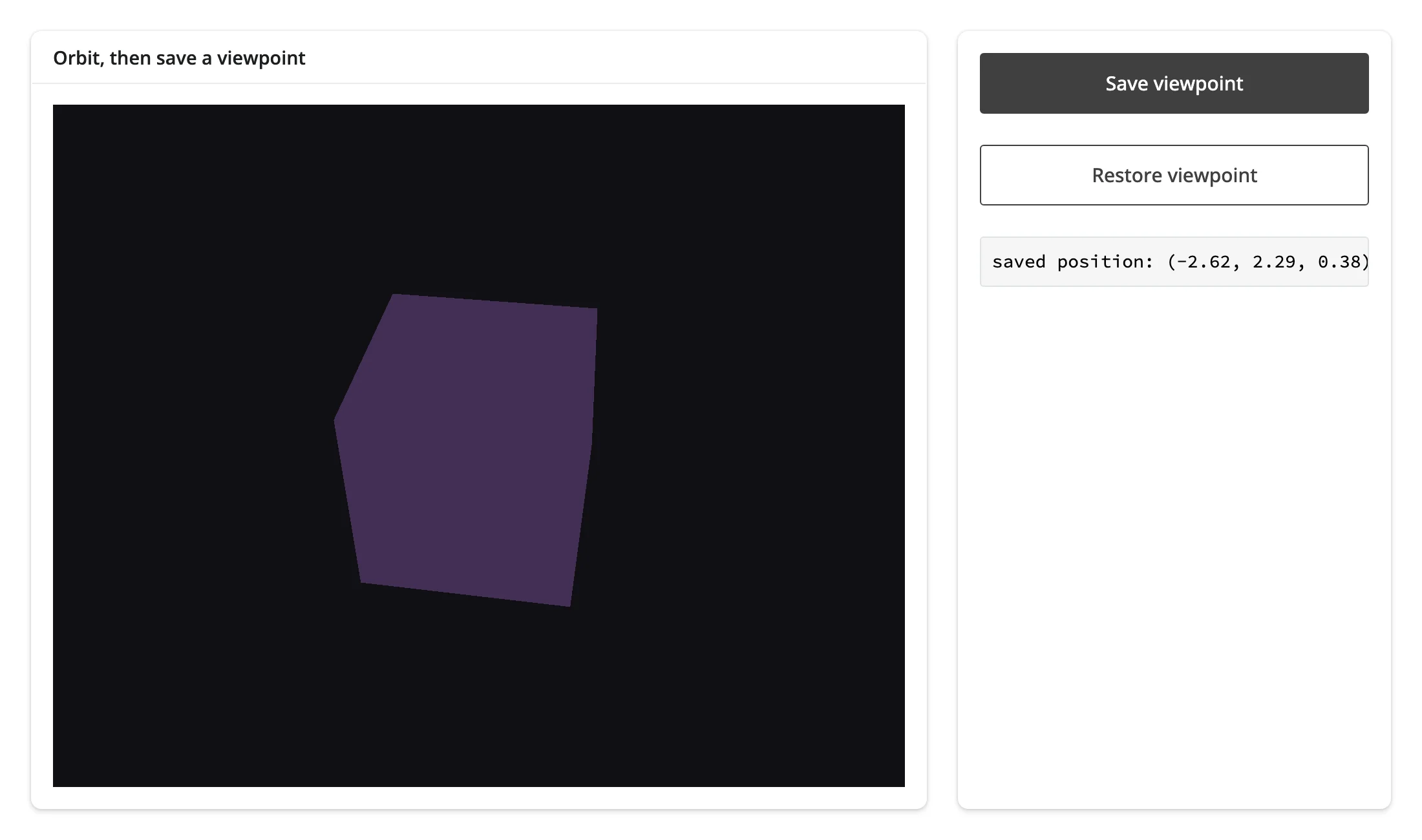
Click → highlight a point in the same scene
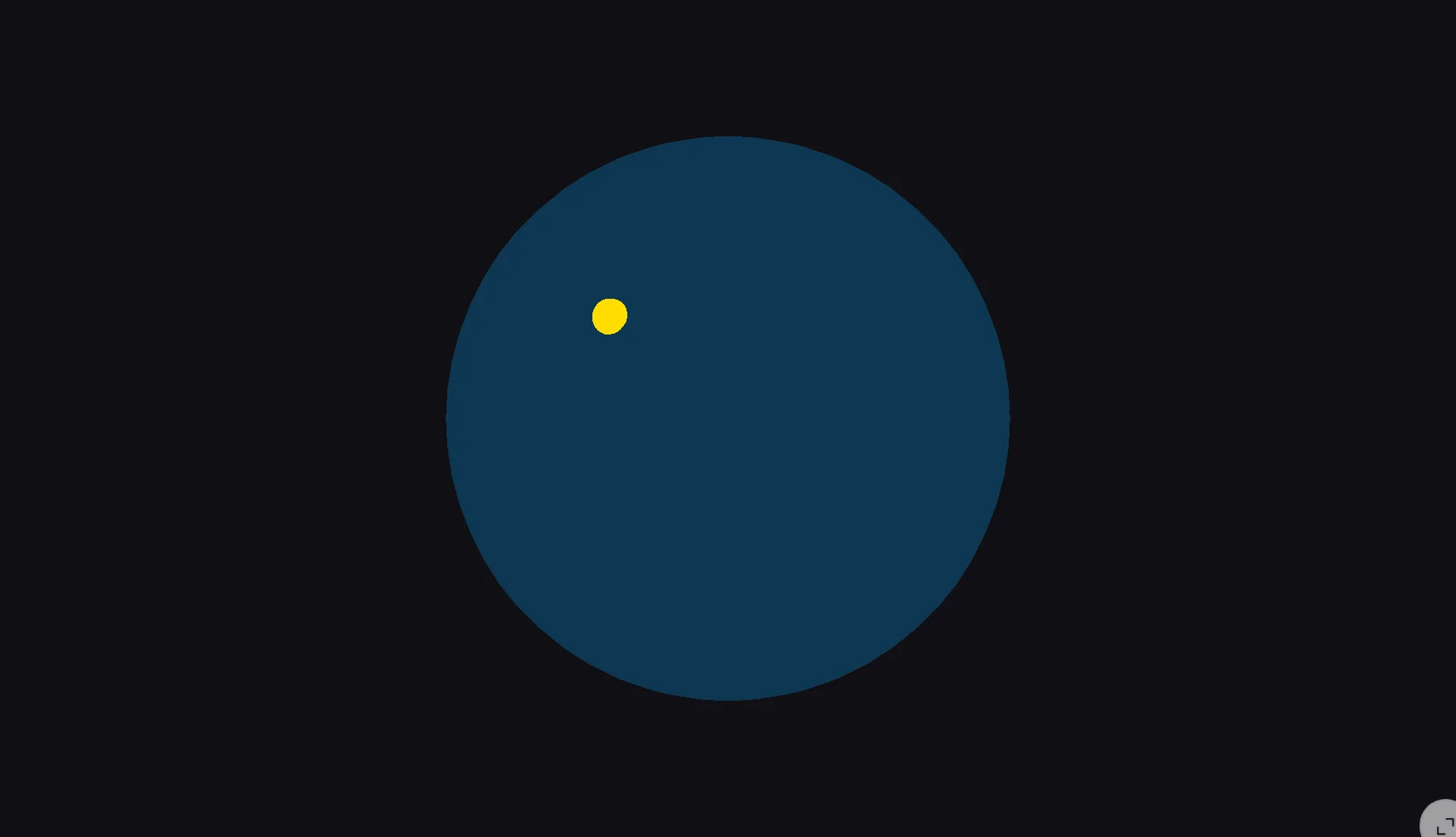
A Picker reading into Python and an in-place update writing back out can target the same scene: clicking a mesh drops a marker at the exact hit point, a 3D analog of “table row selection highlights a point in a plot.”
import pythreejs as p3
from shiny import reactive
from shiny.express import ui
from shinywidgets import reactive_read, render_pythreejs

ui.page_opts(fillable=True)

terrain = p3.Mesh(p3.SphereGeometry(1.2, 48, 32), p3.MeshStandardMaterial(color="#1f77b4", roughness=0.6))
marker = p3.Mesh(p3.SphereGeometry(0.06, 16, 16), p3.MeshBasicMaterial(color="#ffdd00"))
marker.visible = False
picker = p3.Picker(controlling=terrain, event="click")

with ui.card(full_screen=True):
    ui.card_header("Click the sphere to drop a marker")

    @render_pythreejs
    def scene():
        sc = p3.Scene(background="#101014", children=[terrain, marker, p3.AmbientLight(intensity=0.9)])
        camera = p3.PerspectiveCamera(position=[0, 0, 4], fov=50)
        controls = p3.OrbitControls(controlling=camera)
        return p3.Renderer(scene=sc, camera=camera, controls=[controls, picker])


# The Picker (an input into Python) and the marker (an in-place update back
# into the same scene) are two independent widgets -- this is the 3D
# equivalent of "table row selection highlights a point in a plot"
@reactive.effect
def _place_marker():
    distance = reactive_read(picker, "distance")
    if distance is None:
        return
    point = picker.point
    marker.position = point
    marker.visible = True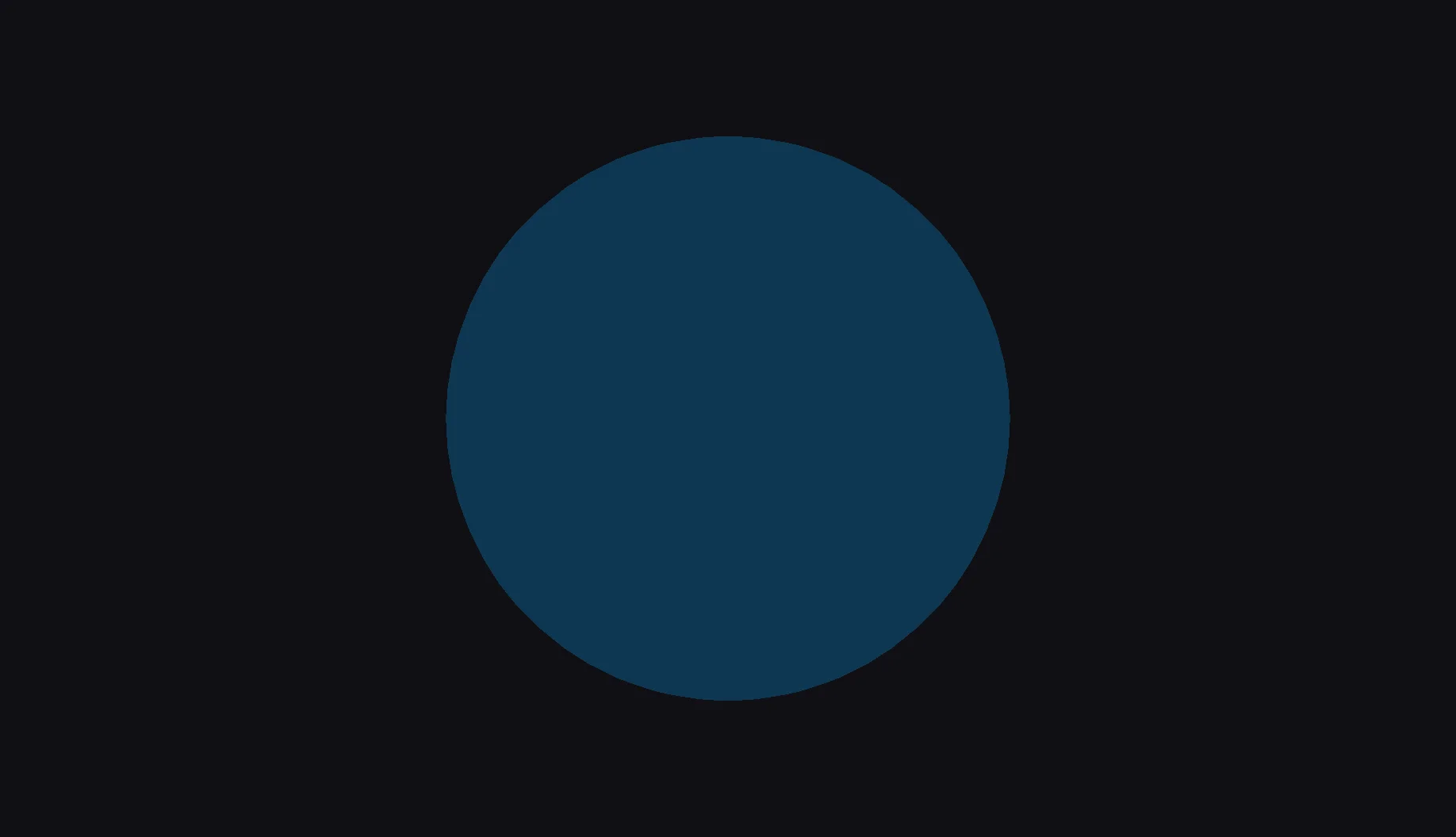
Large data
pythreejs has no large-data mode of its own: every Mesh, Geometry, and Material is a separate synced ipywidget, so a scene’s cost scales with object count, not point count the way a single k3d or ipyvolume figure’s does. A handful of meshes with thousands of vertices each is no problem (every example in this guide is that shape); thousands of individual objects gets expensive fast, because each one pays its own widget overhead. For a point cloud, volume, or isosurface at real scale, reach for k3d or ipyvolume instead – both build on pythreejs’s own three.js renderer underneath, so camera() still works the same way.
Layout and sizing
By default, @render_pythreejs fills its container: the canvas and camera.aspect both track the output’s size, including on full_screen enter/exit and window resizes (every quick start above relies on this, inside a full_screen card). A pythreejs Renderer defaults to a 200x200 pixel canvas, and shinywidgets can’t tell that apart from an explicit Renderer(width=200, height=200) – so the untouched default is treated as “fill,” and any other explicit size is treated as a request to opt out of filling:
import pythreejs as p3
from shiny.express import ui
from shinywidgets import render_pythreejs

ui.page_opts(fillable=True)

with ui.card(height="450px"):

    @render_pythreejs
    def scene():
        cube = p3.Mesh(p3.BoxGeometry(1, 1, 1), p3.MeshStandardMaterial(color="#ff7f0e"))
        sc = p3.Scene(background="#101014", children=[cube, p3.AmbientLight(intensity=0.9)])
        camera = p3.PerspectiveCamera(position=[0, 0, 3.5], aspect=1)
        controls = p3.OrbitControls(controlling=camera)
        # An explicit width/height opts out of fill: the canvas keeps this
        # pixel size regardless of the surrounding card
        return p3.Renderer(scene=sc, camera=camera, controls=[controls], width=300, height=300)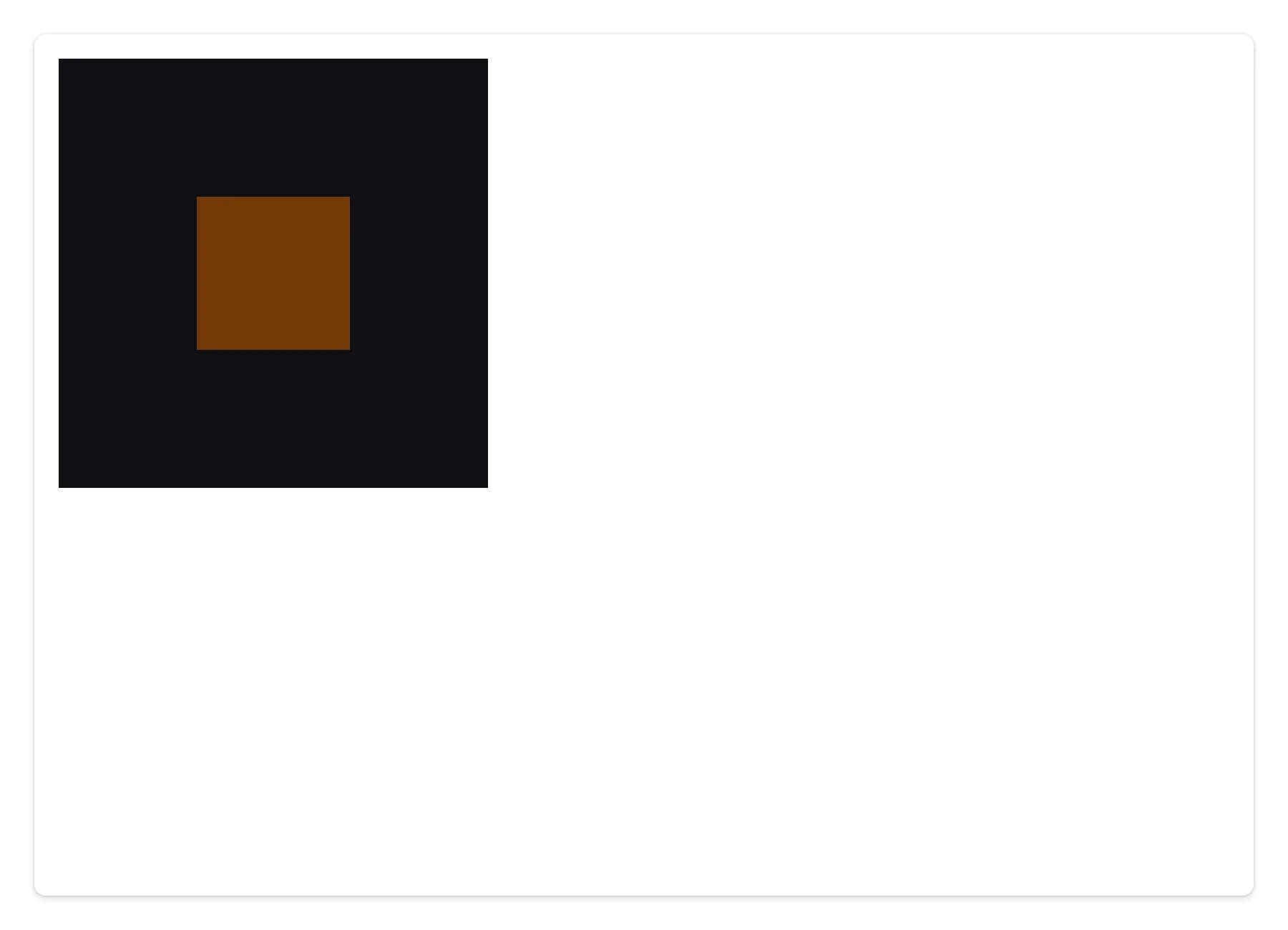
A output_widget(..., height="250px") with no explicit Renderer size also opts out, sizing the canvas to that height instead of the 200px default. OrthographicCamera fills the canvas the same way, but fill only manages aspect on cameras that have it – an OrthographicCamera’s left/right/top/bottom frustum stays fixed, so a non-square container stretches the image (set the frustum to the container’s aspect yourself if that matters).
Gotchas and limitations
Verified against shinywidgets on current main; the project’s earlier evaluation report (docs/widget-reports/pythreejs/) predates the accessor system and flagged an infinite-resize-loop blocker in unconstrained containers – that’s fixed on main (a content-derived-height card or plain page_fluid now settles to a stable canvas size instead of growing without bound).
mesh.rotationdoesn’t render, and spams server tracebacks – an upstream bug. pythreejs’s Euler-to-quaternion conversion lowercases the rotation order string ('XYZ'→'xyz'), which three.js’sQuaternion.setFromEulerrejects: everyrotationwrite echoes back aTraitError(... expected any of ['XYZ', ...], not the str 'xyz'), and the mesh never visibly rotates. Confirmed at the pixel level: the canvas is byte-identical before and after arotationchange, while the trait value itself does advance. Animatequaternioninstead (see Push live animation from Python).Scene.backgrounddefaults to white, andRenderer(background=...)has no effect. A freshRendererwith no explicit background renders a white viewport regardless ofRenderer(background="black")– confirmed by comparing the two side by side. Setpythreejs.Scene(background=...)instead; it applies immediately.DirectionalLight/SpotLightwith defaulttarget/shadowlog a harmless console error per re-render. Theirtargetandshadowtraits areUninitializedby default, so pythreejs’s JS creates them in the browser rather than in Python. Browser-created widgets used to have no Python counterpart to close on re-render and leaked a few models every time; that’s fixed (a browser-created model now closes with whatever named it, once nothing live still references it – re-verified here: model count stays flat across re-renders of a light-bearing scene whether or nottarget/shadoware set explicitly). What’s left, only when you don’t set them explicitly, is one benignError setting state: e.on is not a functionlogged to the browser console per re-render (closing a light’s browser-created shadow trips an upstream pythreejs bug; shinywidgets treats it as expected teardown noise, not a failure). Give everyDirectionalLight/SpotLightan explicittarget(added to the scene) andshadow(with a camera), as the quick start does, to avoid the console noise – it’s a few extra lines, and arguably the more legible scene graph anyway since every object is one you built.OrbitControls(autoRotate=True)(and damping momentum) are inert. Nothing in the bundled three.js build pumpscontrols.update()per frame forOrbitControls– confirmed byte-identical canvas pixels over several seconds withautoRotate=True. Drive a spin from Python instead (see Push live animation from Python).Picker.pickednever populates. Usedistance/point/objectinstead (see Beyond the accessor); this is upstream naming, not a bug to work around otherwise.OrthographicCamera’s frustum isn’t managed by fill. The canvas still resizes to its container, butleft/right/top/bottomstay fixed, so a non-square container visibly stretches the scene. Set the frustum to match your container’s aspect ratio if you need an undistorted orthographic view.- No shadows are enabled by default. The explicit
shadow/targetrecipe above avoids the console noise but doesn’t turn on shadow rendering; that also needsRenderer(shadowMap=p3.WebGLShadowMap())andcastShadow/receiveShadowon the relevant meshes – out of scope for this guide, see the pythreejs docs.
Gallery candidates
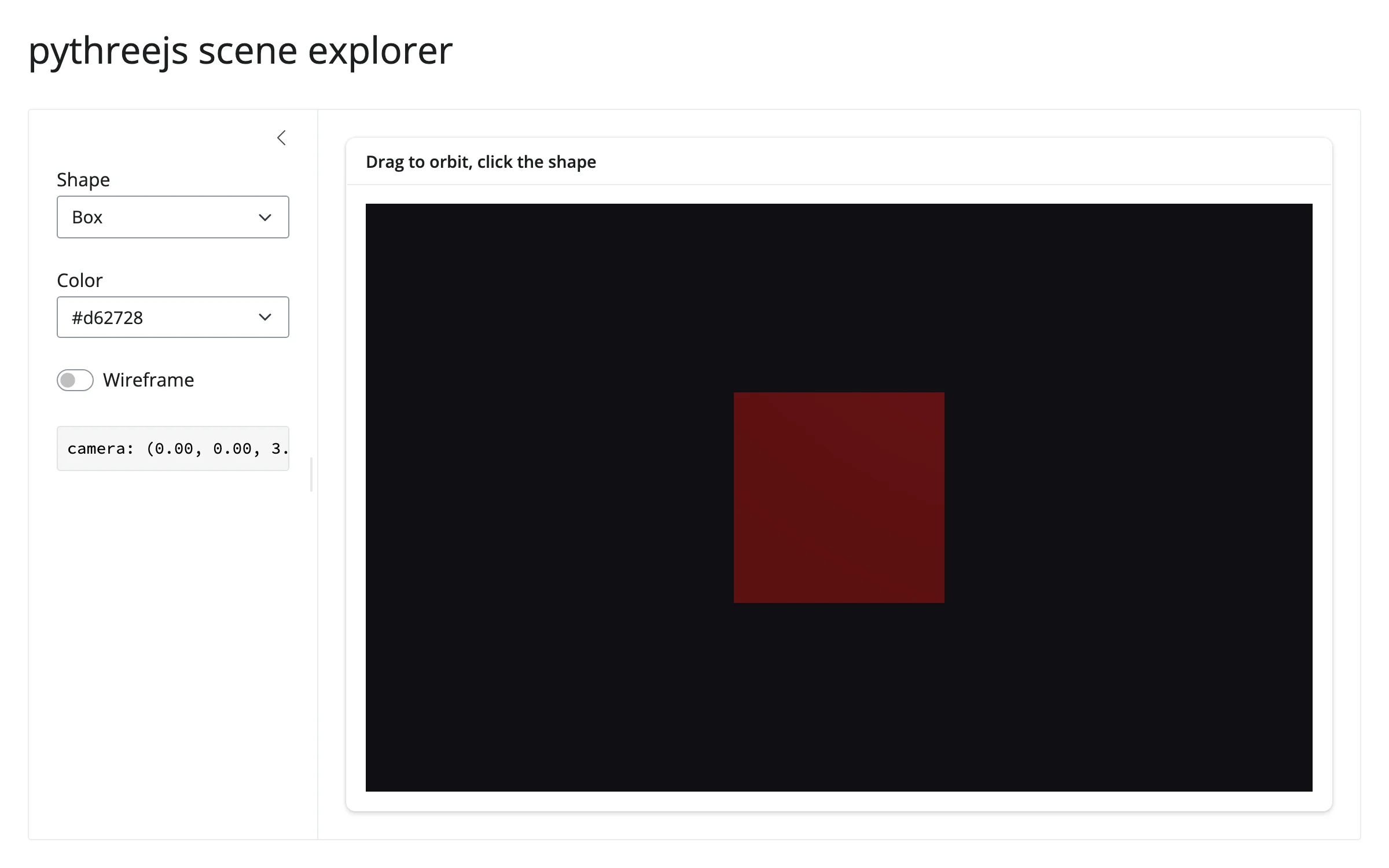
template_scene_explorer.py
A ~65-line adaptable starting point: a shape/color/wireframe picker, a shared lighting and OrbitControls setup, a Picker for click detection, and a sidebar readout that shows camera()’s state between picks. Swap in your own geometry and keep the rest.
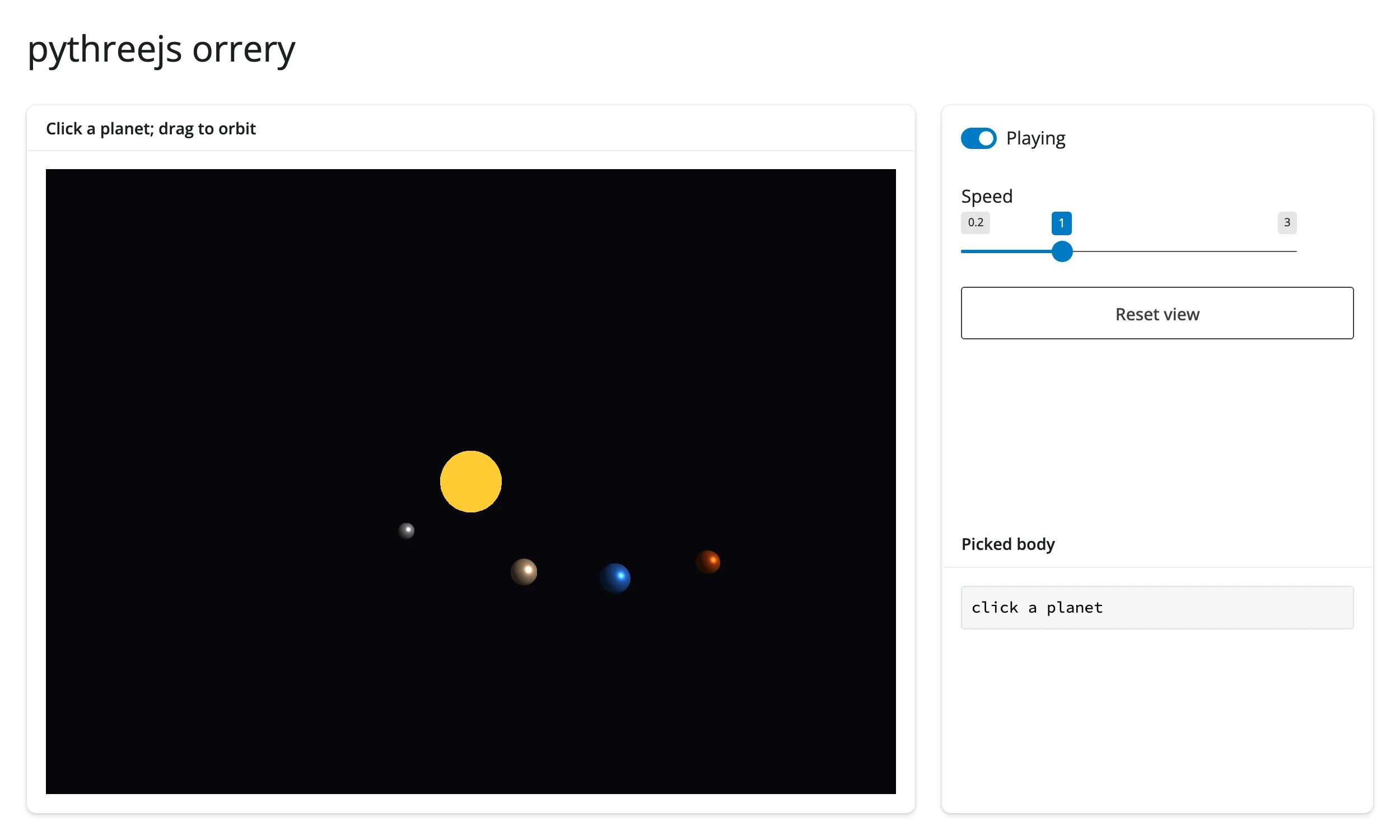
showcase_orrery.py
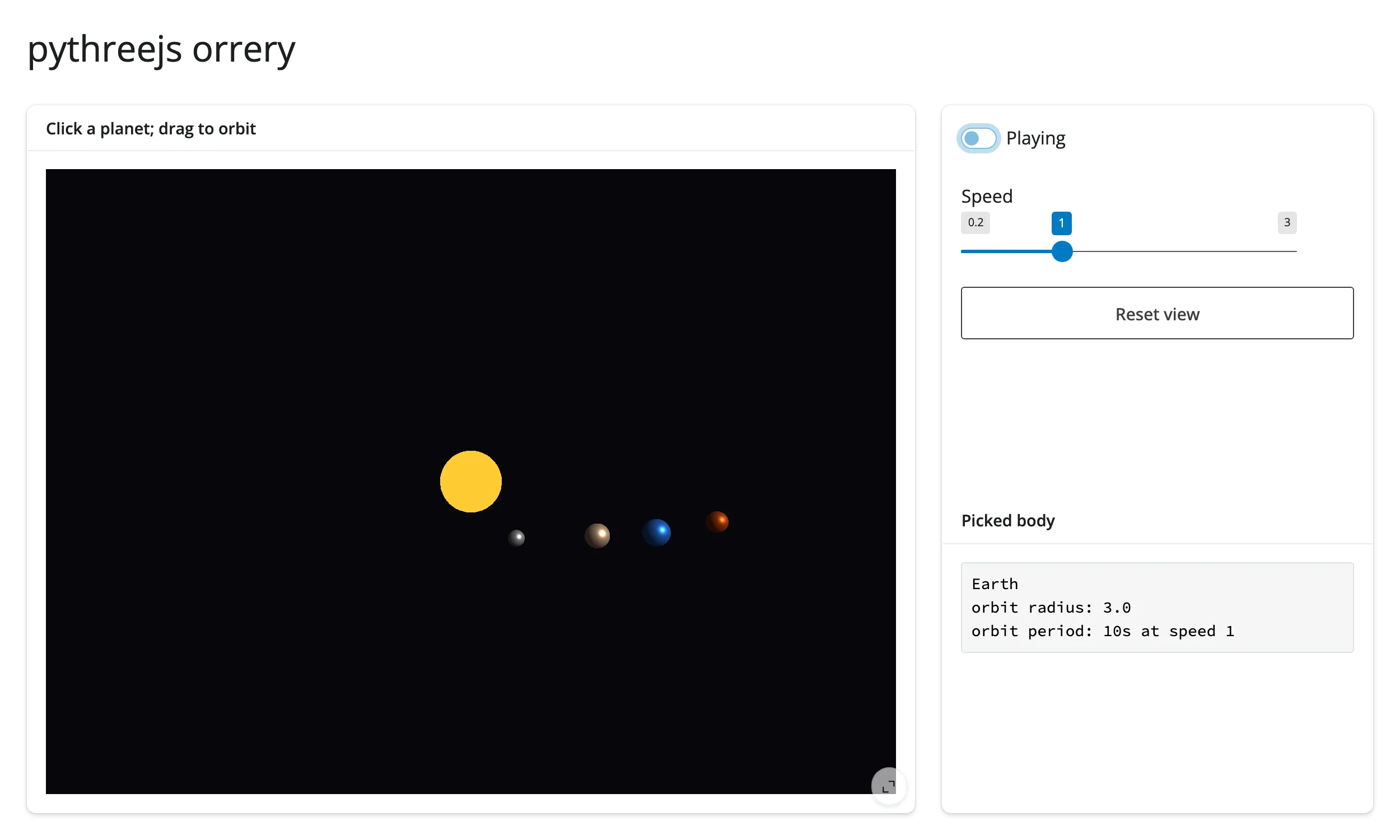
An animated multi-body scene: four planets orbit a sun on a Python-driven timer (play/pause, adjustable speed), a single Picker covering the whole scene identifies whichever body was clicked, and a “Reset view” button uses camera()’s snapshot/restore pattern. Exercises the full interaction surface pythreejs offers – in-place position updates every frame, multi-object picking, and the camera accessor – in one scene.
Learn more
- pythreejs documentation and its examples for the full Object3D/Geometry/ Material API (it mirrors three.js closely – the three.js docs are a good secondary reference for what each trait does)
- three.js documentation for the underlying scene graph concepts
- Related guides in this roster: k3d and ipyvolume (both share pythreejs’s
camera()accessor), pyvista for ready-made scientific mesh/volume visualization