ipyaladin
Aladin Lite is the sky atlas built and run by the Centre de Données astronomiques de Strasbourg (CDS), the archive behind SIMBAD and VizieR. It streams HiPS survey imagery – DSS, 2MASS, allWISE, GALEX, Gaia, PanSTARRS, and dozens of others – tiled and reprojected on demand, so panning and zooming across the whole sky feels like a slippy map rather than a stack of FITS files. ipyaladin wraps the same JavaScript engine CDS’s own website uses as a Jupyter widget, and @render_ipyaladin makes it a first-class reactive output: Shiny inputs drive what the viewer shows, and what a user does in the viewer – clicking a catalog source, box-selecting a region, panning, zooming – comes back to Python as a value you read like any other reactive input.
@render_ipyaladin takes an ipyaladin.Aladin instance and does the layout work every renderer in this roster does: the viewer fills its card or output unless the Aladin (or the output) has an explicit height. Beyond that it’s a thin pass-through – the interesting work is ipyaladin’s own method surface (add_table, add_moc, add_graphic_overlay_from_stcs, selection(), set_color_map()) plus four accessors – clicked_object(), selected(), target(), and fov() – that turn the viewer’s own state and interactions into values a Shiny app reacts to.
Reach for ipyaladin when the sky position itself is data: a catalog explorer, a “what’s visible from here” tool, an object-of-the-night dashboard, or any app that needs the real, navigable sky rather than a static finder chart. For planetary surfaces, pair it with other 3D viewers in the roster (see k3d, pythreejs); for tabular-only catalog browsing without a sky view, see itables or reactable.
Installation
pip install 'shinywidgets[ipyaladin]'This installs ipyaladin, which pulls in astropy (every coordinate ipyaladin hands back is an astropy SkyCoord, Angle, or Table). The viewer itself needs network access at render time: its JavaScript comes from a CDN (esm.sh) and sky imagery streams from CDS’s tile servers, so it won’t render anything useful fully offline. The footprints and MOCs example additionally uses mocpy to build a region to display; that’s a separate, optional dependency, not part of the ipyaladin extra.
Quick start
from ipyaladin import Aladin
from shiny.express import ui
from shinywidgets import render_ipyaladin

ui.page_opts(title="ipyaladin quick start", fillable=True)

with ui.card(full_screen=True):
    ui.card_header("Orion Nebula (M42)")

    @render_ipyaladin
    def sky():
        return Aladin(target=(83.82, -5.39), fov=1.2)
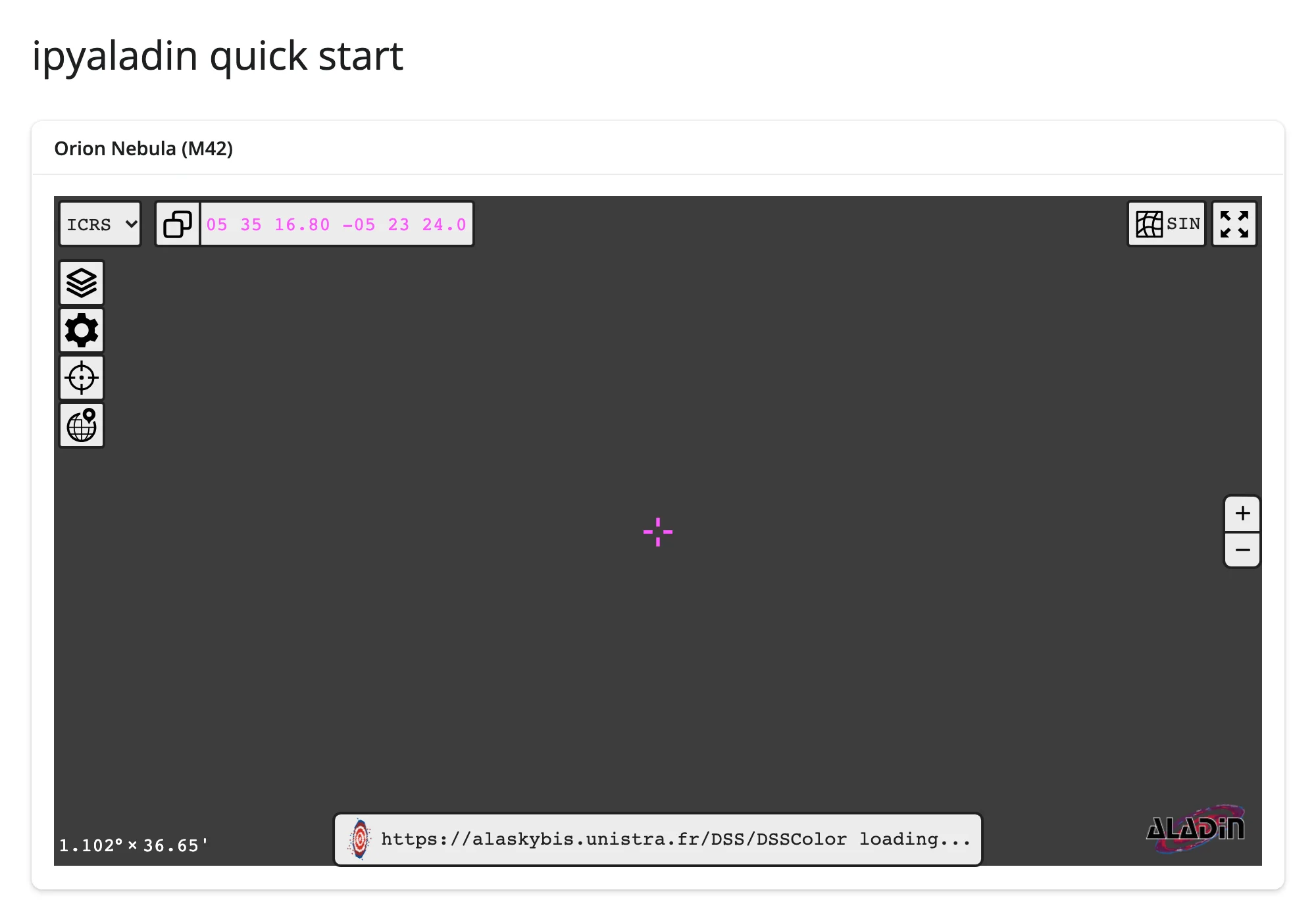
That’s the whole app: a card, a target, a field of view. The viewer fills the card, and dragging to pan or scrolling to zoom already works – there’s no wiring to add for basic navigation.
What you can build
Navigate from a Shiny input
from ipyaladin import Aladin
from shiny import reactive
from shiny.express import input, render, ui
from shinywidgets import render_ipyaladin

# Values are "ra dec" strings (parsed locally, no network call); a plain
# name like "M31" also works on the setter, but it resolves via a CDS web
# service and adds network latency -- fine for an occasional user-driven
# search, less fine for a value a dropdown sets on every click
TARGETS = {
    "10.685 41.269": "Andromeda Galaxy (M31)",
    "83.822 -5.391": "Orion Nebula (M42)",
    "56.75 24.12": "Pleiades (M45)",
    "83.633 22.014": "Crab Nebula (M1)",
}

ui.page_opts(title="Navigate by name", fillable=True)
ui.input_select("target", "Go to", TARGETS)

with ui.card(full_screen=True):

    @render_ipyaladin
    def sky():
        return Aladin(target=(10.685, 41.269), fov=3)

    @reactive.effect
    def _():
        w = sky.widget
        if w:
            w.target = input.target()

    @render.code
    def center():
        t = sky.target()
        return f"ra={t.ra.deg:.3f} dec={t.dec.deg:.3f}  fov={sky.fov().deg:.3f} deg"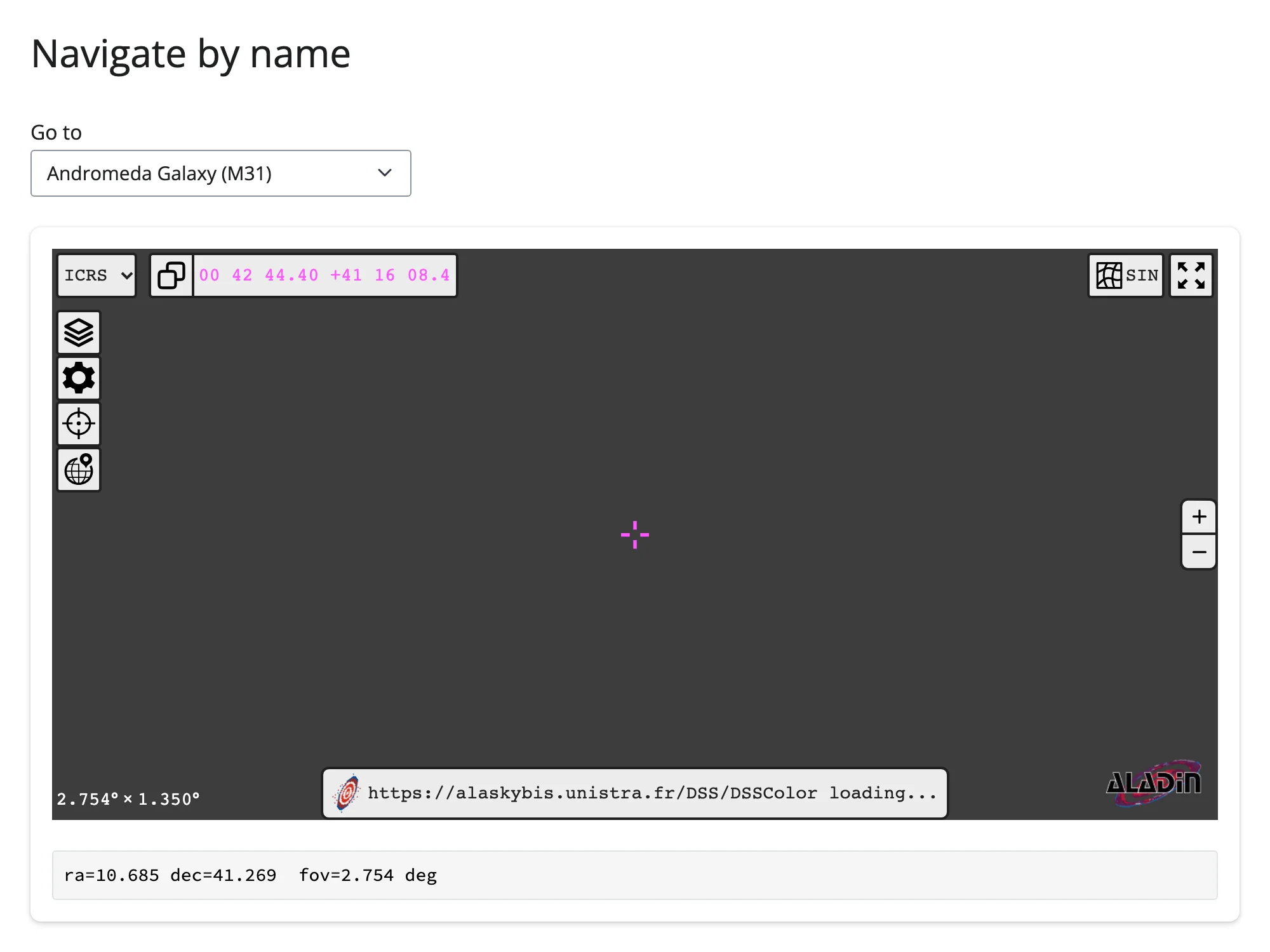
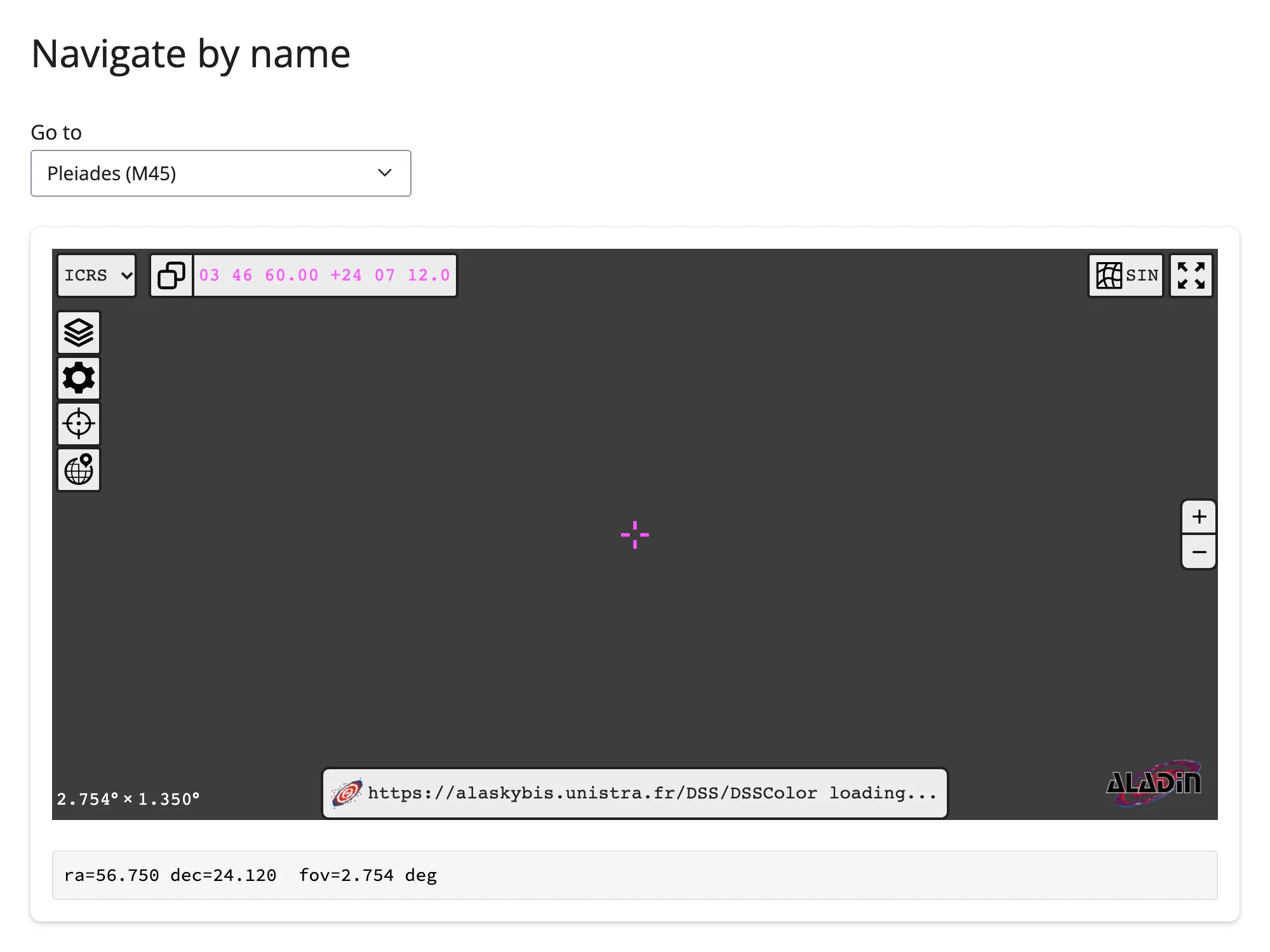
Setting .widget.target in a @reactive.effect flies the existing viewer to the new position in place – no re-render, no reloaded tiles. Aladin.target’s setter also accepts a plain object name ("M31", "NGC 2244", a star name) resolved through CDS’s Sesame service – useful for a free-text search box a user types into occasionally, less useful for a value that changes on every dropdown click, since each name resolution is a blocking network round trip. Coordinate strings skip that round trip entirely (see Gotchas and limitations for a case where the setter’s other accepted forms don’t work the way you’d guess).
Switch surveys and color maps in place
from ipyaladin import Aladin
from shiny import reactive
from shiny.express import input, render, ui
from shinywidgets import reactive_read, render_ipyaladin

# A few HiPS surveys hosted by CDS (https://aladin.cds.unistra.fr/hips/)
SURVEYS = {
    "https://alaskybis.unistra.fr/DSS/DSSColor": "DSS color (optical)",
    "https://alaskybis.unistra.fr/2MASS/Color": "2MASS color (infrared)",
    "https://alaskybis.unistra.fr/AllWISE/Color": "allWISE color (mid-IR)",
}
CMAPS = ["native", "viridis", "cubehelix", "grayscale"]

ui.page_opts(title="Switch surveys and color maps", fillable=True)
ui.input_select("survey", "Survey", SURVEYS)
ui.input_select("cmap", "Color map", CMAPS)

with ui.card(full_screen=True):

    @render_ipyaladin
    def sky():
        return Aladin(target=(83.822, -5.391), fov=2, survey=list(SURVEYS)[0])  # M42

    # `survey` is a plain synced trait, so it updates as soon as it's set
    @reactive.effect
    def _():
        w = sky.widget
        if w:
            w.survey = input.survey()

    # set_color_map() sends a one-off message rather than syncing a trait,
    # so it's lost if sent before the browser has loaded -- gate on _is_loaded
    @reactive.effect
    def _():
        w = sky.widget
        if w and reactive_read(w, "_is_loaded") and input.cmap() != "native":
            w.set_color_map(input.cmap())

    @render.text
    def label():
        return f"{SURVEYS[input.survey()]}, {input.cmap()} color map"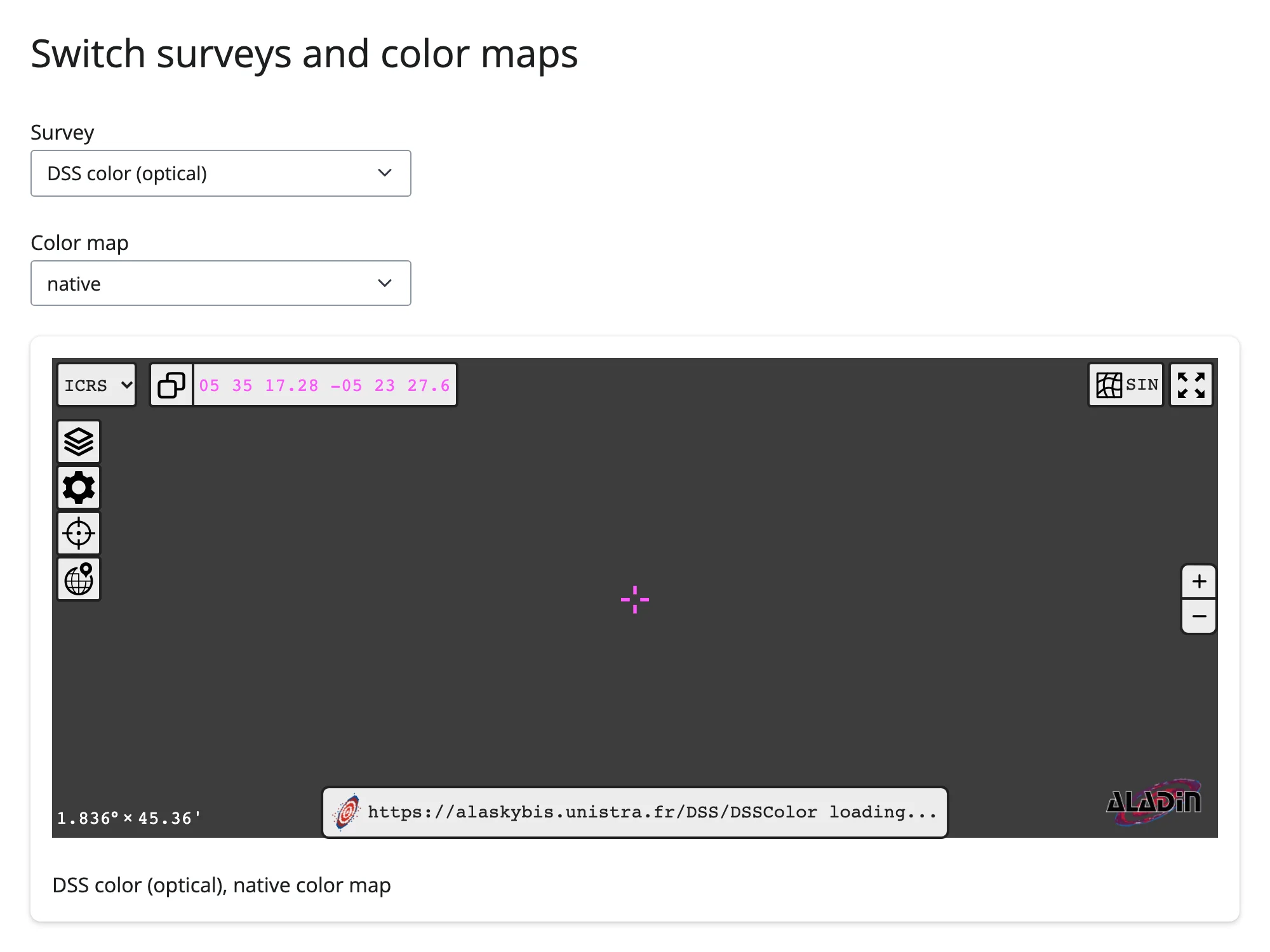
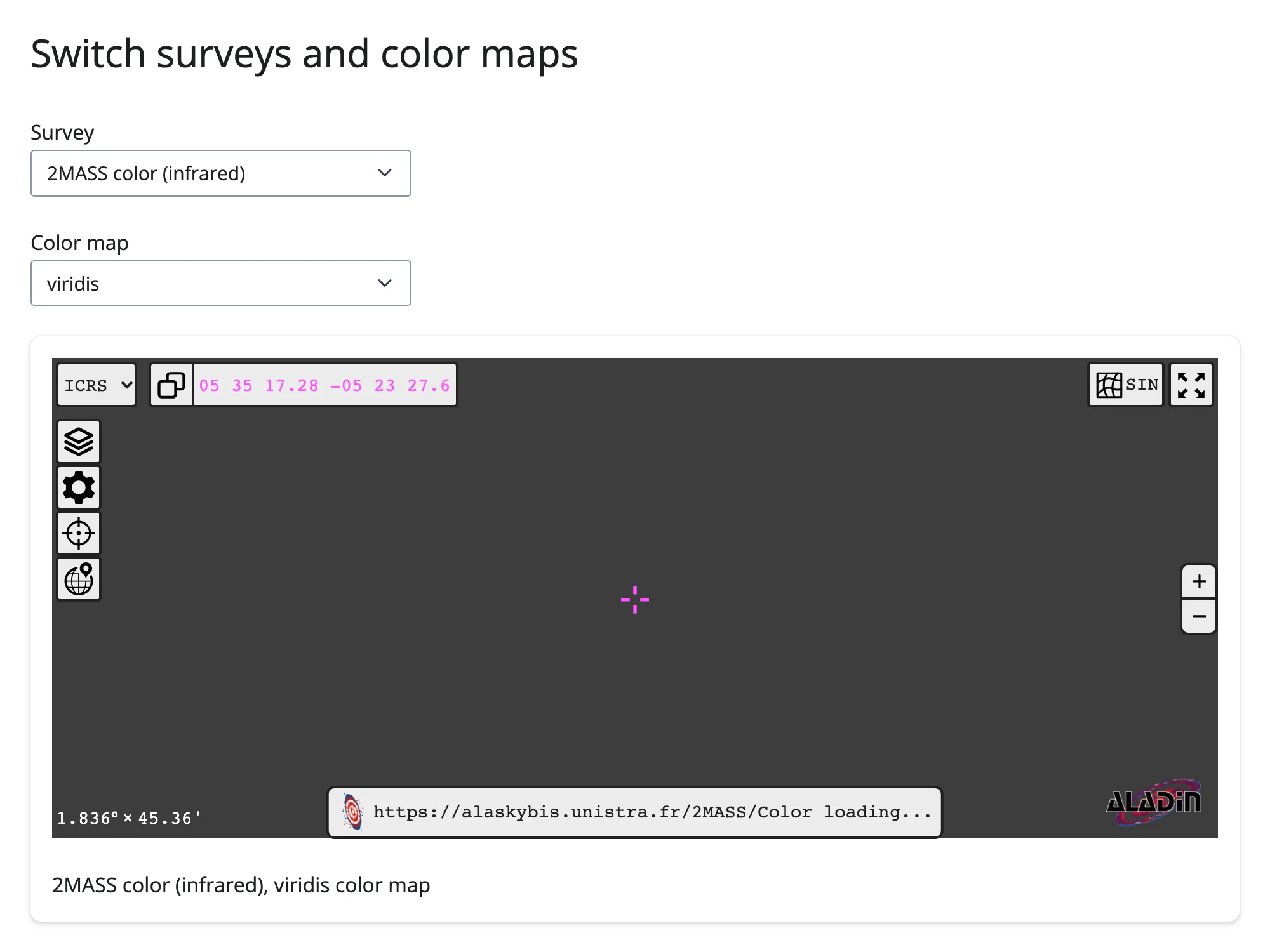
One HiPS URL swaps the base imagery entirely (optical, infrared, radio – whatever HiPS survey you point it at), and set_color_map() re-palettes it, both without touching the camera. The two effects above use different update paths: survey is a synced trait, so assigning it works the moment the widget exists; set_color_map() sends a one-off message that’s silently dropped if the browser hasn’t loaded yet, so it needs the _is_loaded gate (see Updating the widget from Python).
Overlay a catalog
from astropy.table import Table
from ipyaladin import Aladin
from shiny.express import ui
from shinywidgets import render_ipyaladin

# The seven bright stars of the Pleiades (real coordinates and V magnitudes)
PLEIADES = Table(
    {
        "name": ["Alcyone", "Atlas", "Electra", "Maia", "Merope", "Taygeta", "Pleione"],
        "ra": [56.871, 56.978, 56.216, 56.579, 56.752, 56.447, 56.751],
        "dec": [24.105, 24.054, 24.113, 24.367, 23.948, 24.467, 24.137],
        "vmag": [2.87, 3.62, 3.70, 3.87, 4.17, 4.30, 5.09],
    }
)

ui.page_opts(title="Overlay a catalog", fillable=True)

with ui.card(full_screen=True):
    ui.card_header("The Pleiades (M45), with its seven brightest stars overlaid")

    @render_ipyaladin
    def sky():
        aladin = Aladin(target=(56.75, 24.12), fov=1.2)
        aladin.add_table(PLEIADES, shape="circle", source_size=14, color="#ffd166")
        return aladin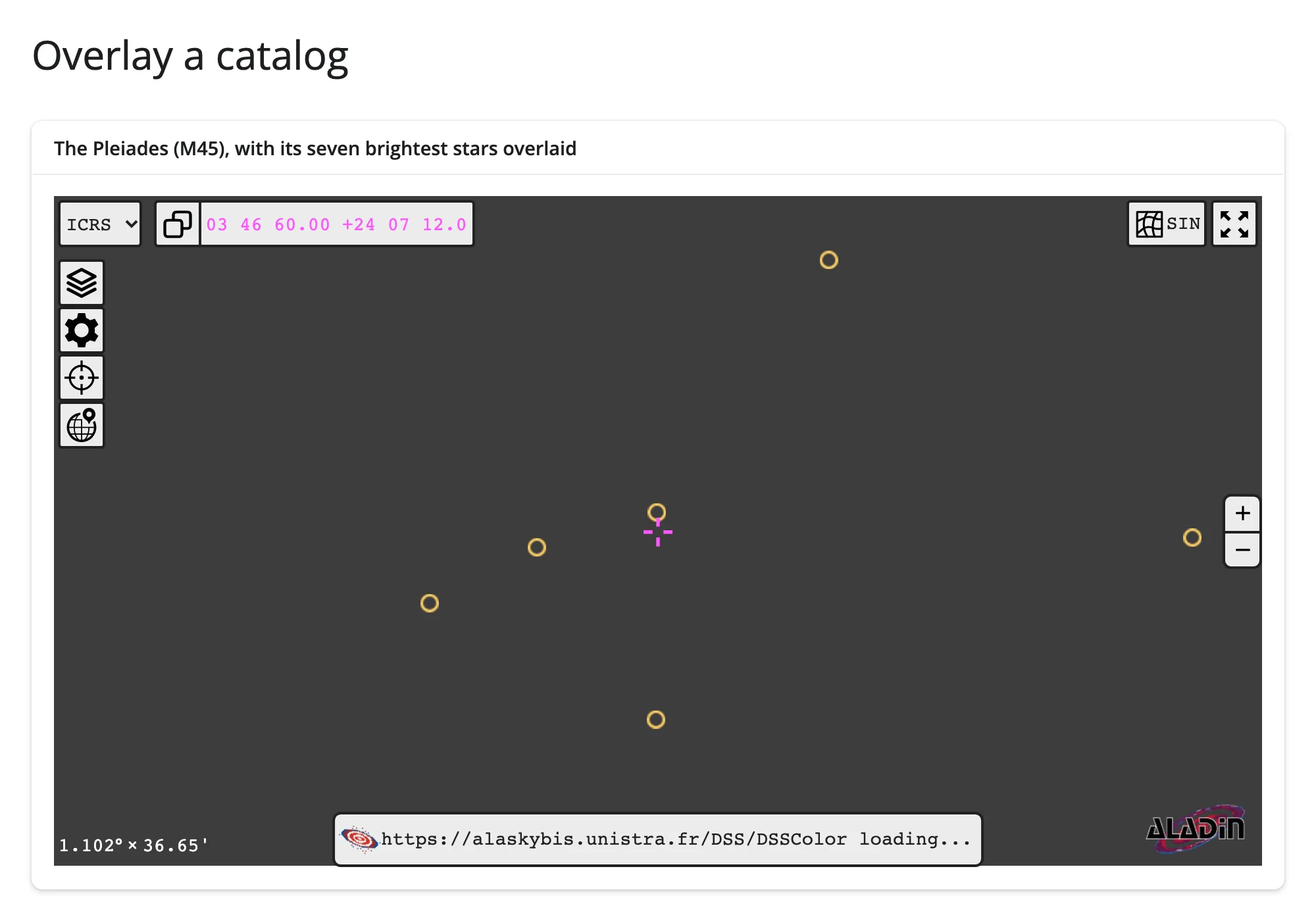
add_table() takes any astropy Table or QTable with recognizable coordinate columns (it auto-detects ra/dec-like names, or you name them explicitly with ra_field/dec_field) and draws every row as a marker. The whole row travels with the marker – click one and its full catalog row, including columns that never appear on screen, comes back to Python (see clicked_object() below). This is the foundation every interactive example in this guide builds on.
Footprints and MOCs
examples/05_footprints_moc.py – run with uv run --with mocpy shiny run 05_footprints_moc.py (mocpy isn’t part of shinywidgets[ipyaladin]; it’s used here only to build the region):
# Run: uv run --with mocpy shiny run 05_footprints_moc.py
# (mocpy builds the MOC; it isn't needed for the rest of this guide)
import astropy.units as u
from ipyaladin import Aladin
from mocpy import MOC
from shiny.express import ui
from shinywidgets import render_ipyaladin

TARGET = (83.82, -5.39)  # Orion Nebula (M42)

ui.page_opts(title="Footprints and MOCs", fillable=True)

with ui.card(full_screen=True):
    ui.card_header("A MOC search region and an instrument footprint over M42")

    @render_ipyaladin
    def sky():
        aladin = Aladin(target=TARGET, fov=1.5)
        moc = MOC.from_cone(
            lon=TARGET[0] * u.deg, lat=TARGET[1] * u.deg, radius=0.2 * u.deg, max_depth=9
        )
        aladin.add_moc(moc, color="#06d6a0", opacity=0.4, name="search region")
        aladin.add_graphic_overlay_from_stcs(
            "Circle ICRS 83.82 -5.39 0.35", color="#ef476f", name="instrument footprint"
        )
        return aladin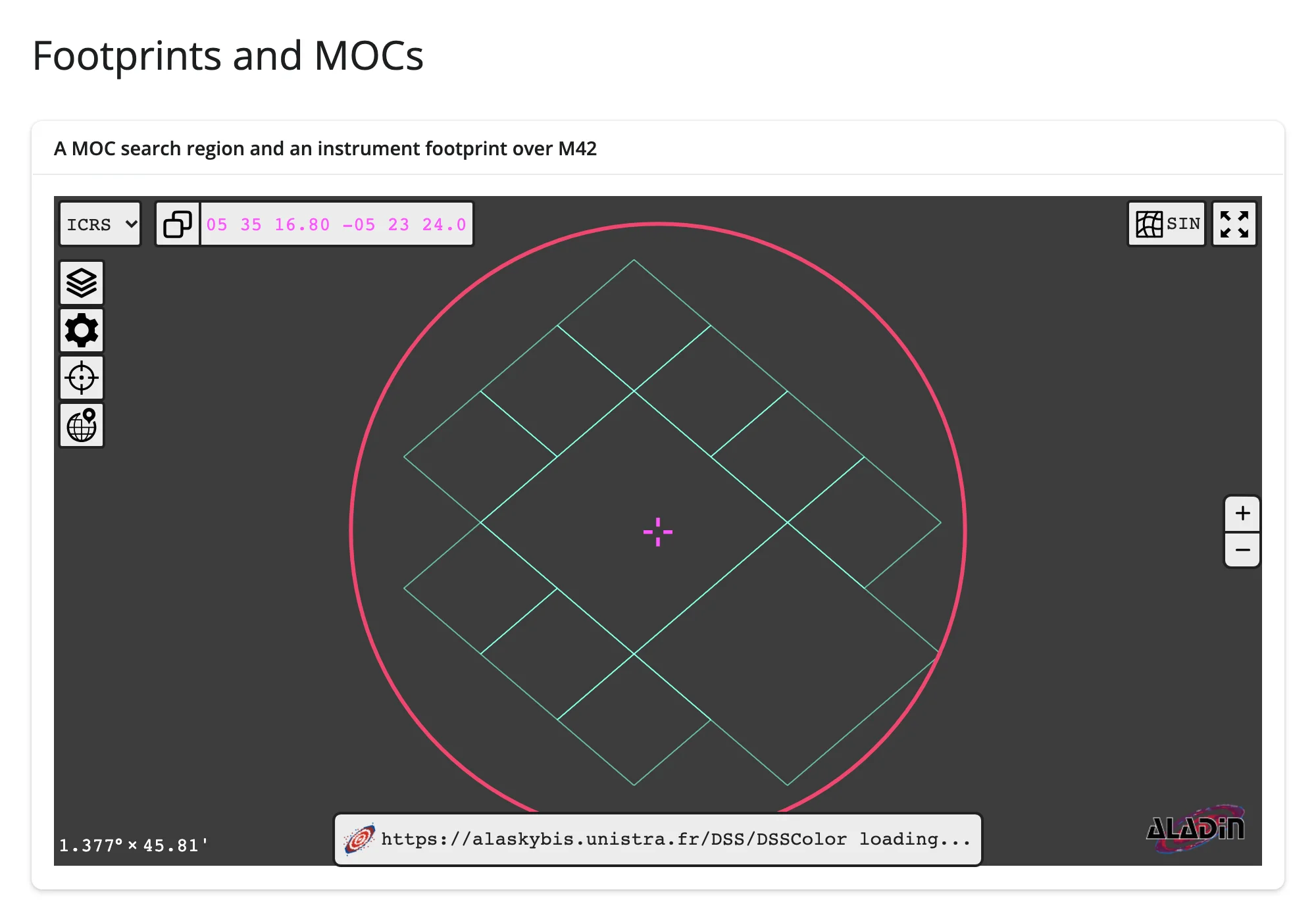
add_moc() accepts a mocpy.MOC object, a plain {order: [pixels]} dict, or a URL to fetch one from – it draws the HEALPix cells that make up the region (the diamond lattice above is MOC.from_cone()’s approximation of a 0.2 deg circle at HEALPix order 9). add_graphic_overlay_from_stcs() draws shapes from an STC-S string – circles, polygons, and unions of them – without needing a sky-region library at all. Both are the building blocks for “what instrument footprint covers this field” or “search radius around this point” overlays; VizieR and SIMBAD publish MOCs for exactly this kind of cross-matching.
Reacting to user interaction
Accessor reference
| accessor | returns | before any interaction | across re-render | default rate policy |
|---|---|---|---|---|
clicked_object() |
dict (ra, dec, data) or None |
None |
re-seeded to None (a freshly built viewer has no click yet) |
none |
selected() |
list[astropy.table.Table] (one per catalog) |
[] |
re-seeded to [] |
none |
target() |
astropy SkyCoord (or (Longitude, Latitude) for planetary surveys) |
seeded from the constructor’s target |
re-seeded from the new viewer’s target |
none |
fov() |
astropy Angle |
seeded from the constructor’s fov |
re-seeded from the new viewer’s fov |
none |
All four attach the moment the viewer renders and are seeded from its state immediately, so an interaction made before the first read (behind a button, a chat handler) is reflected in that read, not lost – reading any of them before the very first render simply cancels (like reading an output before it exists), never returns a sentinel you have to check for. All four also re-seed from the new viewer on every re-render, rather than carrying the previous viewer’s value forward: a fresh Aladin has no click recorded yet, so clicked_object() goes back to None and selected() to []; target()/fov() pick up whatever the new constructor call passed, discarding any pan or zoom the user did before the re-render. This is why target()/fov() drive req()-free reads and clicked_object() needs req(sky.clicked_object()) to wait for a click rather than show a default state. None of the four declares a default rate limit – see Rate limiting for why that matters for target()/fov() specifically, and when to add one yourself.
clicked_object(): click a catalog source for detail
from astropy.table import Table
from ipyaladin import Aladin
from shiny.express import render, ui
from shinywidgets import render_ipyaladin

PLEIADES = Table(
    {
        "name": ["Alcyone", "Atlas", "Electra", "Maia", "Merope", "Taygeta", "Pleione"],
        "ra": [56.871, 56.978, 56.216, 56.579, 56.752, 56.447, 56.751],
        "dec": [24.105, 24.054, 24.113, 24.367, 23.948, 24.467, 24.137],
        "vmag": [2.87, 3.62, 3.70, 3.87, 4.17, 4.30, 5.09],
    }
)

ui.page_opts(title="clicked_object(): click a source for detail", fillable=True)

with ui.layout_columns(col_widths=[8, 4]):
    with ui.card(full_screen=True):

        @render_ipyaladin
        def sky():
            # Centered on Alcyone, the cluster's brightest star
            aladin = Aladin(target=(56.871, 24.105), fov=1.2)
            aladin.add_table(PLEIADES, shape="circle", source_size=16, color="#ffd166")
            return aladin

    with ui.card():
        ui.card_header("Clicked star")

        @render.code
        def detail():
            clicked = sky.clicked_object()
            if clicked is None:
                return "Click a star to see its catalog row."
            return "\n".join(f"{k}: {v}" for k, v in clicked["data"].items())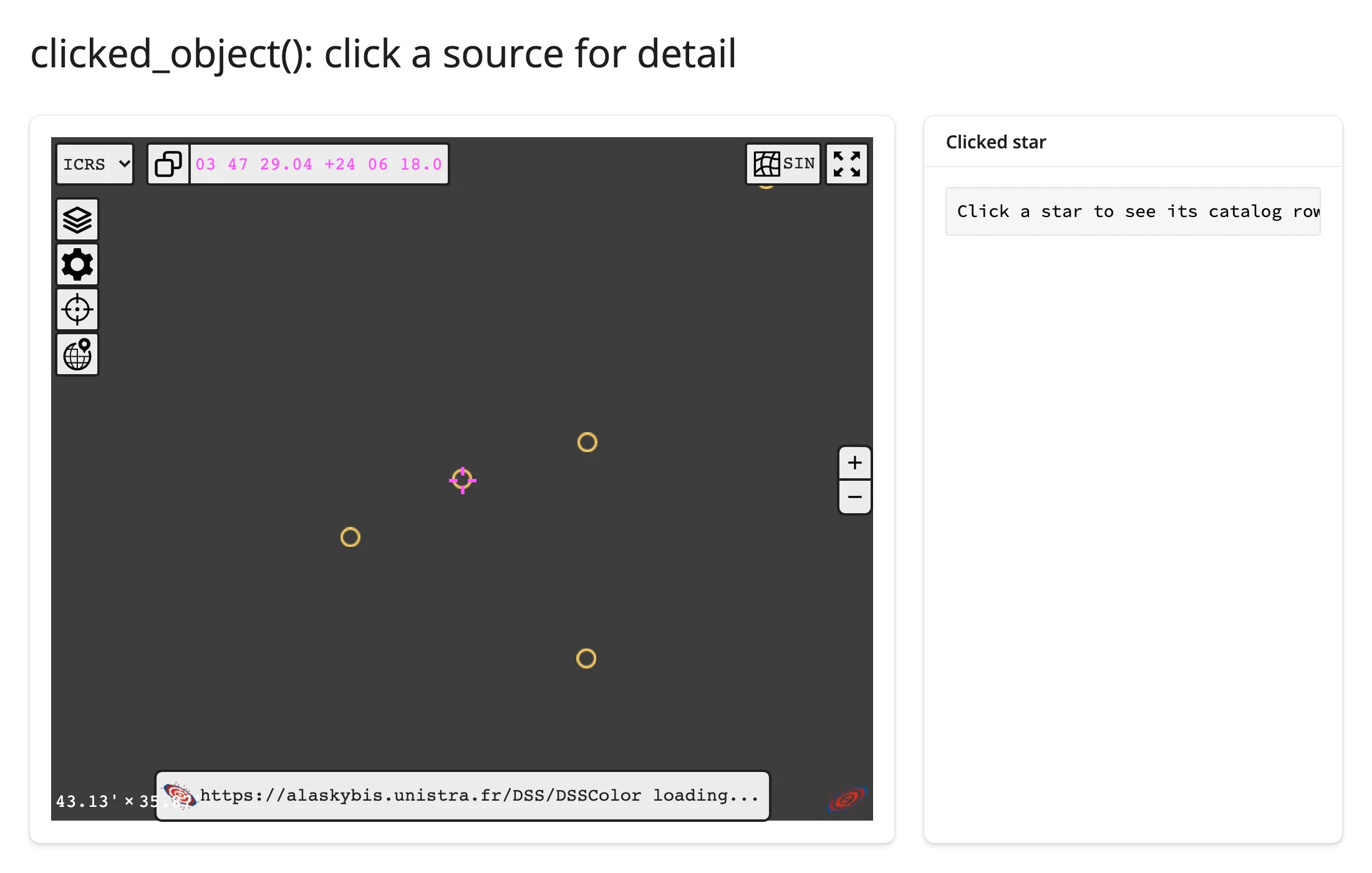
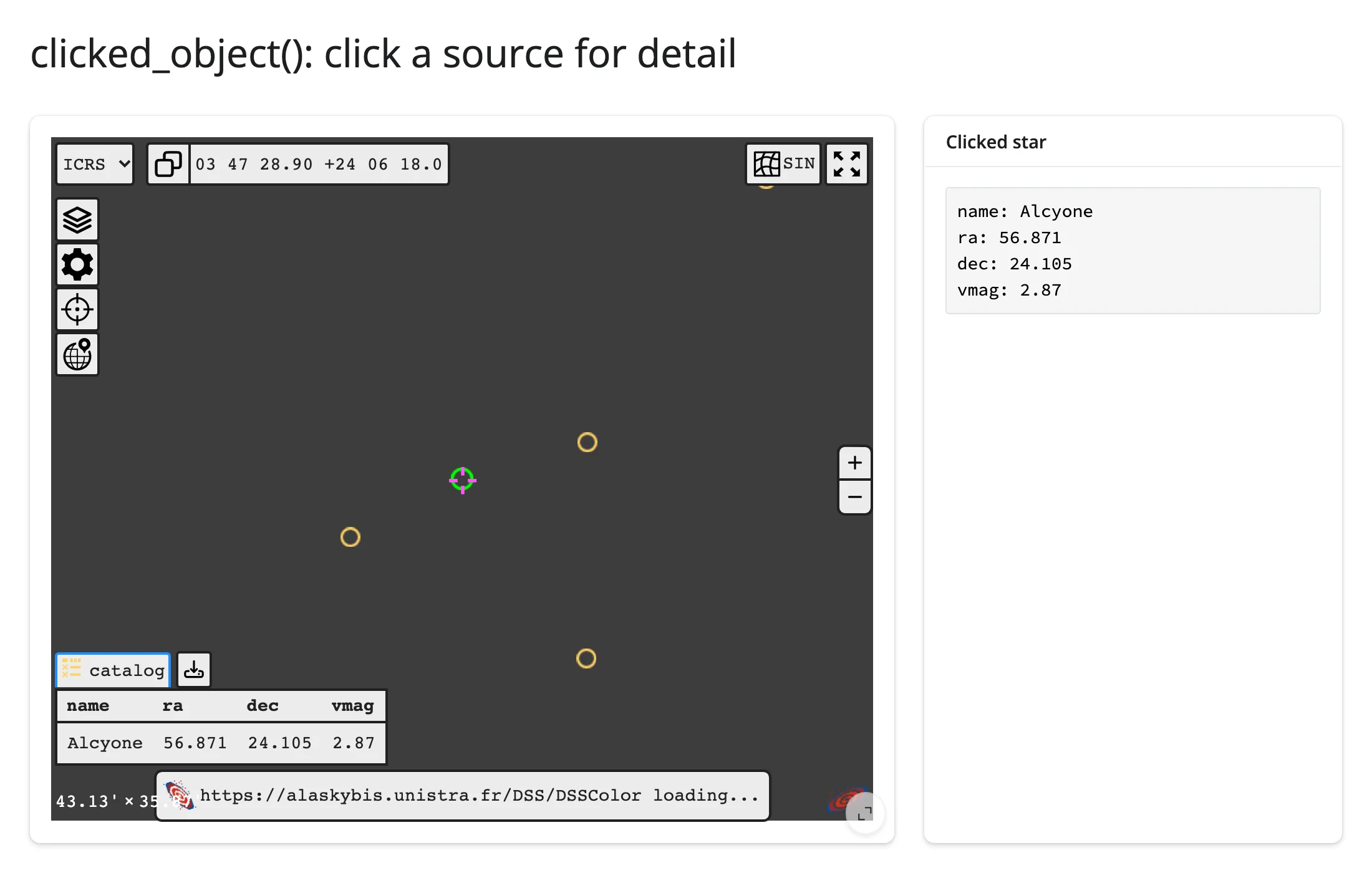
clicked_object()["data"] is the clicked source’s full catalog row – every column from the Table you passed to add_table(), not just ra/dec. It’s message-backed rather than trait-backed, which matters in one specific way: ipyaladin’s older set_listener() API shares one callback registry across every Aladin instance in the process (a severe problem in a multi-session Shiny app – session A’s click can fire session B’s callback). clicked_object() goes through the same per-widget message dispatcher reactive_read() uses, so it’s correctly scoped to the one viewer that was clicked, in the one session that’s reading it. Prefer it (or the selected()/target()/fov() accessors) over set_listener() for anything multi-user.
selected(): box-select sources
import pandas as pd
from astropy.table import Table
from ipyaladin import Aladin
from shiny import reactive
from shiny.express import input, render, ui
from shinywidgets import reactive_read, render_ipyaladin

PLEIADES = Table(
    {
        "name": ["Alcyone", "Atlas", "Electra", "Maia", "Merope", "Taygeta", "Pleione"],
        "ra": [56.871, 56.978, 56.216, 56.579, 56.752, 56.447, 56.751],
        "dec": [24.105, 24.054, 24.113, 24.367, 23.948, 24.467, 24.137],
        "vmag": [2.87, 3.62, 3.70, 3.87, 4.17, 4.30, 5.09],
    }
)

ui.page_opts(title="selected(): box-select sources", fillable=True)
ui.input_action_button("arm", "Arm rectangle selection")

with ui.layout_columns(col_widths=[7, 5]):
    with ui.card(full_screen=True):

        @render_ipyaladin
        def sky():
            aladin = Aladin(target=(56.871, 24.105), fov=1.2)
            aladin.add_table(PLEIADES, shape="circle", source_size=16, color="#ffd166")
            return aladin

        @reactive.effect
        def _():
            w = sky.widget
            if input.arm() > 0 and w and reactive_read(w, "_is_loaded"):
                w.selection("rectangle")

    with ui.card():
        ui.card_header("Stars inside the selection")

        @render.data_frame
        def table():
            tables = sky.selected()
            if not tables:
                return pd.DataFrame({"name": [], "vmag": []})
            return tables[0].to_pandas()[["name", "vmag"]]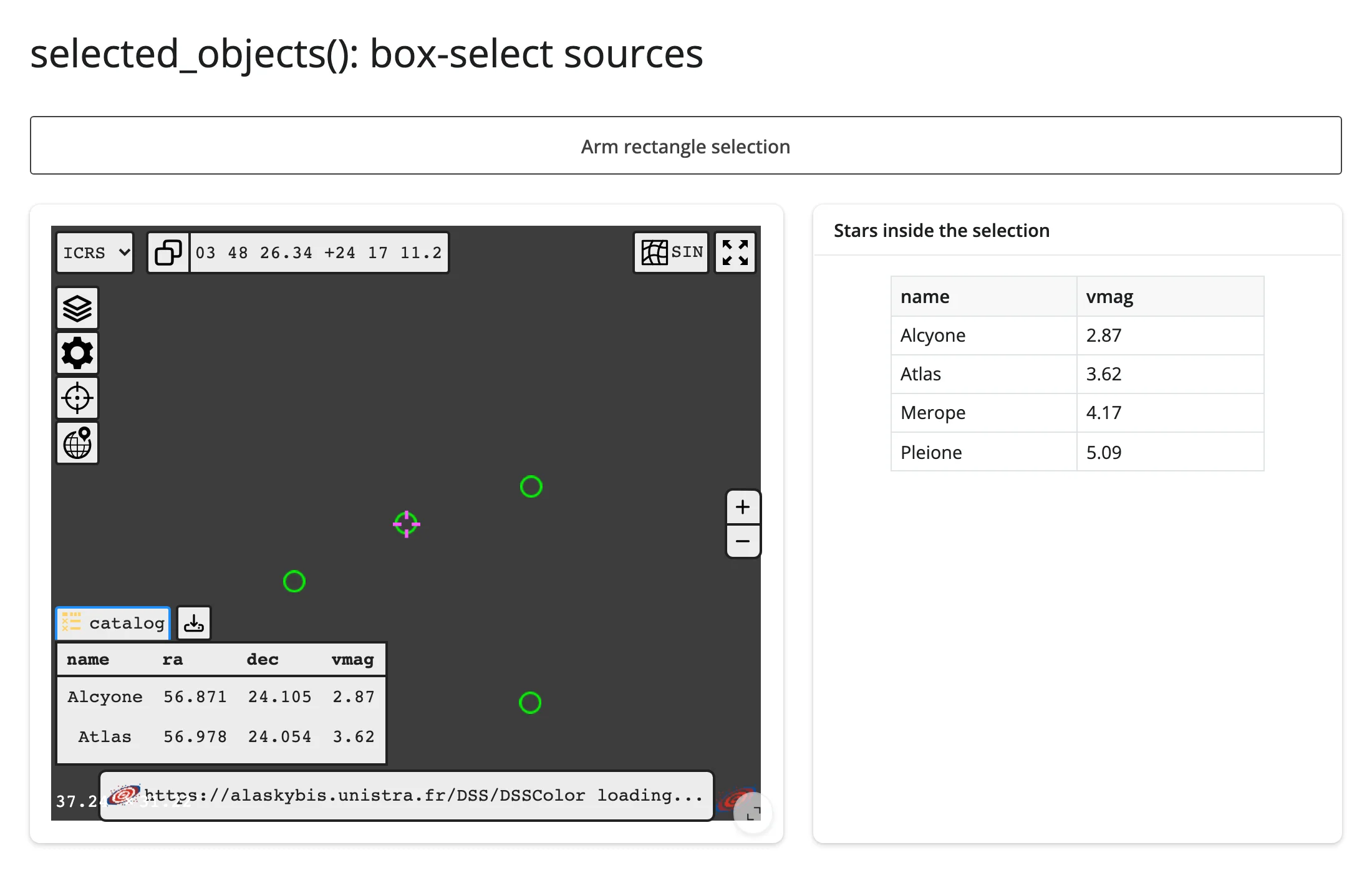
Box selection is opt-in: .widget.selection("rectangle") (or "circle") arms it for the next drag, after which the viewer goes back to its normal pan behavior – drag-to-pan and drag-to-select share the same gesture, so ipyaladin makes you choose which one a drag means at any given moment. selected() returns one Table per catalog that has a add_table()-drawn overlay and sources inside the selection; with a single catalog (as above) that’s tables[0].
target() and fov(): what’s in view
import numpy as np
import pandas as pd
from ipyaladin import Aladin
from shiny.express import render, ui
from shinywidgets import render_ipyaladin

MESSIER = pd.DataFrame(
    {
        "name": ["M31", "M42", "M45", "M1", "M13", "M51", "M57", "M81", "M27", "M33"],
        "ra": [10.685, 83.822, 56.75, 83.633, 250.423, 202.47, 283.396, 148.888, 299.902, 23.462],
        "dec": [41.269, -5.391, 24.12, 22.014, 36.46, 47.195, 33.029, 69.065, 22.721, 30.66],
        "type": [
            "Galaxy", "Nebula", "Open cluster", "Supernova remnant", "Globular cluster",
            "Galaxy", "Planetary nebula", "Galaxy", "Planetary nebula", "Galaxy",
        ],
    }
)

ui.page_opts(title="target()/fov(): what's in view", fillable=True)

with ui.layout_columns(col_widths=[8, 4]):
    with ui.card(full_screen=True):

        @render_ipyaladin
        def sky():
            return Aladin(target=(60, 20), fov=90)

    with ui.card():
        ui.card_header("Messier objects in the current view")

        @render.data_frame
        def in_view():
            center, radius = sky.target(), sky.fov().deg / 2
            dist = np.hypot(
                (MESSIER["ra"] - center.ra.deg) * np.cos(np.radians(center.dec.deg)),
                MESSIER["dec"] - center.dec.deg,
            )
            return MESSIER[dist <= radius].reset_index(drop=True)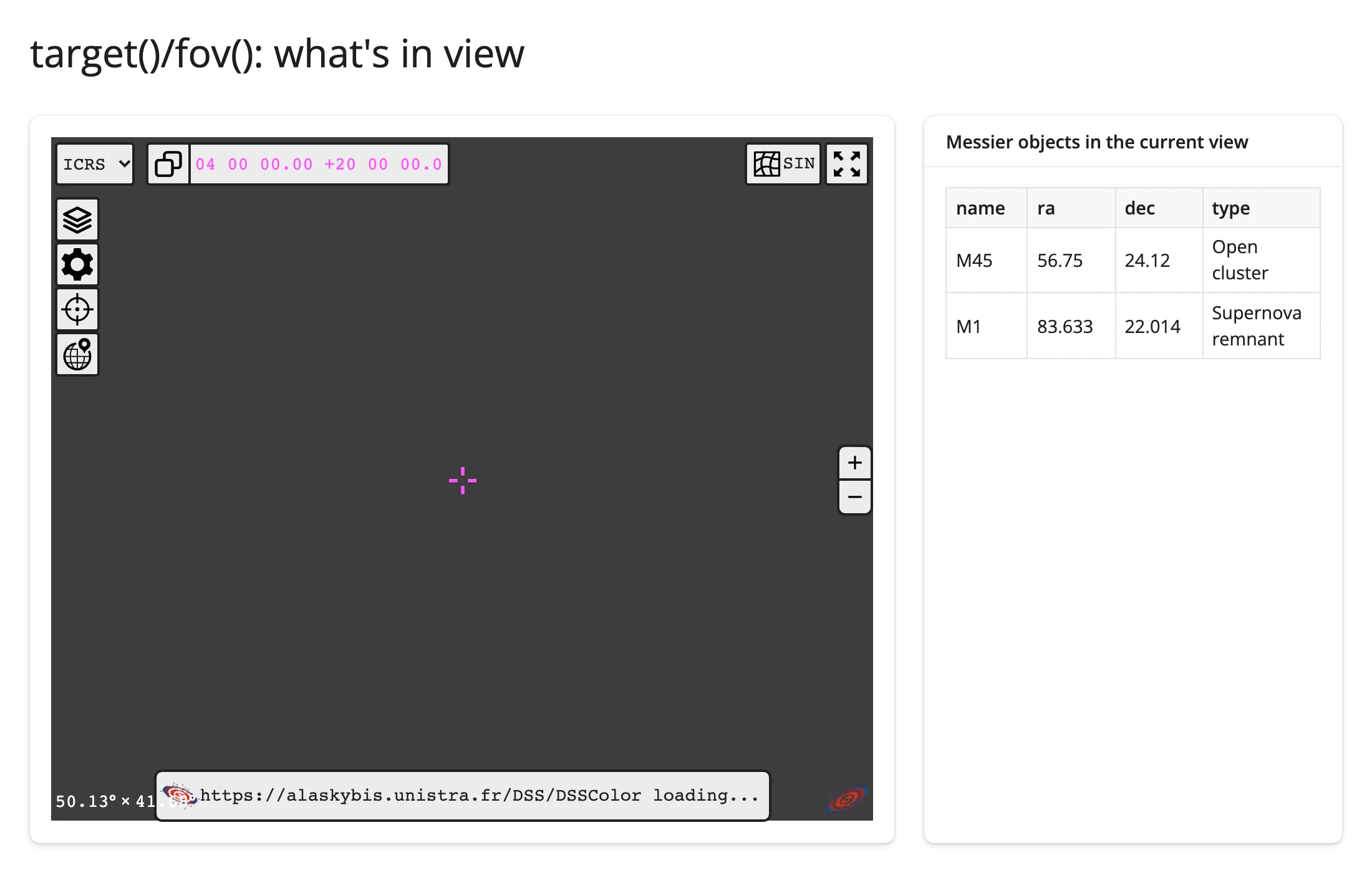
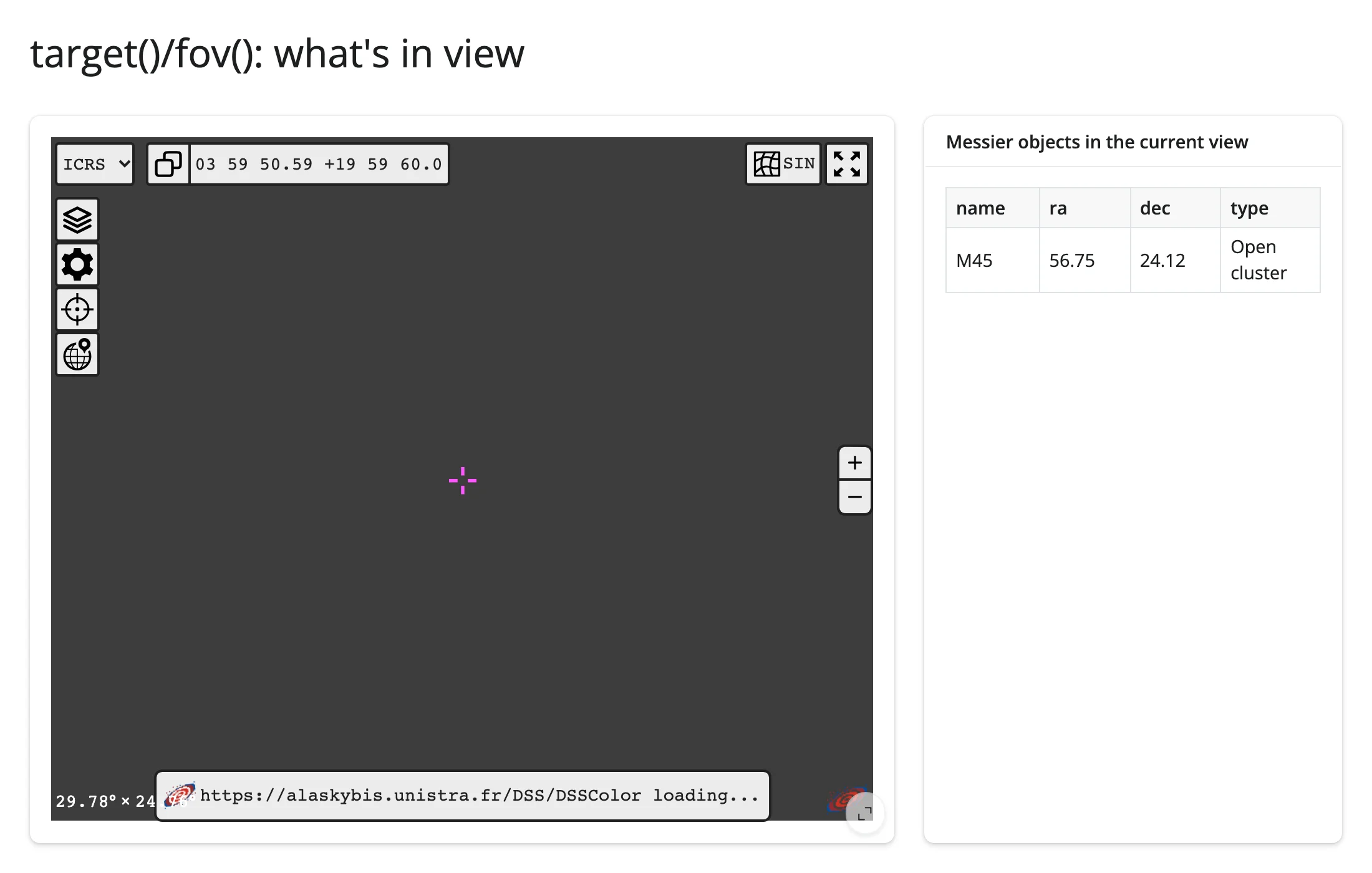
This is the pattern no static embed can offer: the viewport itself is a reactive input. target() and fov() turn “where is the user looking and how zoomed in are they” into two ordinary values, and a @render.data_frame (or any computation) built on top of them stays in sync with every pan and zoom. The table above starts with two objects in a 90 deg field and narrows to one after zooming in – the same pattern scales to “nearby SIMBAD sources”, “VizieR catalog cone search”, or any lookup keyed on sky position.
Reading on demand: save the current view
Because target()/fov() are seeded the moment the viewer renders and stay live from then on, they’re safe to read from a button handler that runs long after any pan or zoom – no warm-up read needed first. This button appends the current pointing to a running list of saved views each time it’s pressed.
from ipyaladin import Aladin
from shiny import reactive
from shiny.express import input, render, ui
from shinywidgets import render_ipyaladin

ui.page_opts(title="Save the current view", fillable=True)
ui.input_action_button("save", "Save this view")

views = reactive.Value([])

with ui.card(full_screen=True):

    @render_ipyaladin
    def sky():
        return Aladin(target=(83.822, -5.391), fov=1.2)  # Orion Nebula (M42)


@reactive.effect
@reactive.event(input.save)
def _():
    t, f = sky.target(), sky.fov()
    bookmark = f"ra={t.ra.deg:.2f} dec={t.dec.deg:.2f}  fov={f.deg:.2f} deg"
    views.set([*views(), bookmark])


@render.ui
def saved():
    if not views():
        return ui.p("No saved views yet.")
    return ui.tags.ul(*[ui.tags.li(v) for v in views()])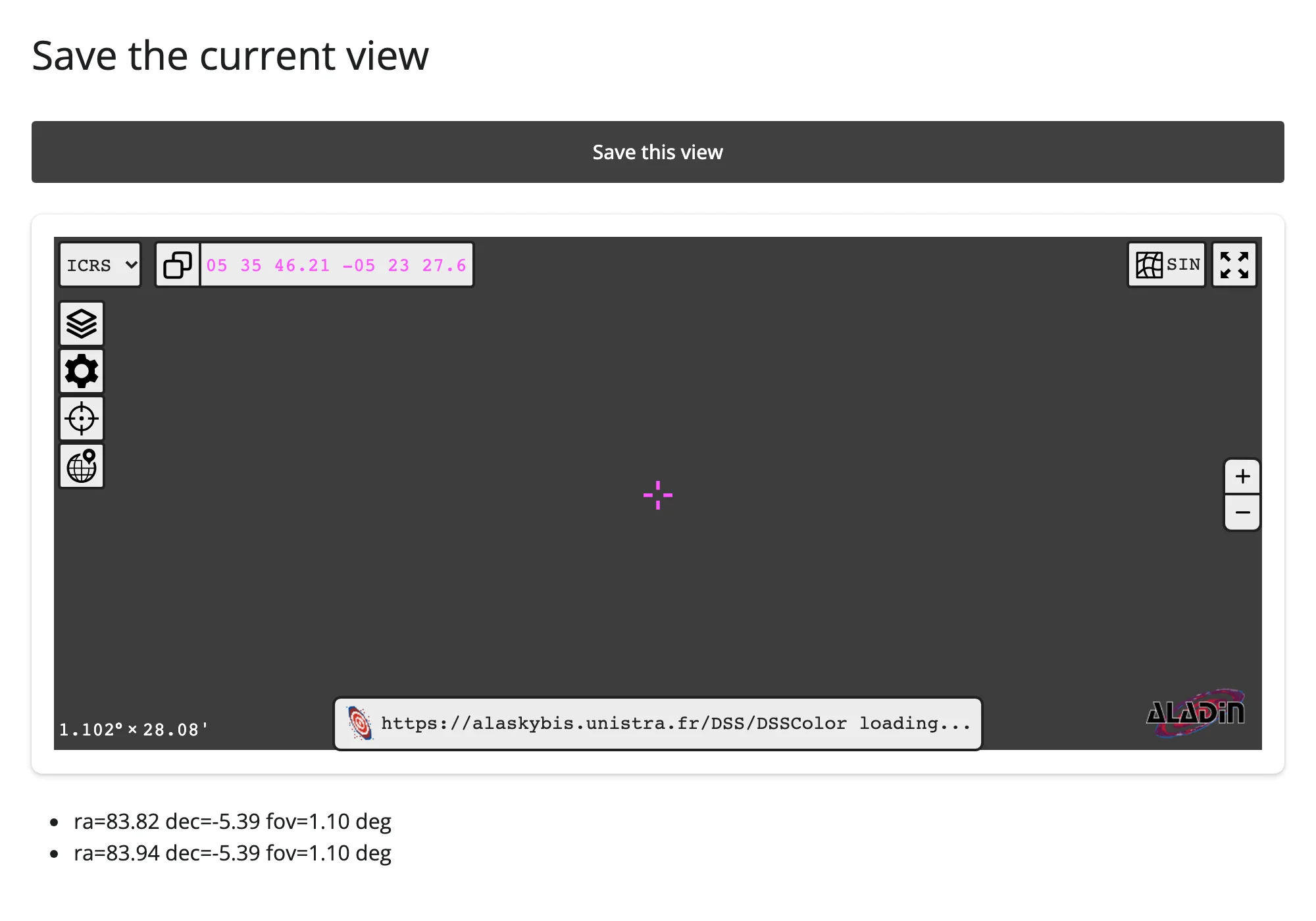
Beyond the accessors: reactive_read()
The four accessors above cover the browser-driven interactions worth building on; the one widget-level trait still worth reading directly is _is_loaded, which flips to True once the viewer has finished loading in the browser. It isn’t something a user does – nothing “fires” it from the UI – so it isn’t an accessor, but every effect in this guide that calls a method ipyaladin doesn’t auto-queue (set_color_map(), selection()) gates on it; see Updating the widget from Python. Do not gate on the _ready trait instead: ipyaladin 0.8.1 never sets it (see Gotchas and limitations).
Rate limiting
None of ipyaladin’s four accessors declare a default rate policy, but target() and fov() are the ones where that matters: a drag or a scroll-zoom reports many updates while it’s in progress, not one at the end. A 10-step synthetic drag in this pass’s verification moved an undebounced counter from 2 to 13 – every intermediate mouse position republished. Pass rate_policy="debounce" (and optionally rate_delay=) to @render_ipyaladin(...) to coalesce a burst of pans/zooms into the trailing one, the same two keyword arguments every renderer in this roster accepts:
from ipyaladin import Aladin
from shiny import reactive
from shiny.express import render, ui
from shinywidgets import render_ipyaladin

ui.page_opts(title="Rate-limited target()/fov()", fillable=True)

with ui.layout_columns(col_widths=[8, 4]):
    with ui.card(full_screen=True):

        @render_ipyaladin(rate_policy="debounce", rate_delay=0.3)
        def sky():
            return Aladin(target=(83.63, 22.01), fov=5)

    with ui.card():
        ui.card_header("Pans/zooms seen by Python (debounced to 1 per 300 ms)")
        count = reactive.value(0)

        @reactive.effect
        def _count():
            sky.target()
            sky.fov()
            with reactive.isolate():
                count.set(count() + 1)

        @render.text
        def n():
            return f"updates received: {count()}"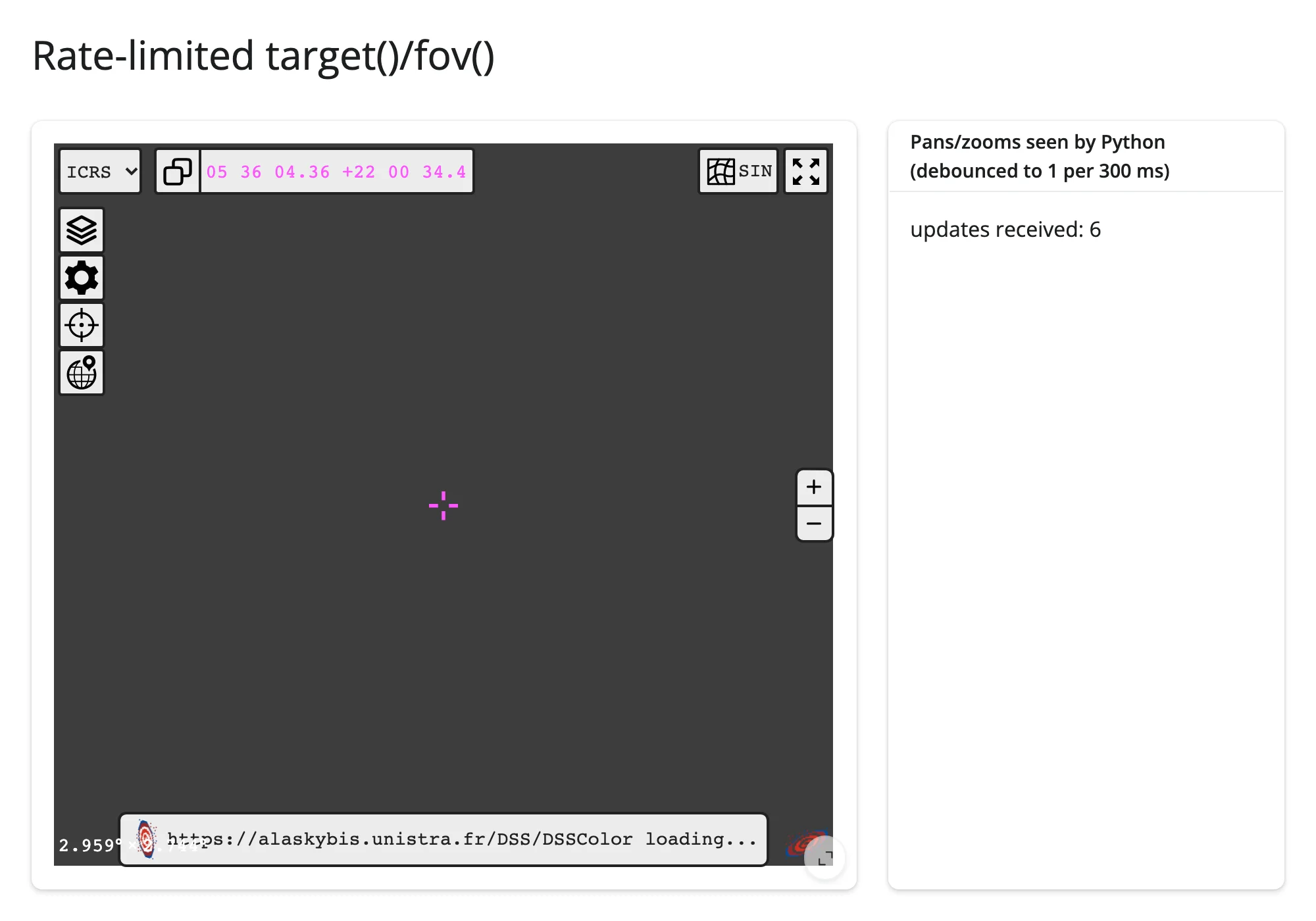
Debounce coalesces updates that arrive less than rate_delay apart, publishing once the stream goes quiet for that long – it does not guarantee exactly one publish per gesture, since a long or jittery drag can still have quiet gaps longer than the delay in the middle of it. A 10-step synthetic drag against this debounced app published 4 updates; the same drag with no rate limit (the earlier example) published 11 – a real reduction, just not an exact 1:1 “one event per gesture” guarantee. If you need the latter, track the drag’s end yourself (e.g., mouseup isn’t exposed, but a sufficiently long rate_delay relative to your users’ typical pause-between-moves gets close in practice).
Updating the widget from Python
Two ways to change an already-rendered viewer, and when each is right:
- Re-render (return a new
Aladinfrom the render function): simplest, but the viewer tears down and rebuilds – camera position, zoom, color map, and any overlays are all reset to whatever the new constructor call specifies, and the JS bundle’s load sequence runs again. Fine when the change really is a new viewer (a different base catalog, a fresh session). - Update in place (
sky.widget.<trait> = ...in a@reactive.effect): the existing viewer keeps its camera, zoom, and overlays; only what you explicitly set changes. This is almost always what you want for navigation, survey switches, and re-coloring.
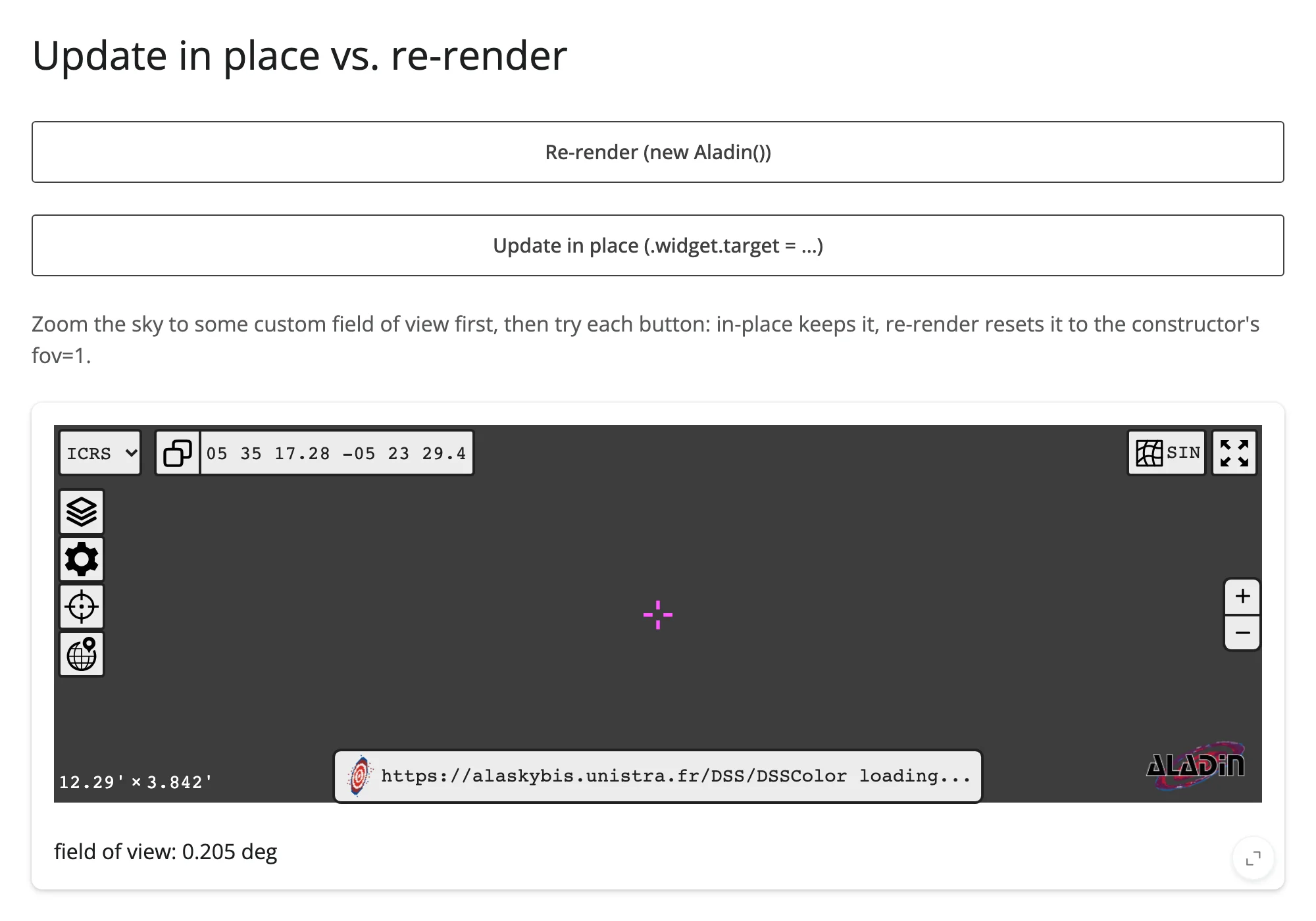
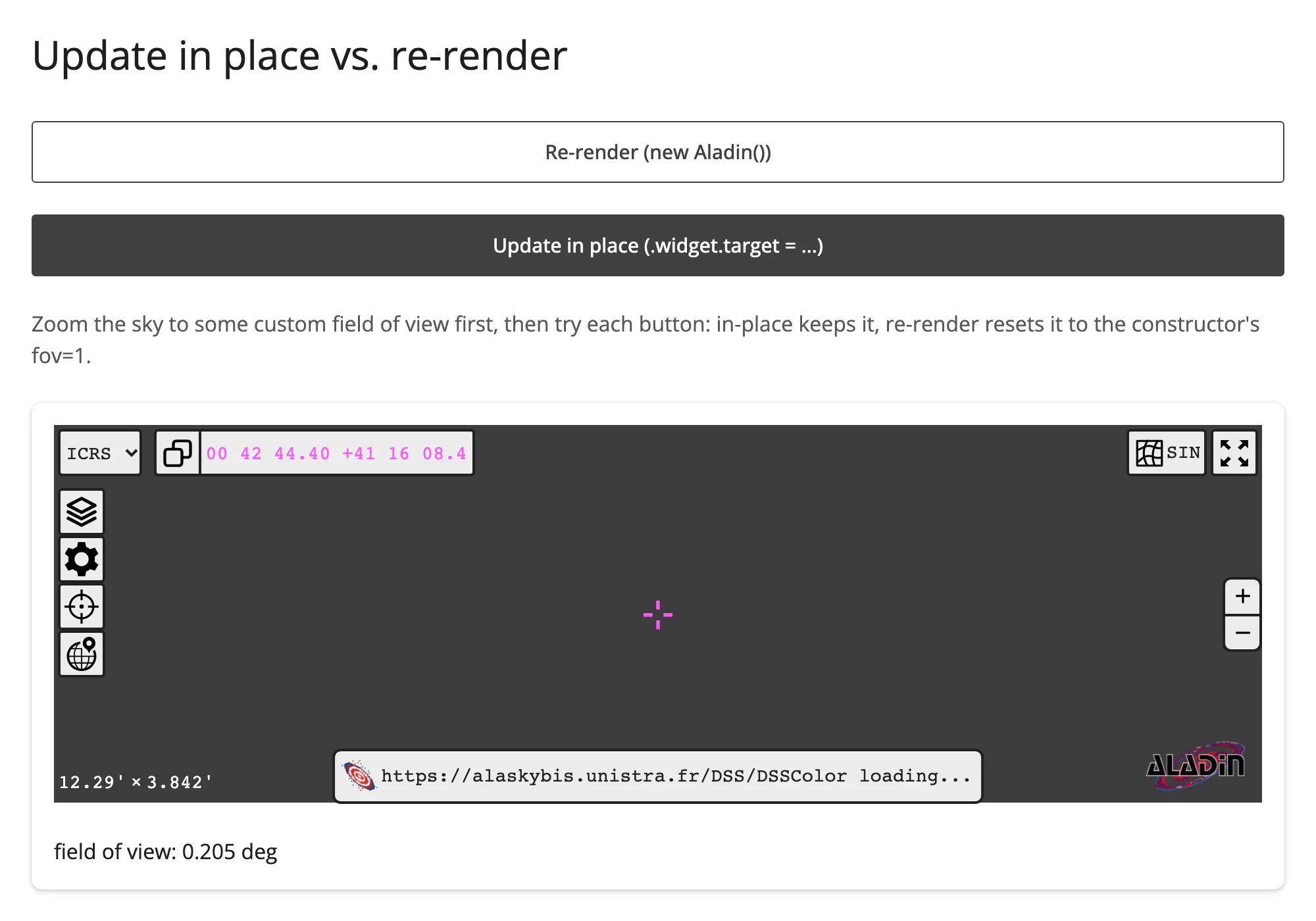
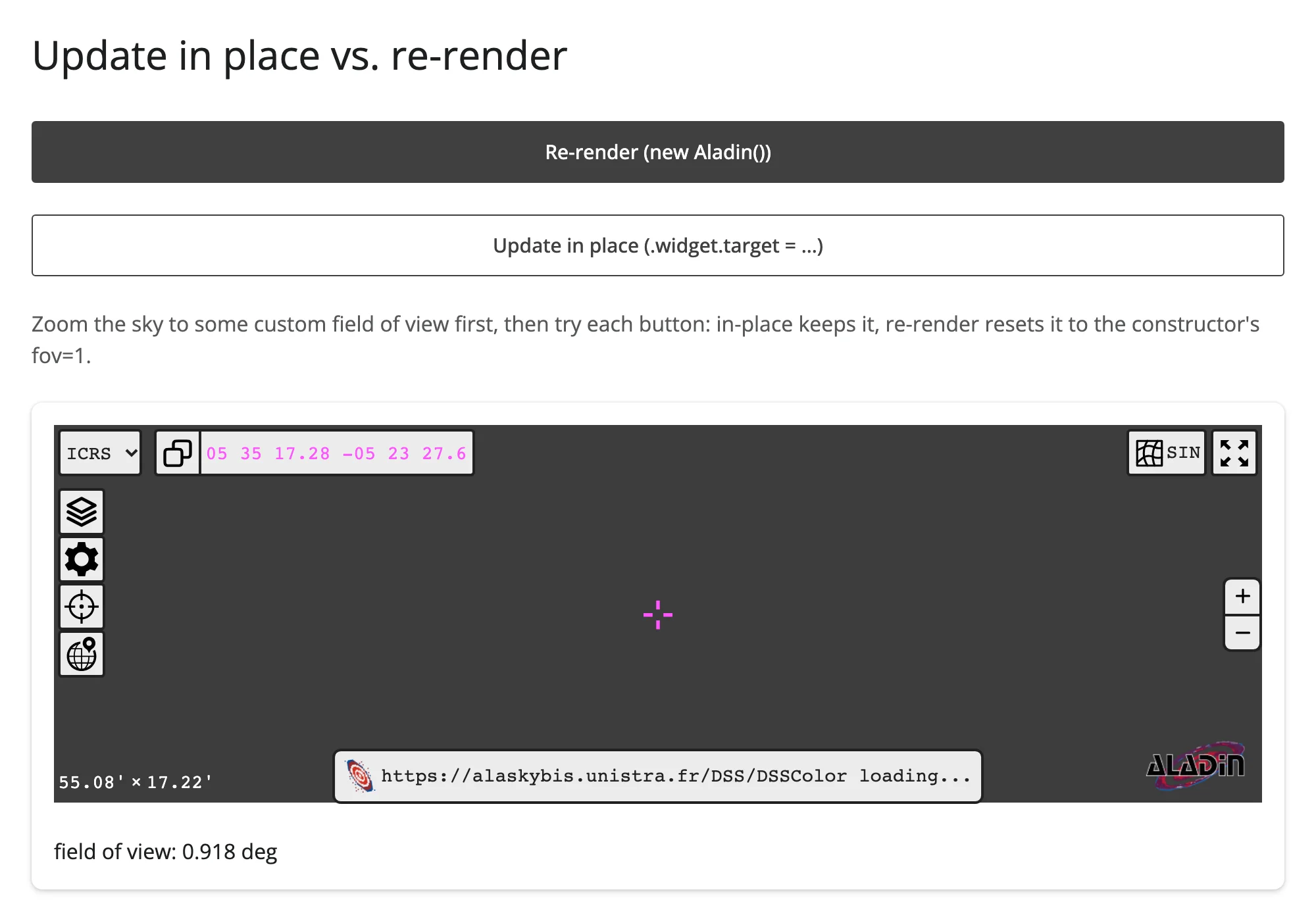
examples/10_update_in_place_vs_rerender.py makes the difference concrete: zoom the sky to a custom field of view, then compare the two buttons.
from ipyaladin import Aladin
from shiny import reactive
from shiny.express import input, render, ui
from shinywidgets import render_ipyaladin

ui.page_opts(title="Update in place vs. re-render", fillable=True)
ui.input_action_button("rerender", "Re-render (new Aladin())")
ui.input_action_button("in_place", "Update in place (.widget.target = ...)")
ui.p(
    "Zoom the sky to some custom field of view first, then try each button: "
    "in-place keeps it, re-render resets it to the constructor's fov=1.",
    class_="text-muted",
)

with ui.card(full_screen=True):

    @render_ipyaladin
    @reactive.event(input.rerender, ignore_none=False)
    def sky():
        return Aladin(target=(83.822, -5.391), fov=1)  # M42

    @reactive.effect
    @reactive.event(input.in_place)
    def _():
        sky.widget.target = "10.685 41.269"  # M31

    @render.text
    def fov():
        return f"field of view: {sky.fov().deg:.3f} deg"
Zoomed to a custom 0.205 deg field of view, then after “Update in place” (target changed to M31, field of view unchanged):
And after “Re-render” instead (field of view reset to the constructor’s fov=1, snapped to 0.918 by ipyaladin’s own zoom steps – see Gotchas):
One more thing worth knowing about the constructor itself: don’t read a reactive input in the render function for a value an effect also updates in place. Aladin(survey=input.survey(), ...) plus a w.survey = input.survey() effect looks harmless, but it rebuilds the whole viewer on every survey change instead of re-skinning it – keep the constructor’s inputs static (or read them under reactive.isolate()) and let effects own the updates, as every example in this guide does.
Finally, ipyaladin itself distinguishes two kinds of calls once a viewer exists: methods like add_table(), add_moc(), and add_graphic_overlay_from_stcs() are automatically queued if the browser hasn’t finished loading yet (ipyaladin’s internal CallStore replays them once it has), so you can call them straight from the render function with no gating. Plain property assignments (.widget.fov = ...) are not queued – they’re ipywidgets trait syncs, which work from the moment the widget object exists, loaded or not. A couple of methods (set_color_map(), selection()) send one-off messages that are lost if sent before load, so those specifically need the reactive_read(w, "_is_loaded") gate shown throughout this guide.
Coordinating multiple views
Click a catalog source, show a detail card
Already shown above: examples/06_clicked_object.py wires clicked_object() straight into a @render.code detail panel. The same pattern works for any richer detail view – a @render.ui card with an image lookup, a linked plot of the object’s light curve, anything keyed on the clicked row’s data.
Box-select sources, populate a table
Also shown above: examples/07_selected.py turns a box selection into a @render.data_frame. Swap the table for a @render_plotly color-magnitude diagram of the selected sources and you have a from-sky-to-science-plot pipeline in a handful of lines.
Pan and zoom drive a catalog query
Also shown above: examples/08_whats_in_view.py. Replace the local MESSIER DataFrame with a VizieR or SIMBAD cone search keyed on target()/fov() (via astroquery, when CDS’s web services are reachable) and the table becomes a live “what’s nearby” lookup against the real catalog, not just a hardcoded shortlist.
Select stars in a plot, mark them on the sky
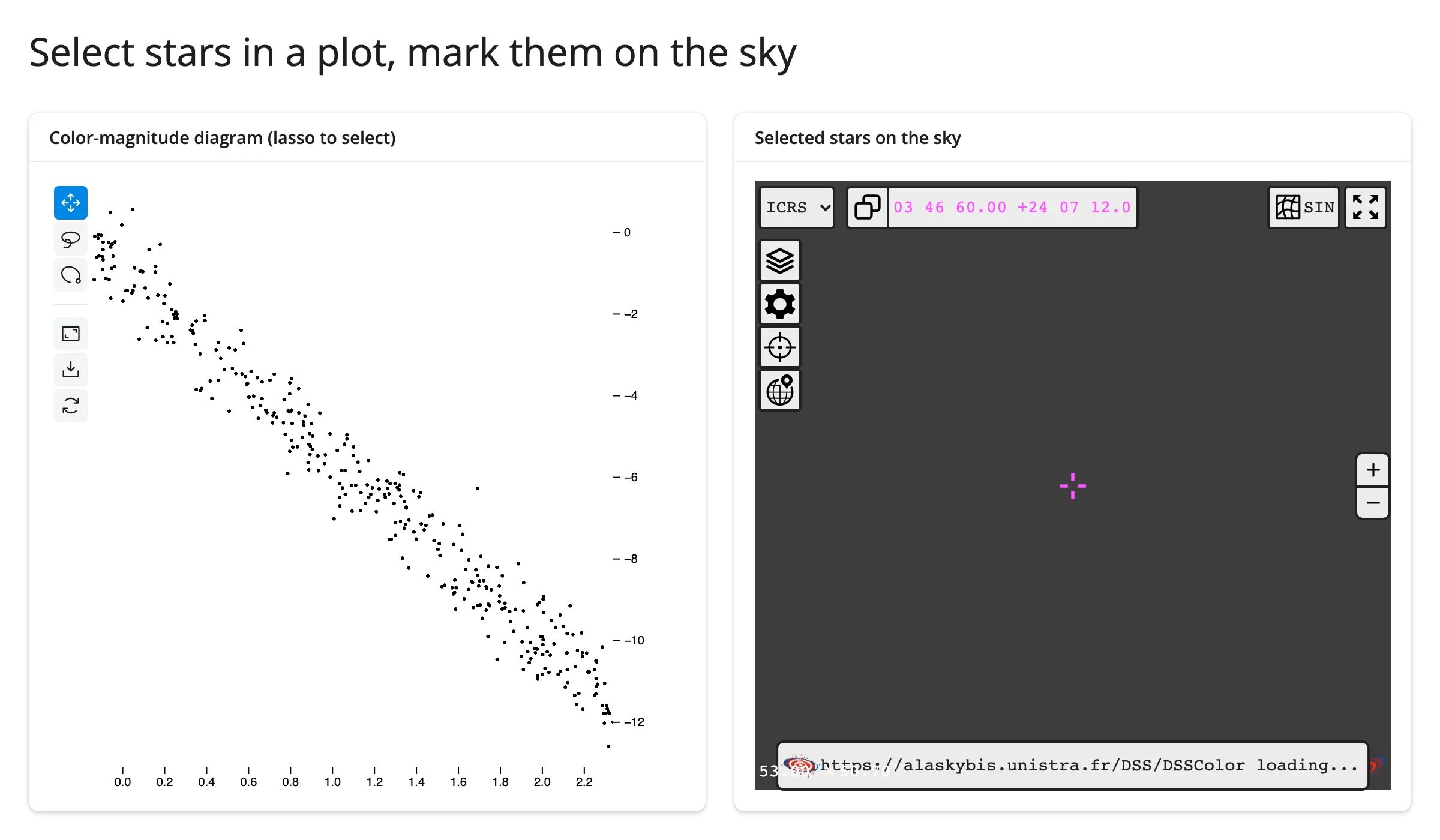
examples/11_jscatter_stars_on_sky.py pairs ipyaladin with jupyter-scatter: lasso a region of a color-magnitude diagram, and the selected stars’ real sky positions light up on the viewer, in place.
import numpy as np
import pandas as pd
from astropy.table import Table
from ipyaladin import Aladin
from jscatter import Scatter
from shiny import reactive
from shiny.express import ui
from shinywidgets import render_ipyaladin, render_jscatter

# A plausible color-magnitude diagram for ~400 field stars around the
# Pleiades (synthetic: real surveys of this field have far more stars than
# fit cleanly in a short demo, but the main-sequence shape is realistic)
rng = np.random.default_rng(0)
n = 400
bp_rp = rng.uniform(-0.3, 2.5, n)
abs_g = -(4.5 * bp_rp + rng.normal(0, 0.6, n) + 1.0)
stars = pd.DataFrame(
    {
        "ra": 56.75 + rng.normal(0, 0.6, n),
        "dec": 24.12 + rng.normal(0, 0.5, n),
        "bp_rp": bp_rp,
        "abs_g": abs_g,
    }
)

ui.page_opts(title="Select stars in a plot, mark them on the sky", fillable=True)

with ui.layout_columns():
    with ui.card(full_screen=True):
        ui.card_header("Color-magnitude diagram (lasso to select)")

        @render_jscatter
        def hr():
            return Scatter(data=stars, x="bp_rp", y="abs_g").lasso(initiator=True)

    with ui.card(full_screen=True):
        ui.card_header("Selected stars on the sky")

        @render_ipyaladin
        def sky():
            return Aladin(target=(56.75, 24.12), fov=2)


@reactive.effect
def _mark_selection():
    w = sky.widget
    idx = hr.selected()
    if w is None:
        return
    with reactive.isolate():
        try:
            w.remove_overlay("selected")
        except ValueError:
            pass
        if len(idx):
            w.add_table(
                Table.from_pandas(stars.iloc[idx]),
                name="selected",
                color="#ef476f",
                shape="circle",
                source_size=12,
            )
Before lassoing, and after (the lassoed points’ real RA/Dec positions are marked on the sky):
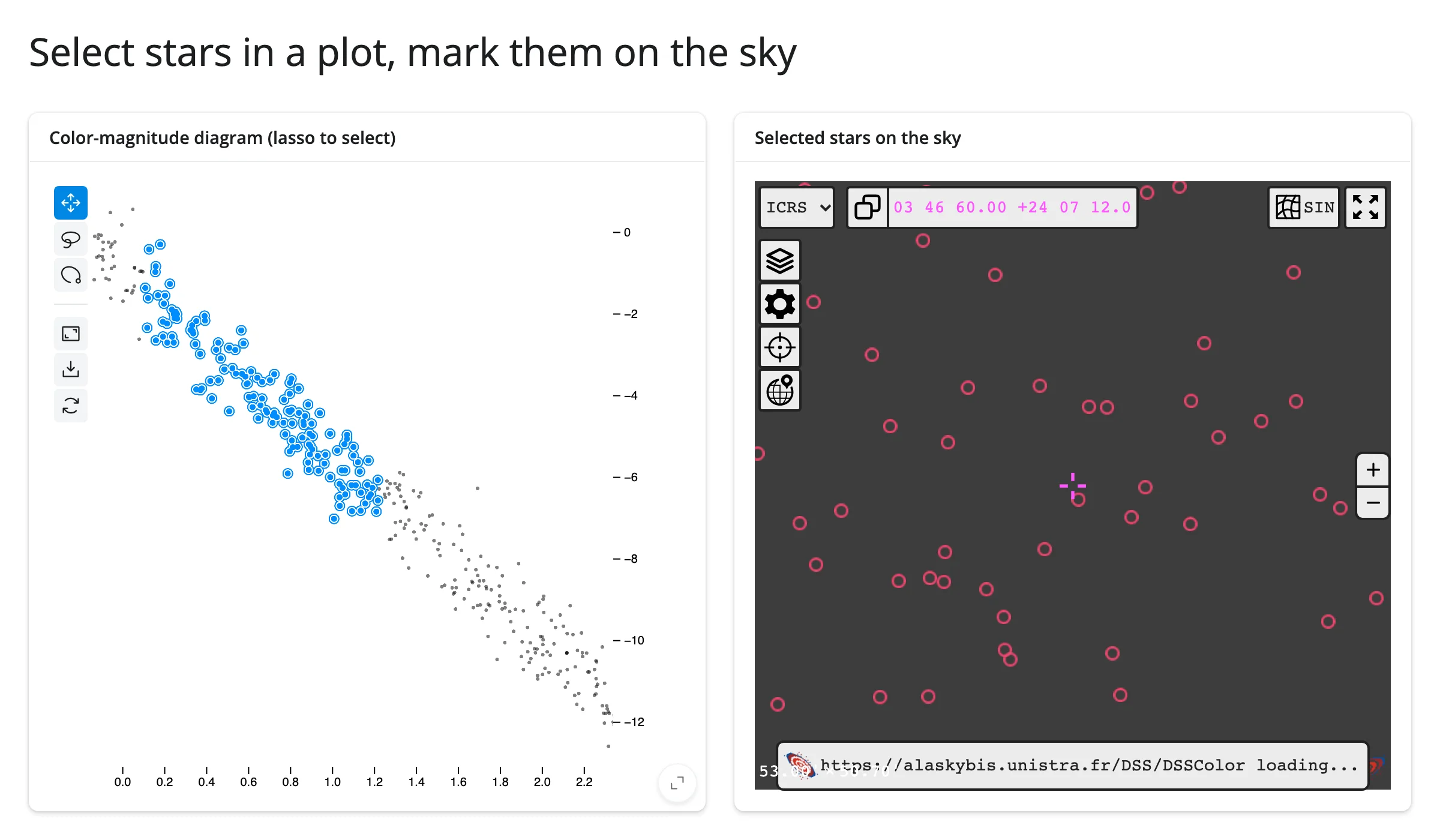
remove_overlay() clears the previous selection’s markers before drawing the new ones – without it, re-lassoing would stack catalog layers rather than replace one. jupyter-scatter’s selected() returns row positions into the same stars frame add_table() draws from, so stars.iloc[idx] lines the two up directly; see the jscatter guide for more on that accessor.
Large data
The sky imagery itself is “only send what’s visible” by construction – see Large data & performance’s three approaches: HiPS tiles are fetched from CDS only for the part of the sky currently in view, at the resolution the current zoom level needs, the same idea as a web map’s tile pyramid. add_table() catalogs are a different story: every row travels to the browser in one message when you call it, same as a table-heavy renderer like mols2grid – for catalogs past a few thousand rows, that message can approach Shiny’s websocket limit (shiny run --ws-max-size raises it). No exact row-count ceiling was measured this pass.
Layout and sizing
from ipyaladin import Aladin
from shiny.express import ui
from shinywidgets import render_ipyaladin

ui.page_opts(title="Fill vs. fixed height", fillable=True)

with ui.layout_columns():
    with ui.card(full_screen=True):
        ui.card_header("Fills the card")

        @render_ipyaladin
        def fills():
            return Aladin(target=(83.822, -5.391), fov=2)  # M42

    with ui.card():
        ui.card_header("Fixed height (Aladin(height=250))")

        @render_ipyaladin
        def fixed():
            return Aladin(target=(83.822, -5.391), fov=2, height=250)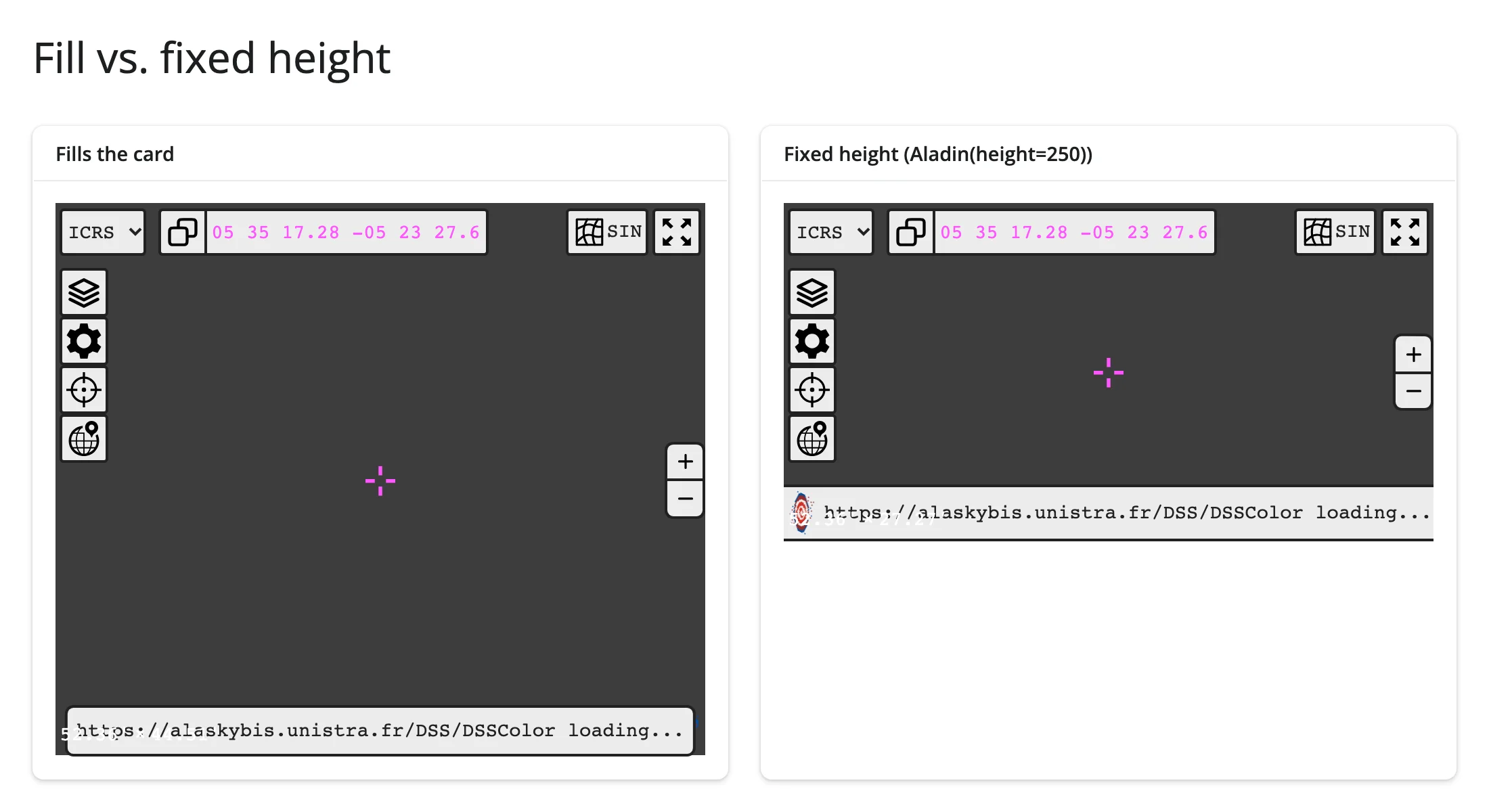
A viewer fills its card or output unless the Aladin has an explicit height (as above) or the output itself is given one (output_widget("sky", height="400px")). full_screen=True cards, sidebars, and layout_columns() all just work, including full_screen’s expand/collapse – there’s no viewer-specific layout quirk to call out beyond the general shinywidgets fill behavior.
Gotchas and limitations
Verified on current main (shinywidgets, ipyaladin 0.8.1, astropy 8.0.2):
target’s setter rejects a plain float tuple. The constructor happily takesAladin(target=(83.63, 22.01)), but the equivalent in-place assignmentw.target = (83.63, 22.01)raisesAttributeError: 'float' object has no attribute 'deg'– the setter’s tuple branch expects astropyLongitude/Latitudeobjects specifically, not plain floats or evenQuantitys. Use a"ra dec"string (w.target = "83.63 22.01", parsed locally) or aSkyCoordinstead; every example in this guide that sets.widget.targetin place does exactly that._readyis never set anywhere in ipyaladin 0.8.1 (not in Python, not in the bundled JS). Gate in-place effects onreactive_read(w, "_is_loaded")instead, as this guide does throughout. One consequence: resolving an unresolvable object name can raise the misleadingWidgetNotReadyError(“you need to wait for the widget to be fully loaded”) even when the widget is fully loaded and the real problem is that the name doesn’t exist.- Name resolution (
target="some name") is a blocking HTTP call to CDS’s Sesame service, including at construction time –Aladin(target="M31")blocks the render function on that request. If CDS is slow or unreachable, this raisesWidgetNotReadyError/NameResolveErrorand the render fails outright (verified this pass: CDS’s Sesame endpoints were unreachable from this machine for the entire verification session, and every example that named a target directly in the constructor failed until changed to a coordinate string). Prefer coordinates (or a pre-resolved lookup table, as in every example above) for anything set programmatically, and reserve name strings for a user-driven search box where the occasional network round trip is expected. - Constructor
fovis approximate. Aladin Lite applies it before the container reaches its final pixel size, then snaps to its own internal zoom steps once it does – a constructorfov=1rendered at 0.918 deg and a constructorfov=3rendered at 2.754 deg in this pass’s verification. An in-placew.fov = xassignment after load is exact. If you need a precise initial framing, set.widget.fovin an_is_loaded-gated effect rather than relying on the constructor argument. set_listener()is not session-safe.Aladin.listener_callbackis a class-level dict shared by everyAladininstance in the process, so in a multi-session Shiny app the last session to callset_listener("object_clicked", cb)wins for everyone – session A’s click can fire session B’s callback. This is whyclicked_object()(message-backed, correctly scoped per widget) andselected()/target()/fov()(trait-backed, also per-widget) are the accessors to reach for; avoidset_listener()in anything a second user might open concurrently.- A plain click on the sky also moves
target. ipyaladin’s “SIMBAD pointer” behavior is on by default, so a non-drag click recenters the view on the clicked point in addition to anything catalog-click handling does. If your app readstarget()for a “what’s in view” computation, expect it to change on plain sky clicks too, not just drags. - The viewer needs live network access. Its JavaScript loads from a CDN (esm.sh) and imagery streams from CDS tile servers at render time; there’s no offline or bundled-tile mode. During this guide’s verification, CDS’s own servers (
alasky*.unistra.fr,simbad.cds.unistra.fr,vizier.cds.unistra.fr) were unreachable from the build machine for the full session – every screenshot in this guide shows the viewer’s UI, markers, and overlays rendering correctly, but with imagery stuck at “loading…” rather than actual sky tiles. This is an external network condition, not a shinywidgets or ipyaladin defect (the renderer, accessors, and overlay machinery all worked exactly as documented); retry from a machine with CDS access if you want to confirm imagery itself loads.
Gallery candidates
Template: sky explorer
gallery/template_sky_explorer.py – a ~85-line starting point: a dropdown of six well-known deep-sky objects flies the viewer there in place, a survey picker re-skins the imagery, and clicking a marker shows its catalog row via clicked_object().
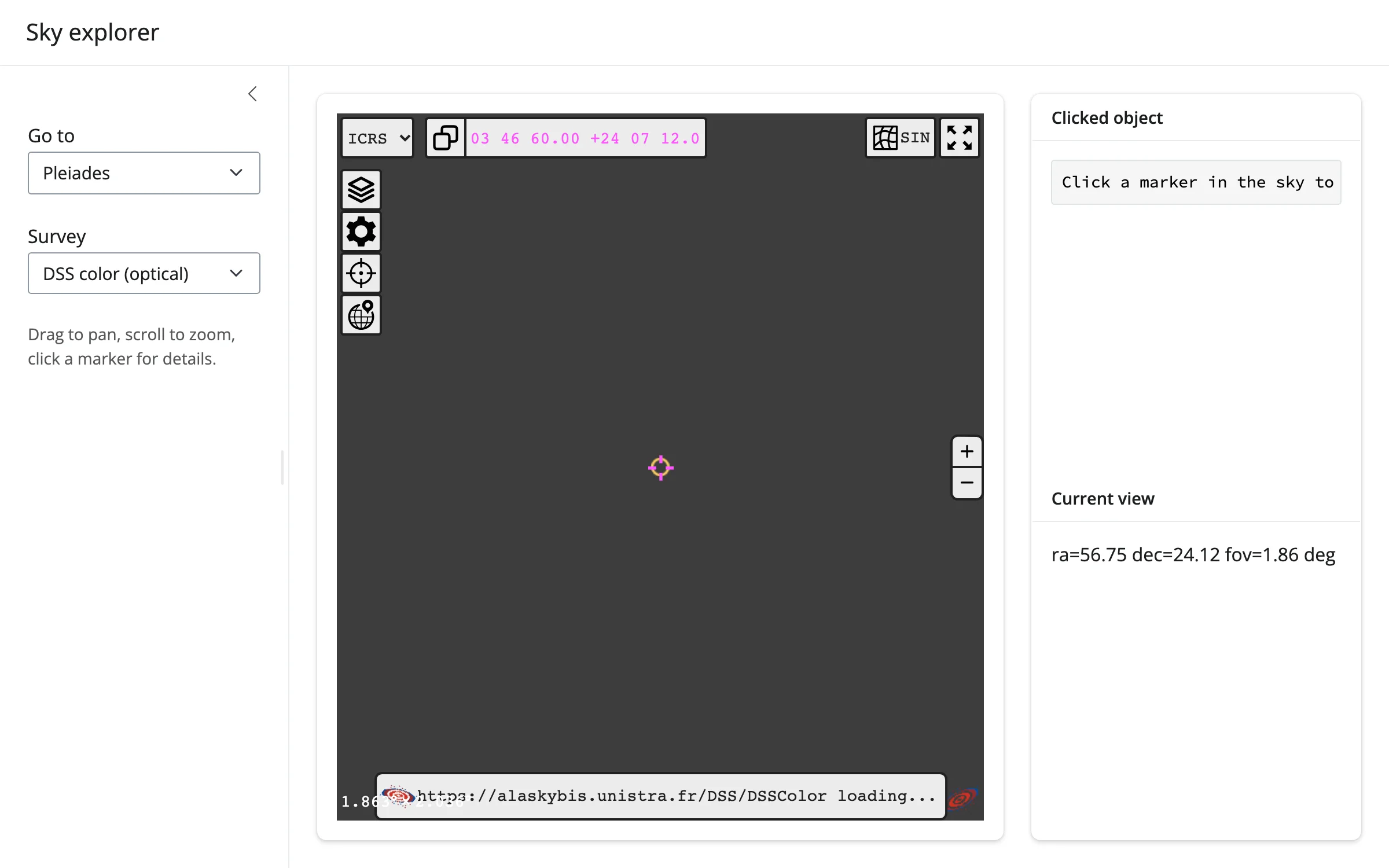
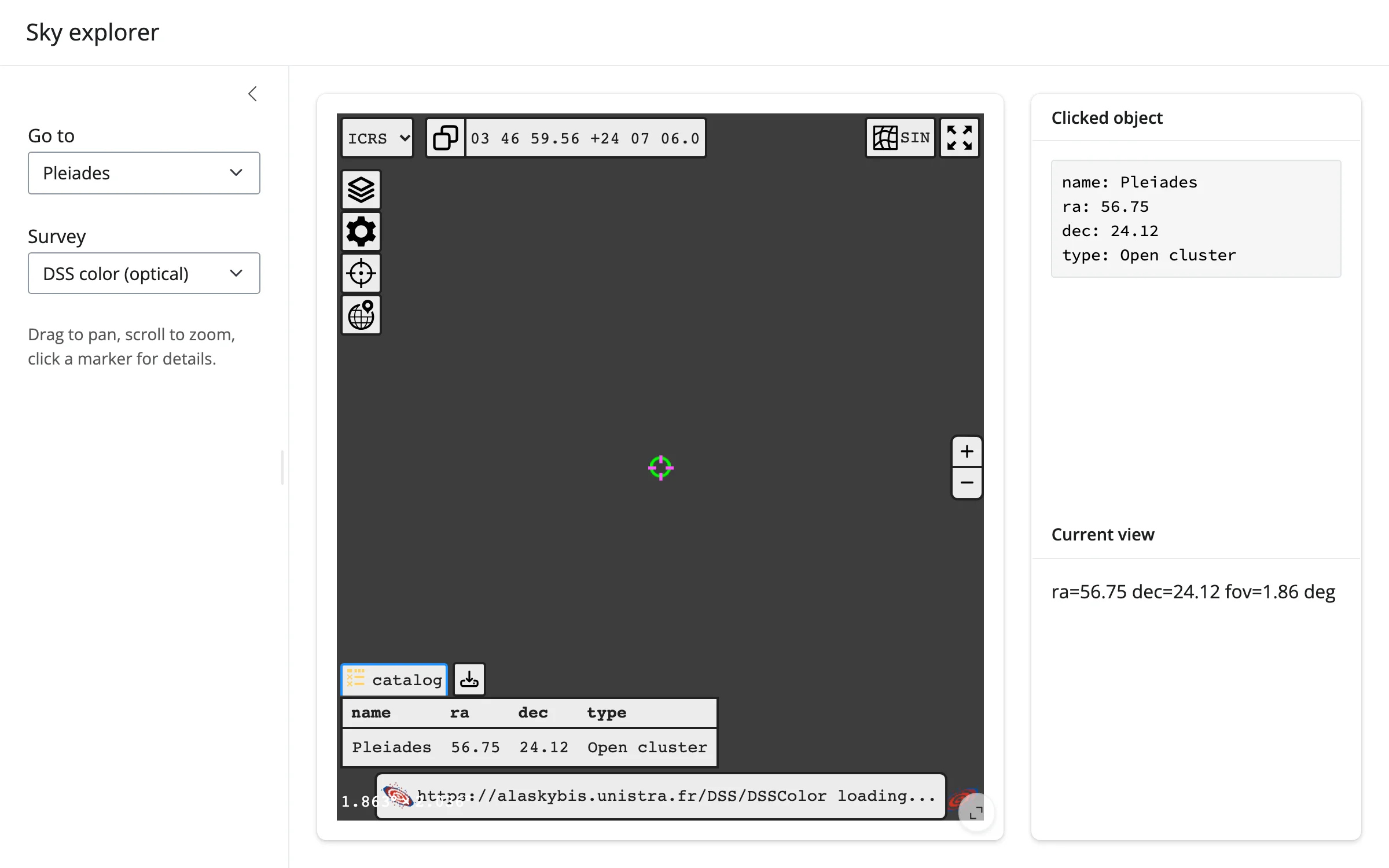
Showcase: Messier explorer
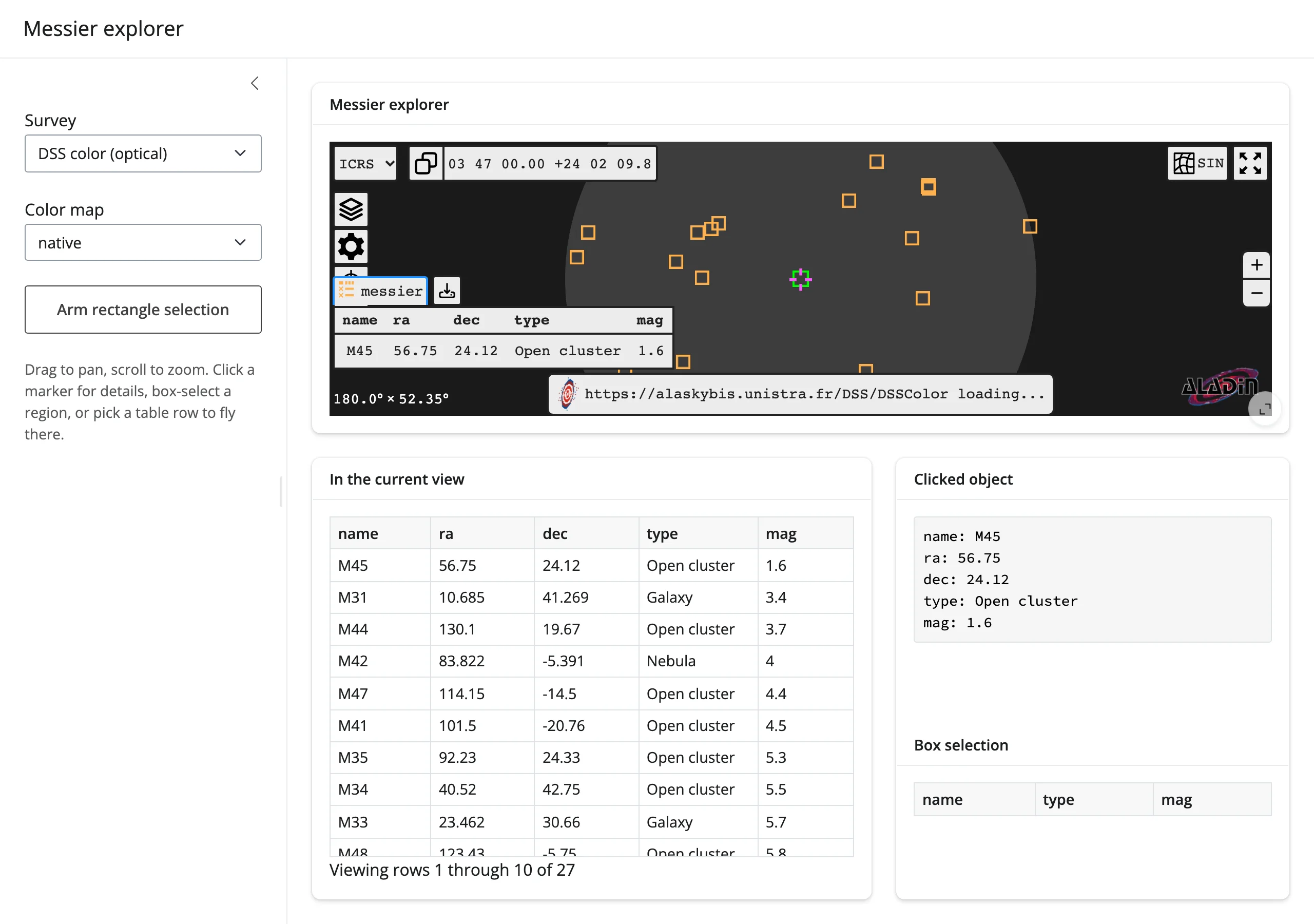
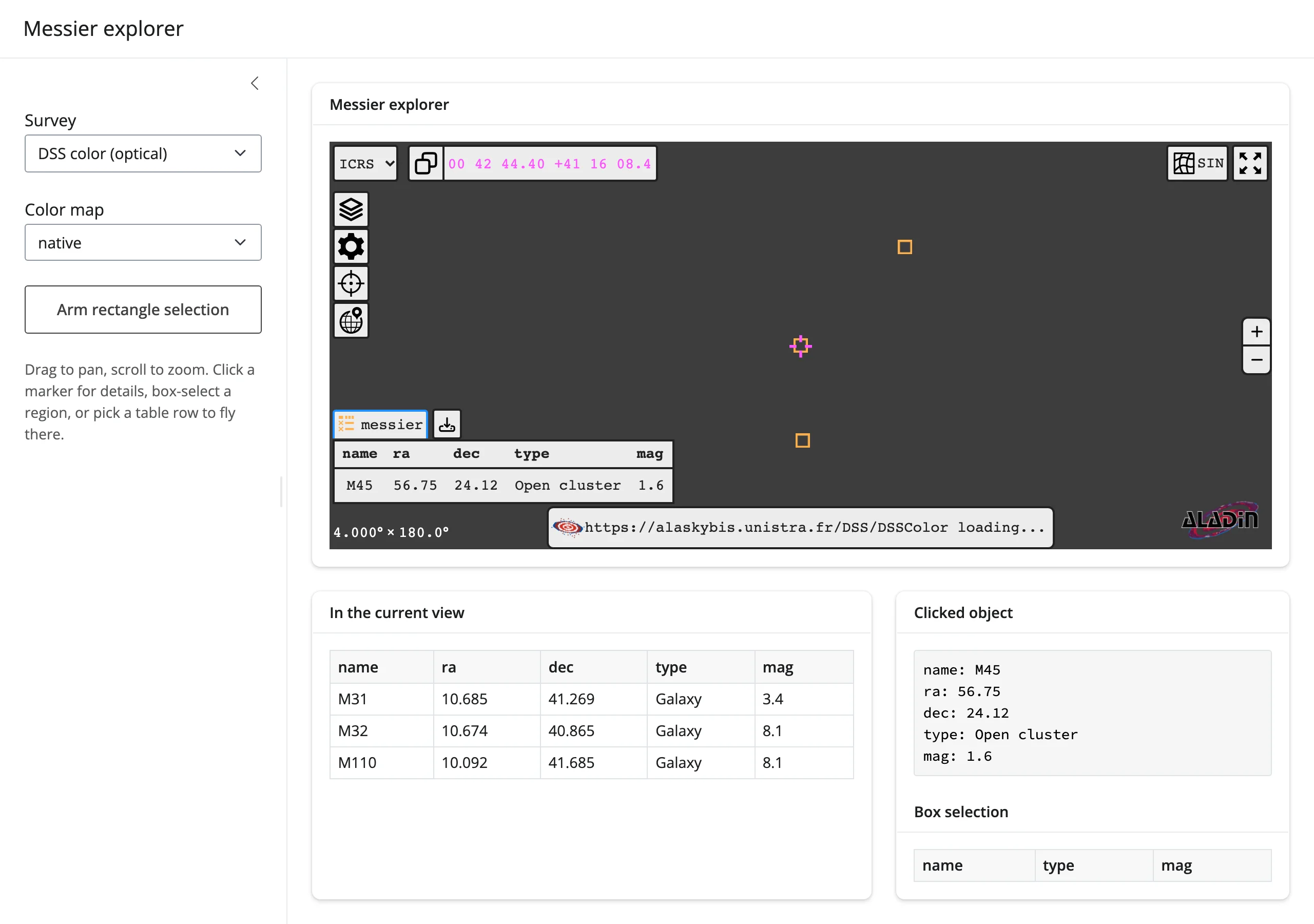
gallery/showcase_messier_explorer.py – all 110 Messier objects plotted on the viewer. The table below the sky always lists whatever’s currently in view (target()/fov()); selecting a row flies the viewer there and frames it at 4 deg, in place; clicking a marker shows its full catalog row (clicked_object()); box-selecting a region (after arming it) lists the sources inside (selected()); survey and color map re-skin the imagery without a re-render.
Initial view (centered on the Pleiades, only M45 in range) and after clicking it:
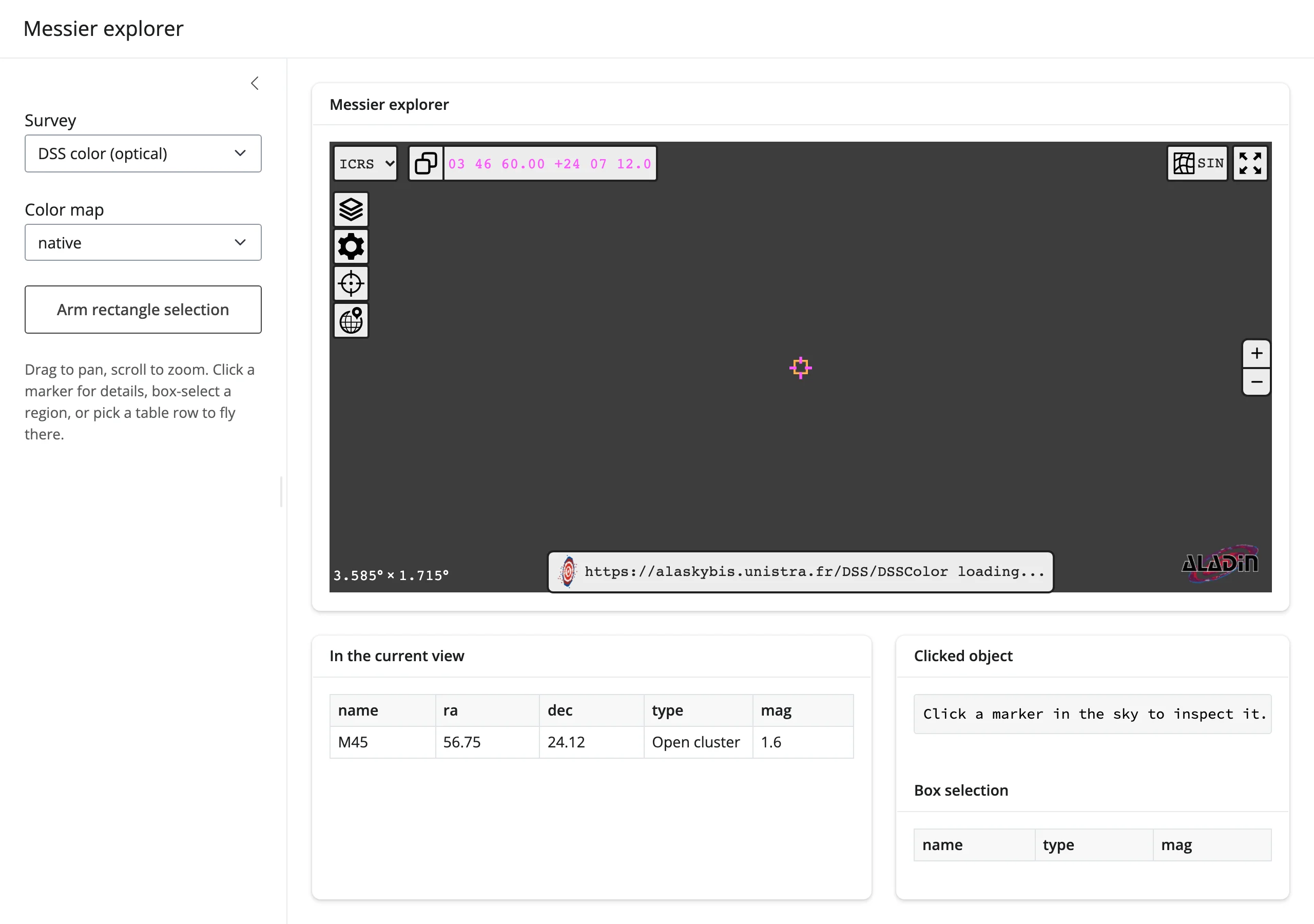
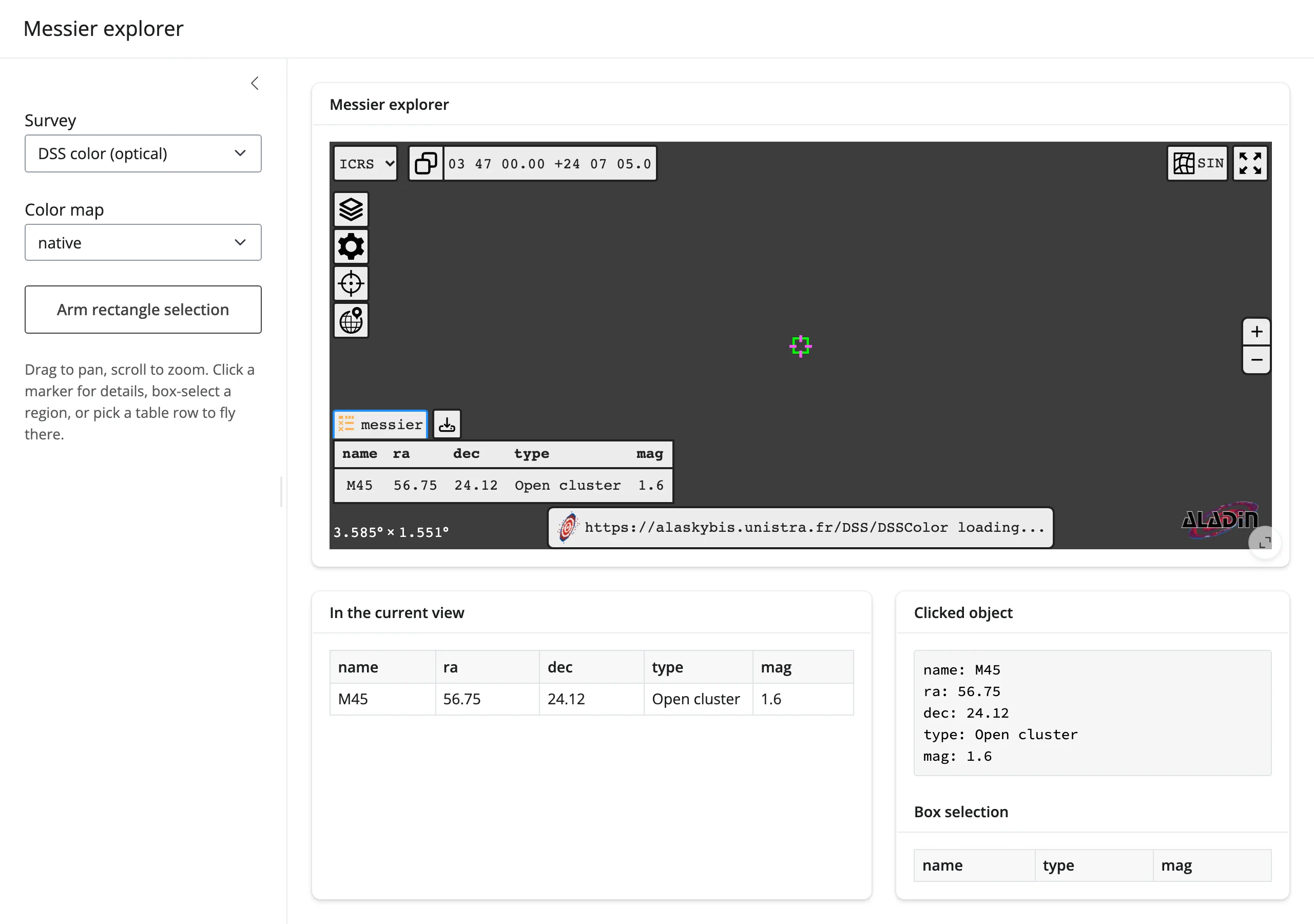
Zoomed out to a 180 deg field (27 Messier objects now in view), and after selecting M31 in the table – the viewer flies there and frames it at 4 deg, revealing its satellite galaxies M32 and M110 in the same field:
This exercises all four accessors at once and is the clearest demonstration in this guide of “the sky is a reactive input”: every one of the views above was produced by a pan, a zoom, a click, or a table-row selection – none of it required touching the sidebar controls.
Learn more
- Aladin Lite documentation and HiPS survey list – every available survey, plus the viewer’s full JavaScript API (most of which ipyaladin exposes as Python methods with the same names).
- ipyaladin documentation – notebooks covering tables, MOCs, footprints, and the overlay API in more depth than this guide’s short snippets.
- mocpy documentation – building Multi-Order Coverage maps from cone searches, polygons, or set operations on other MOCs.
- astroquery documentation – querying VizieR, SIMBAD, and other CDS services from Python to build catalogs for
add_table()beyond what’s hardcoded in this guide’s examples. - jscatter guide – the plotting side of the linked-view pairing above.
- itables guide and reactable guide – for catalog browsing that leads with a table rather than a sky view.